

Arturia KeyLab Quickstart Guide
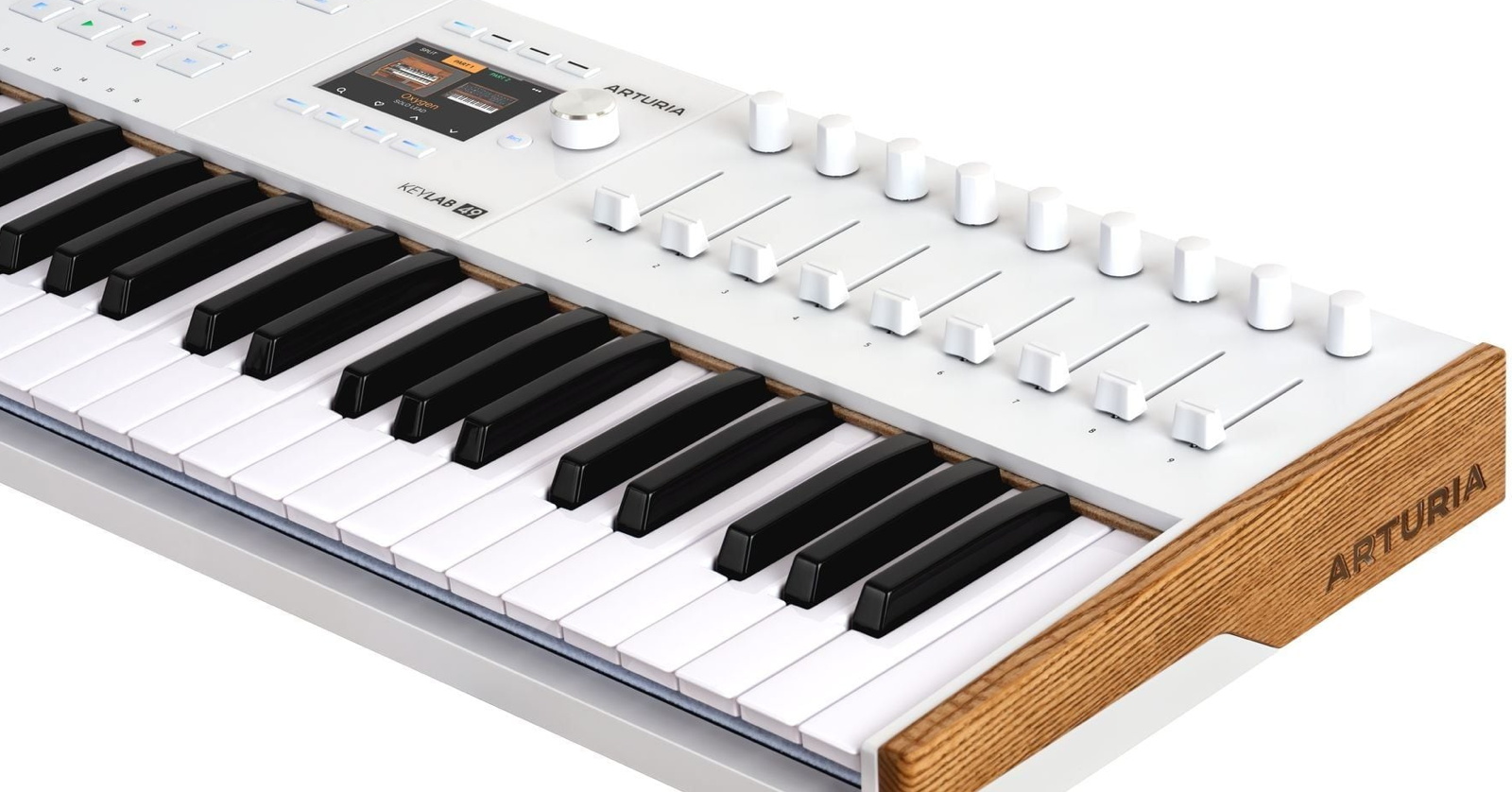
The Arturia KeyLab series and KeyLab Essential series are flexible and powerful MIDI controllers that will enable you to play any synthesizer or virtual instrument. Your KeyLab is also tailor-made for the Arturia Analog Lab Pro virtual instrument for Mac and Windows PC, which comes with your purchase, providing thousands of synthesizer and keyboard sounds from Arturia’s V Collection. To get started, let’s set up Analog Lab Pro, the Arturia Software Center, and Arturia MIDI Control Center.
- Register Your Purchase with Arturia
- Download the Owner’s Manual
- Download Arturia Analog Lab Pro
- Download Arturia Software Center
- Download Arturia MIDI Control Center
- Download Ableton Live Lite and Included Third-party Software
- Arturia’s Getting Started Videos
- Sweetwater Keylab Demo Video
- Arturia KeyLab Resources
- SweetCare Keyboard & DAW Controller Setup Guides
Register Your Purchase with Arturia
Before you go any further, you need to set up your account with Arturia to obtain the software packages for Mac or Windows PC that are included with your purchase of the KeyLab.
Your KeyLab comes with a sticker on the bottom with the serial number and the all-important Unlock Code.
Log in to the Arturia website with your username and password or create a new account if you don’t have one already. Follow the prompts to register your purchase and enter your Unlock Code.
Download the Owner’s Manual
Download the latest version of the KeyLab owner’s manual from your model’s page on the Arturia website:
You can find manuals for earlier models in the KeyLab series on the Arturia Downloads & Manuals page.
Download Arturia Analog Lab Pro
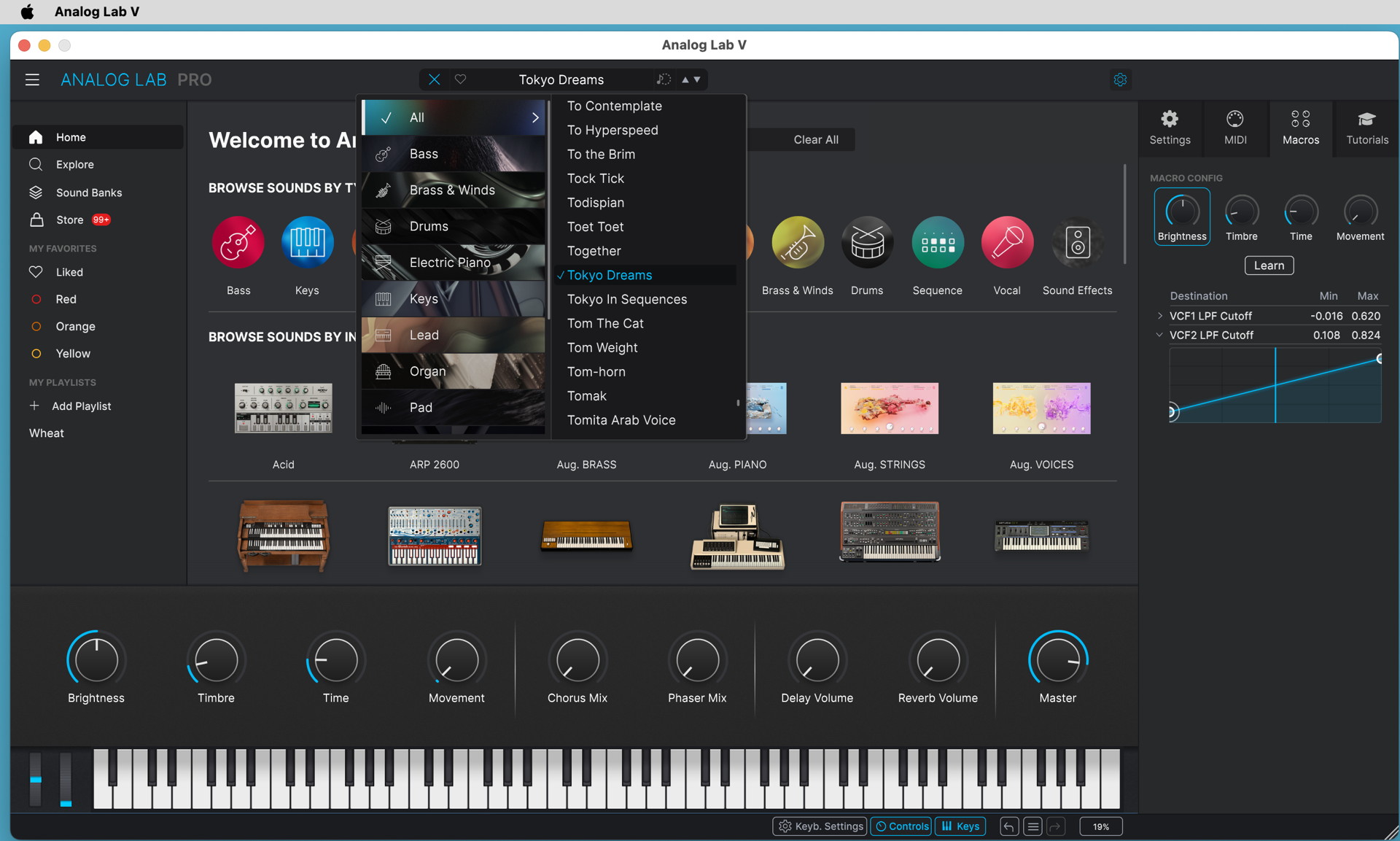
Analog Lab Pro
Download Analog Lab Pro
One reason that many folks buy an Arturia KeyLab is to work with the Analog Lab Pro Keyboard Anthology app for your Mac or Windows PC, which lets you play thousands of presets from Arturia’s catalog of V Collection instruments. The Pro version of Analog Lab is included with your purchase.
If you haven’t already installed it from within Arturia Software Center, then you can download Analog Lab from Arturia’s Get started with KeyLab page.
Run the installer and launch the software. Follow the instructions inside Analog Lab to set up KeyLab and activate your free license for Analog Lab Pro.
Here’s Arturia’s tutorial video. It features KeyLab Essentials mk3, but the principles apply to all models of KeyLab.
Arturia: Tutorials: KeyLab Essentials mk3 – Using Analog Lab
Update the KeyLab Firmware
From time to time, Arturia will release free firmware updates for your hardware that will fix bugs, may add additional features, and will ensure full compatibility with the newest version of the Analog Lab app.
Updating is really easy because when your KeyLab is connected to your computer running Analog Lab Pro, the app will alert you if a firmware update is available. Follow the prompts to install the update on your hardware.
Alternatively, you can update the firmware from within the Arturia MIDI Control Center app, discussed below.
Download Arturia Software Center
Arturia Software Center is the app that lets you manage all your licenses, download the Arturia apps, and install updates when they are available. When you install Analog Lab, Arturia Software Center will also be installed.
You can also install Arturia Software Center from the Arturia Downloads page.
- Launch Arturia Software Center.
- Log in to your account.
- Scroll down to the My Products section.
- Click on the Activate button next to each piece of software you want to start using. Be patient as the Software Center downloads, installs, and activates your software.
Download Arturia MIDI Control Center
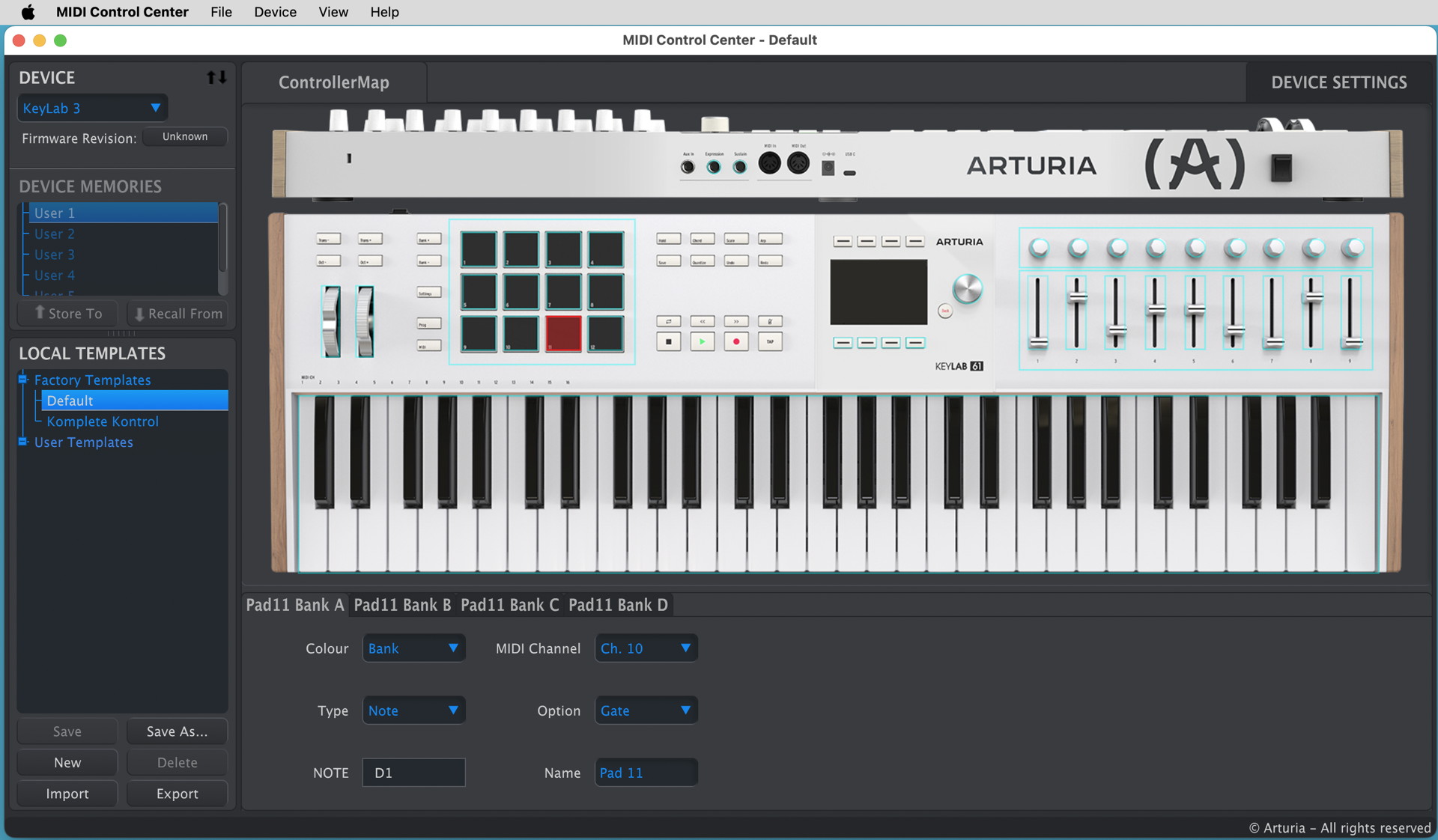
Arturia MIDI Control Center
Arturia MIDI Control Center is the app you need to configure your KeyLab to control external synthesizers and virtual instruments other than Analog Lab, to configure your KeyLab to work with different DAWs, and to dive deep into customization for anything you want the keyboard, pads, sliders, buttons, and control knobs to do. You can save and recall templates for different projects.
Install MIDI Control Center from within Arturia Software Center or download it directly from the Arturia Downloads page.
Be sure to download the newest version of the MIDI Control Center Owner’s Manual from the same link.
Download Ableton Live Lite and Included Third-party Software
With your purchase, you are entitled to download a number of third-party apps, including Ableton Live Lite, NI Komplete Select, and more. You need to install and register these apps separately.
Go to your product’s Start page and scroll down to the section “Download your included software from our partners.” Click on each section and follow the instructions.
Find the activation code or serial number for each product on your account page:
- Log in to your account on the Arturia website.
- Under My Products, select the model of KeyLab that you have registered.
- Scroll down to “Free licenses with your product.”
- Click the button to expand the section. You’ll see a code for each item. Copy it, as you’ll need it to register your purchase according to the instructions for that product.
Arturia’s Getting Started Videos
Here are Arturia’s videos, giving you an overview of the features in each model.
Arturia: Tutorials: KeyLab mk3 Overview
Arturia: Tutorials: KeyLab 88 mk 3 Overview
Arturia: Tutorials: Keylab Essential mk3 Overview
Sweetware KeyLab mk3 Demo Video
Sweetwater Soundcheck: Arturia KeyLab mk3 Keyboard Controller Demo
Arturia KeyLab Resources
Arturia provides DAW integration scripts for Logic Pro, FL Studio, Cubase, Ableton Live, and Bitwig, along with guides for using each. Download the package for your DAW and follow the instructions to install the script in the correct location so that it can be accessed within your DAW.
You’ll also find a library of tutorial videos.
You can find resources for older-generation models of KeyLab on the Arturia Downloads & Manuals page.
SweetCare Keyboard & DAW Controller Setup Guides
Now that you have your Arturia KeyLab set up and connected, check out our guides to learn more about setting it up in your preferred DAW.
MIDI Keyboard Setup Guides
DAW Controller Setup Guides
Related Articles
When you need help, Sweetwater has the answers!
Our knowledge base contains over 28,000 expertly written tech articles that will give you answers and help you get the most out of your gear. Our pro musicians and gear experts update content daily to keep you informed and on your way. Best of all, it’s totally FREE, and it’s just another reason that you get more at Sweetwater.com.

