
How to Set Up a DAW Controller in FL Studio
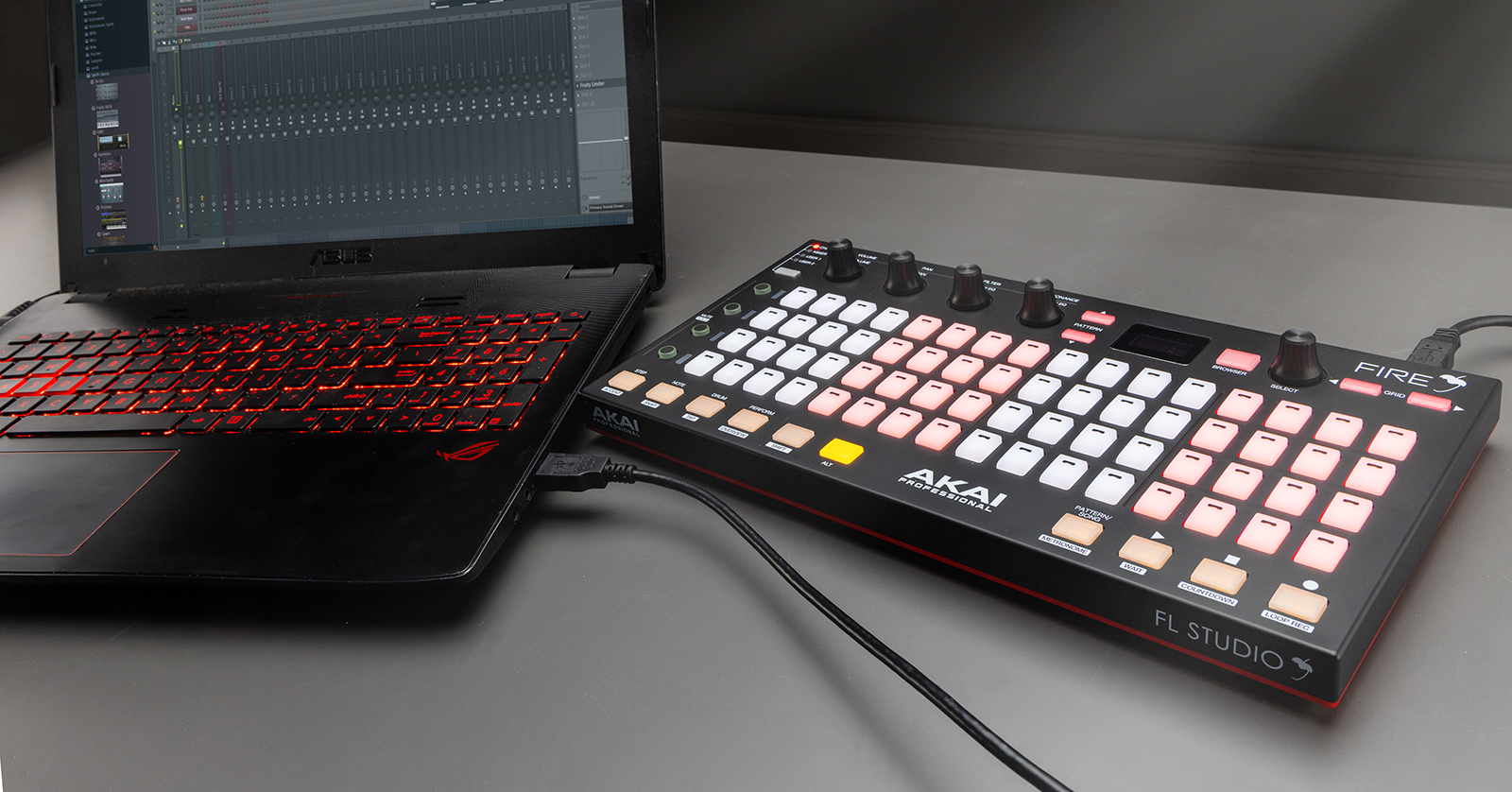
DAW controllers (control surfaces) must be configured within FL Studio before they can control it. You must select the controller’s protocol and port settings within FL Studio to do so. If you’re unsure how to change your MIDI device’s protocol (mode), check its user manual for more information. Also, be sure to download the latest driver for your DAW controller beforehand!
If you are setting up a DAW controller for the first time, we recommend reading Getting Started with DAW Controllers first and then following the instructions below.
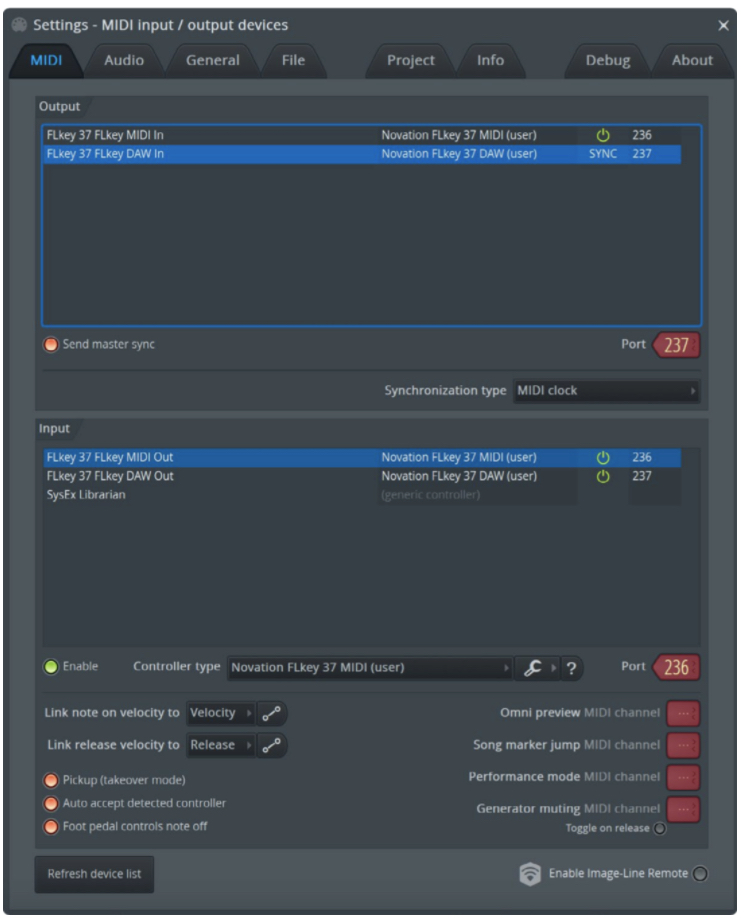
- Click Options and select MIDI Settings.
- Locate your DAW controller in the Inputs section at the bottom and click to select it.
- Click Enable (located next to Controller type) and select the correct preset for your DAW controller.
- If no preset is available for your controller, consult the DAW controller’s manual to determine what protocol to use.
- Enable the device’s Input and Output ports.
- Assign both ports the same FL Studio Port number (Port 102 is recommended).
- Close the Settings window.
Match the MIDI Ports
When configuring a MIDI device, check that both in and out MIDI ports are set to the same FL Studio port number. The device will only synchronize when they match.
Related Articles
When you need help, Sweetwater has the answers!
Our knowledge base contains over 28,000 expertly written tech articles that will give you answers and help you get the most out of your gear. Our pro musicians and gear experts update content daily to keep you informed and on your way. Best of all, it’s totally FREE, and it’s just another reason that you get more at Sweetwater.com.

