
How to Set Up a DAW Controller in Digital Performer
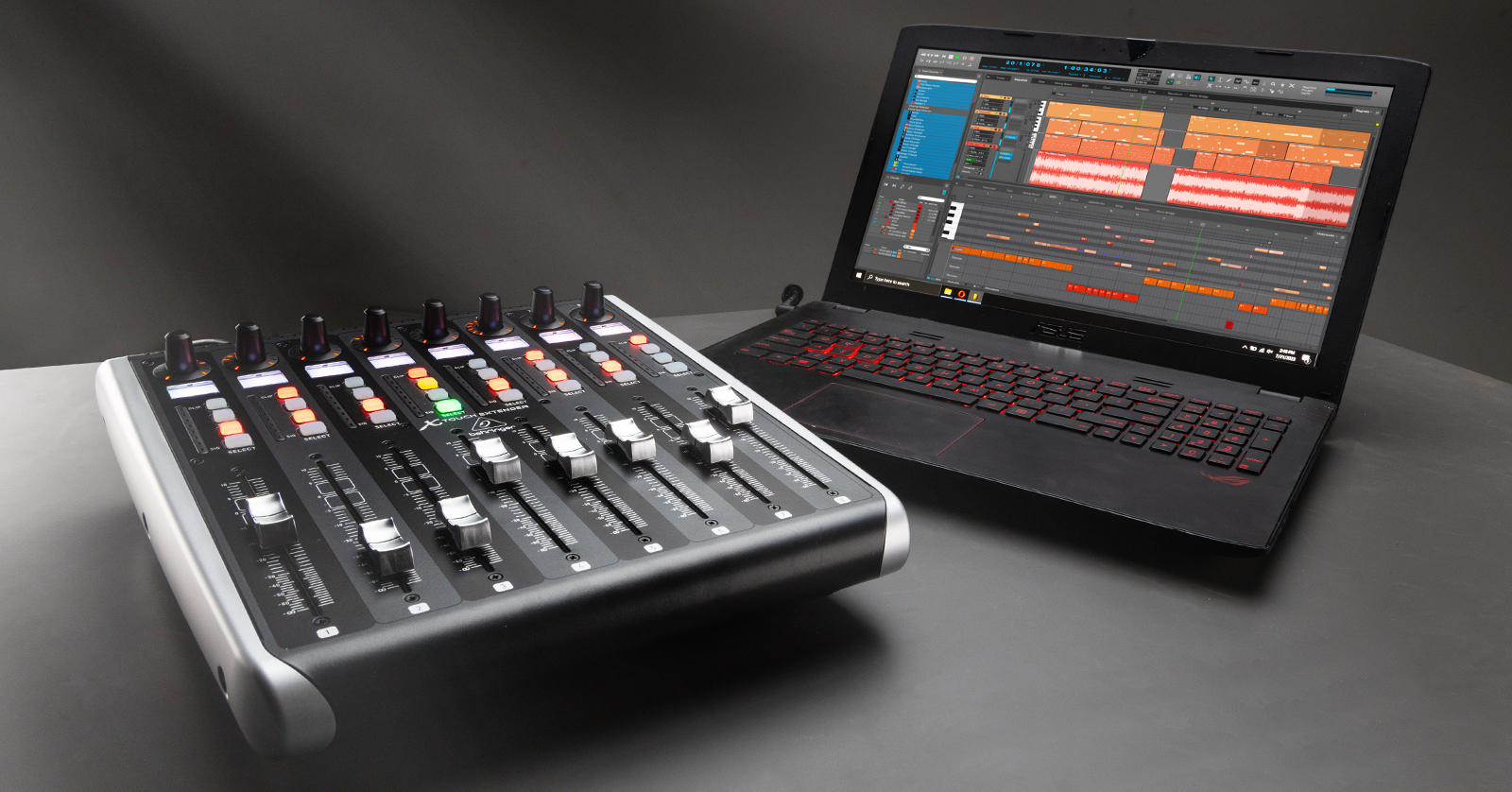
DAW controllers (control surfaces) need to be configured within Digital Performer’s MIDI device and control surface menus before they can be used. This means you’ll need to select the controller’s protocol and port settings within Digital Performer. If you’re not sure how to change the protocol (mode) of your MIDI device, check its user’s manual for more information. Also be sure to download the latest driver for your DAW controller beforehand!
If you are setting up a DAW controller for the first time, we recommend reading Getting Started with DAW Controllers first, then following the instructions below.
Enable MIDI Devices
For your MIDI device to work in Digital Performer, it must first be enabled within the software. Digital Performer won’t respond to the controller’s MIDI data if it isn’t. While keyboards and MIDI notes will work once enabled, DAW controllers still need to be configured (next). Once that’s done, continue below to Control Surface Setup.
- Open the Studio menu and select Bundles.
- Click the MIDI Devices tab and confirm or add your device.
- Assign the devices IN and OUT MIDI ports.

Control Surface Setup
DAW controllers (control surfaces) must be configured within Digital Performer before they can control your DAW. That means you must select the controller’s protocol and port settings. If you’re unsure how to change your MIDI device’s protocol (mode), check its user manual for more information.
- Open the Setup menu and select Control Surface Setup….
- Click the + button and select your controller’s protocol and MIDI ports.
- Click OK.

Additional Vendor Resources
Setting up Akai™ and Novation™ Controllers in Digital Performer 11
Setting up iCON™ Control Surfaces in Digital Performer 11
When you need help, Sweetwater has the answers!
Our knowledge base contains over 28,000 expertly written tech articles that will give you answers and help you get the most out of your gear. Our pro musicians and gear experts update content daily to keep you informed and on your way. Best of all, it’s totally FREE, and it’s just another reason that you get more at Sweetwater.com.

