
DAW Controller Setup Series
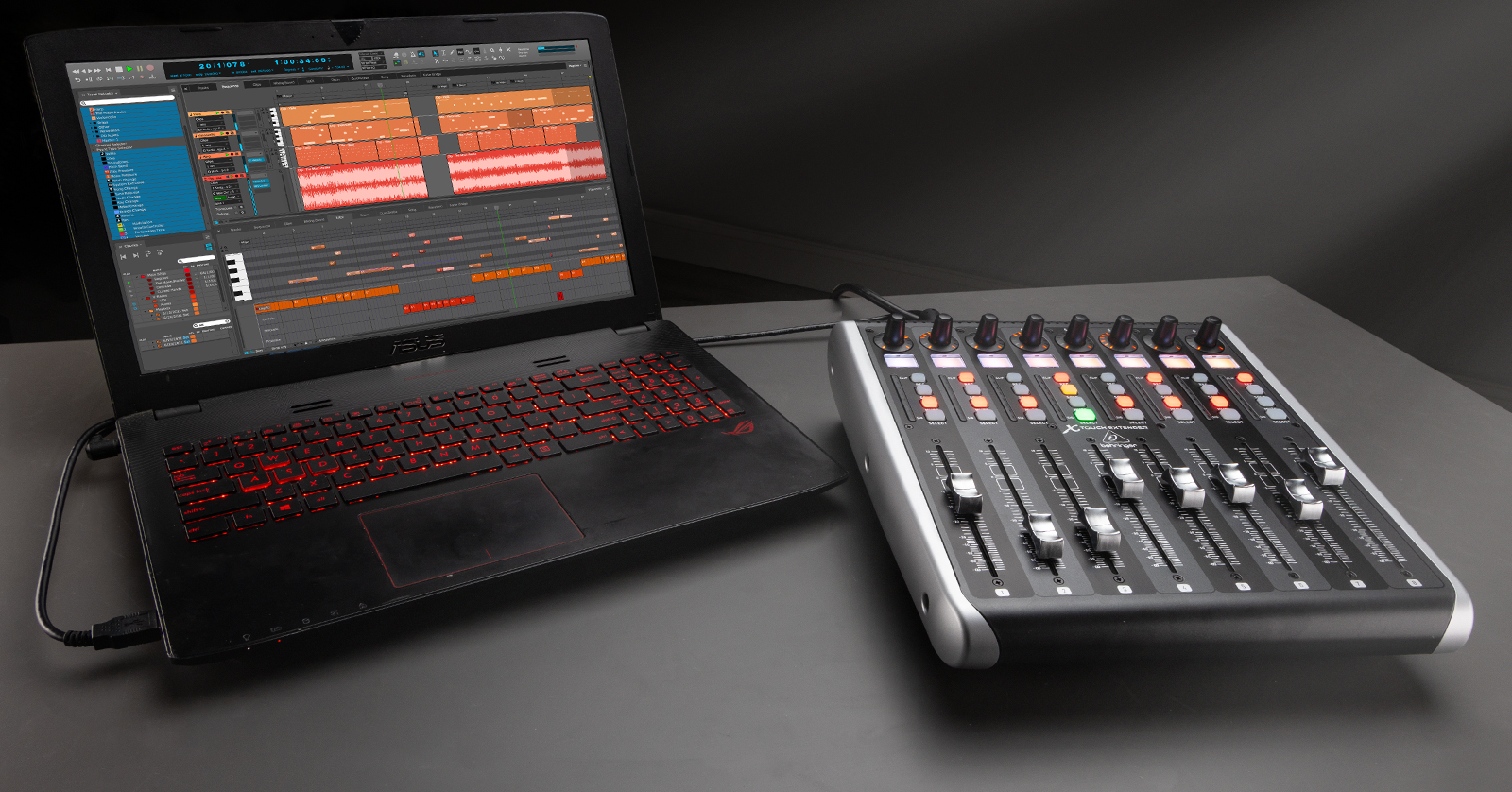
Sweetwater is dedicated to ensuring you get the most out of your gear, so in this series, we will cover everything you need to know about your DAW controller. Covering everything from the basics to setting it up in your specific DAW, you’ll be up and running in no time!
Getting Started with DAW Controllers
NOTE: While all DAW controllers share the same core function, each has unique features that may not be present in others, so be sure to check out your DAW’s owner’s manual to learn more about what yours can do for you.
DAW controllers are great in the studio, as they speed up your workflow and provide finer control you may not find using your mouse and keyboard. In this guide, we will cover the basics of a DAW controller, including how it works and its basic setup and connections.
DAW Specific Setup Guides
Once you’ve learned the fundamentals, below you’ll learn the steps to set up your DAW controller in your specific DAW.
Pro Tools
Cubase
Studio One
FL Studio
Reason
Digital Performer
Bitwig
When you need help, Sweetwater has the answers!
Our knowledge base contains over 28,000 expertly written tech articles that will give you answers and help you get the most out of your gear. Our pro musicians and gear experts update content daily to keep you informed and on your way. Best of all, it’s totally FREE, and it’s just another reason that you get more at Sweetwater.com.

