
Behringer X-DANTE Setup Guide
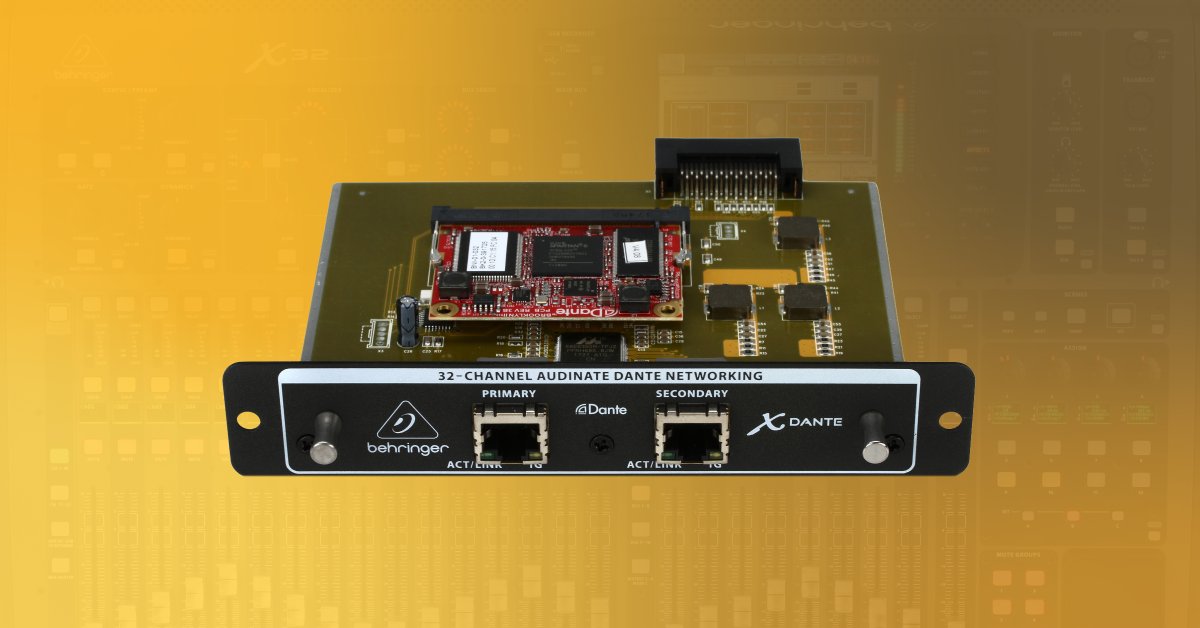
In this guide, we will show you how to register, install, and set up a Behringer X-DANTE expansion card for your Behringer X32. Follow the sections below to get started.
Warranty Registration
By default, Behringer gives you a 1-year warranty. However, if you register your item on the website within 90 days of purchase, Behringer gives you an additional two years on your warranty. It’s free.
TIP: Everything you purchase from Sweetwater comes with our 2-year Total Confidence Coverage (TCC) warranty. However, three years is even better than two, so please register with Behringer today.
Installing the card
IMPORTANT: Turn off and disconnect your X32, and also, ground yourself by touching a grounded surface before installing the card.
Before installing the card, you first need to check the firmware version that your X32 is currently running. If it’s lower than firmware version 2.0, then you’ll need to update it beforehand. To check, press Setup and then select Global. If it is out-of-date, check out our X32 Firmware Update Guide for update instructions.
- Loosen the two screws holding the current card in place, which is located in the Slot position on the back of the board.
- Carefully pull out the existing card, keeping it as straight as possible. Installing and uninstalling a card at an angle can result in damage to the board.
- Carefully insert the X-DANTE card and push it into place.
- Once the card is connected, install the two mounting screws to hold the card securely in place.
- Turn on the X32 and go to the Card tab. If installed correctly, you will see the X-DANTE card listed.
X-DANTE setup and routing
IMPORTANT: Dante only supports wired Ethernet connections. This means that Wi-Fi control is not possible.
Now that you have the card installed, the last thing to do is to get everything set up and connected. Depending on your specific setup, you may want to configure your X32 system one way over the other, but it’s a breeze no matter how you set it up. Once everything is set up, check out Audinate’s great tutorial playlist down below to learn how to use the Dante Controller software.
- Log in to your Audinate account. If you don’t have an account yet, create one here.
- Go to the Audinate download page and download Dante Controller for your OS.
- Use an Ethernet cable to connect the X32 to the source (e.g., laptop, network router, digital mixer) via the Primary port.
- Head over to the Config page on the X32. Since a master clock source needs to be chosen for the network, select X-DANTE.
- Alternatively, you can choose Local to use the X32’s internal clock as the master clock.
- Navigate to the Routing page, choose the Card Out tab, and update your expansion card output routing.
- Launch the Dante Controller software and update the routing as necessary.
X32 Quick Tip: Card Output Routing
X32 Expansion Card Webinar: X-DANTE, X-MADI, X-ADAT
Related content
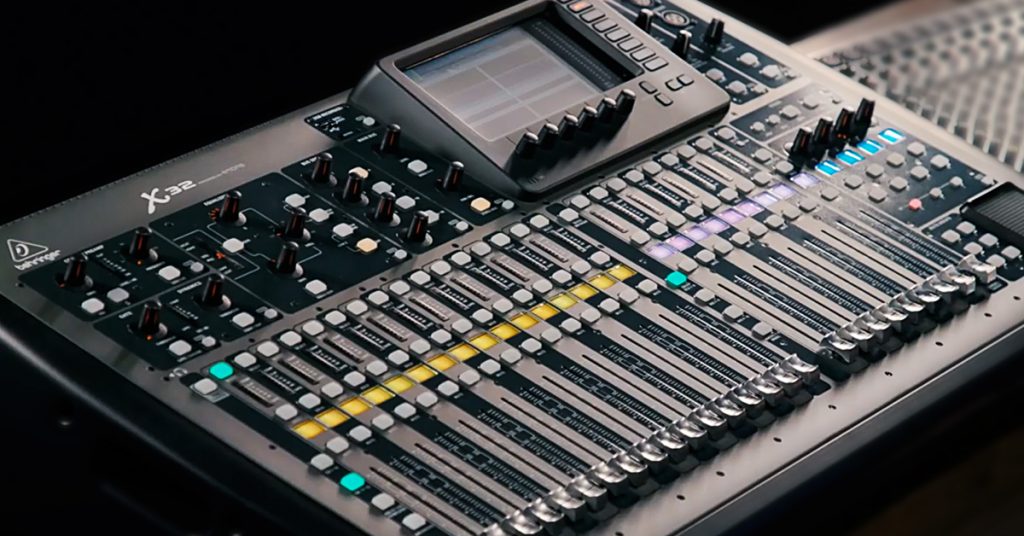
Check out our resource hub to get up and running with your Behringer X32!
Additional resources
Audinate: Getting Started with Dante
Related Articles
When you need help, Sweetwater has the answers!
Our knowledge base contains over 28,000 expertly written tech articles that will give you answers and help you get the most out of your gear. Our pro musicians and gear experts update content daily to keep you informed and on your way. Best of all, it’s totally FREE, and it’s just another reason that you get more at Sweetwater.com.

