
Getting Started With Electronic Drums
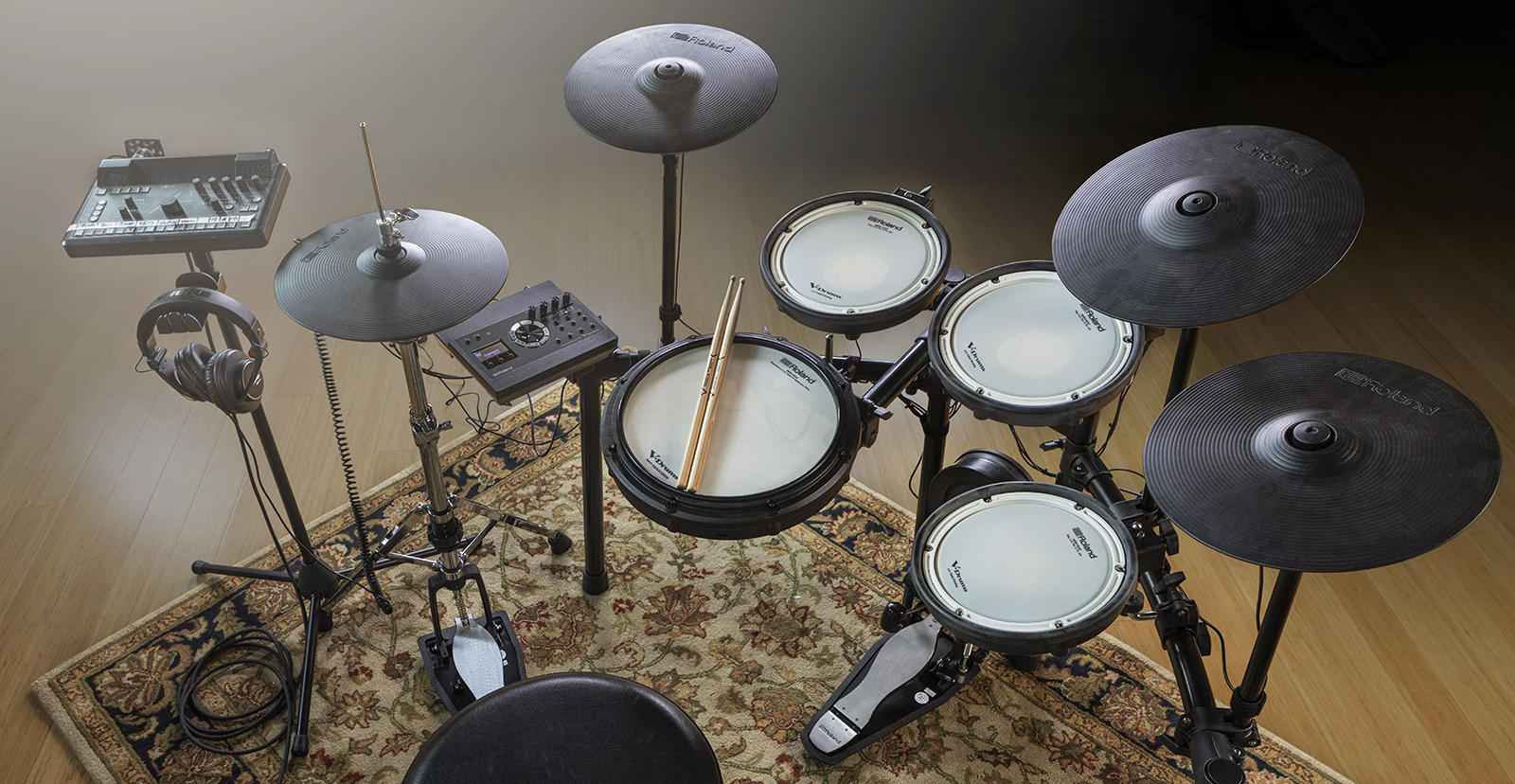
Sweetwater is dedicated to ensuring you have the best experience possible, so in this series, we will cover everything you need to know about electronic drums. From setup and connections to kit optimization and tips and tricks, you’ll be an electronic drum kit master in no time.
- How To Set Up an Electronic Drum Set
- Connecting Electronic Drums to Your Computer
- Electronic Drum Terms Explained
- Electronic Drum Troubleshooting
How to Set Up an Electronic Drum Set
TIP: We highly recommend setting up your electronic drum set on a carpet or investing in a drum rug. This reduces vibration when playing, as we explain in our setup and glossary guides.
Electronic drum sets are a great solution for playing in your bedroom, studio, and even live shows. Thanks to its small footprint, it’s not only easy to store your electronic drum sets, but in the guide below, we’ll show you how to set it up!
Connecting Electronic Drums to Your Computer
After setting up your electronic kit, you’ll likely want to get it connected to your computer. Once you connect it, launch your DAW, set it up as a MIDI device, then press the record button. Check out our computer connection setup guide to learn more!
Electronic Drum Terms Explained
What makes electronic drum sets great is that you can customize and optimize them quite a bit to make them feel as natural as possible. You’ll need to learn a few terms when optimizing your kit, which we explain in the guide below.
How Do Drum Triggers Work?
Electronic drum triggers are a key component to every pad connected to your electronic drum set. Check out our guide below to more about how electronic drum triggers work!
Electronic Drum Troubleshooting
You may encounter trigger issues with your electronic drum set, such as mistriggering or unresponsive pads. If so, check out our Electronic Drum Troubleshooting Guide to resolve the problem.
Related Articles
When you need help, Sweetwater has the answers!
Our knowledge base contains over 28,000 expertly written tech articles that will give you answers and help you get the most out of your gear. Our pro musicians and gear experts update content daily to keep you informed and on your way. Best of all, it’s totally FREE, and it’s just another reason that you get more at Sweetwater.com.

