
Zoom PodTrak P4 Quickstart Guide
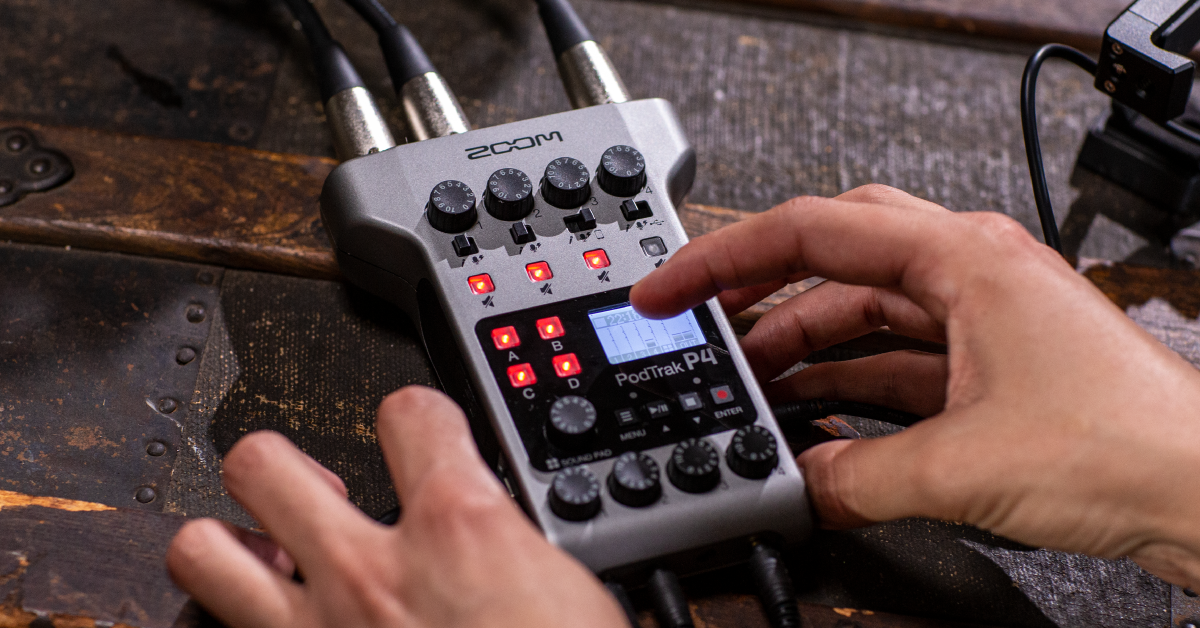
Getting started with the Zoom PodTrak P4
In this guide, we will show you how to get up and running with the Zoom PodTrak P4. You’ll learn how to register the PodTrak P4, format the SD card, and how to record audio on the device. Follow the sections below to get started.
How to register the Zoom PodTrak P4
Before we begin, you first want to register the P4 with Zoom. To register the device with Zoom, you’ll need the serial number of the recorder, which is located on the back. Follow these steps to register the P4.
- Go to the Zoom product registration page.
- Fill out the required information, including the serial number, which is located on the back of your Zoom PodTrak P4, and then click Submit.
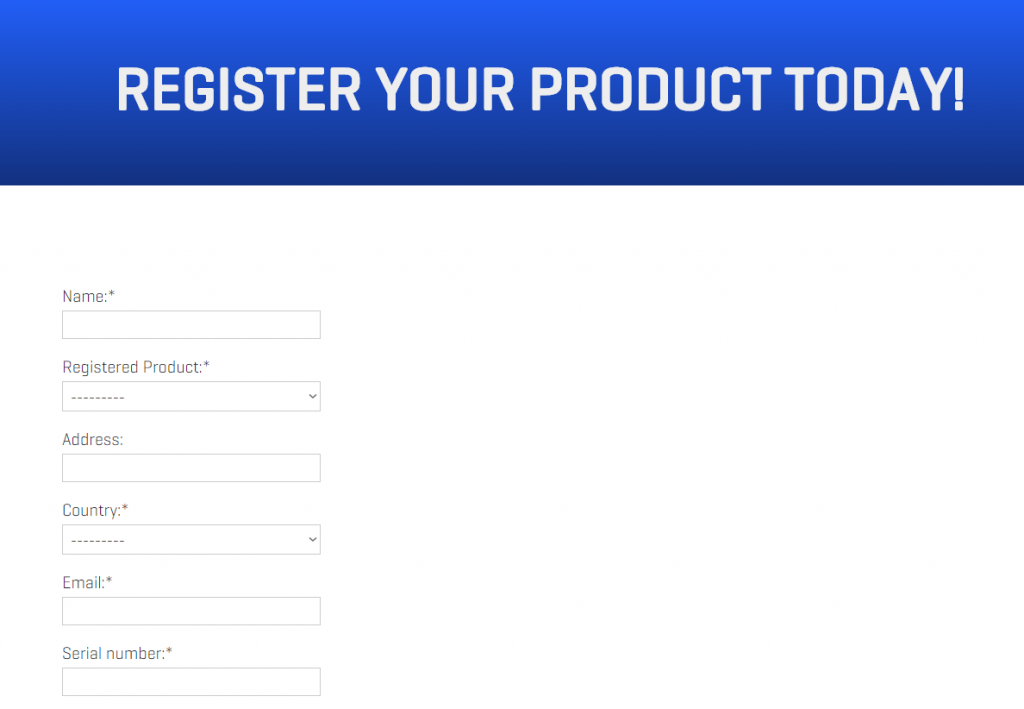
Click the image to register your Zoom Podtrak P4
Format the PodTrak P4 SD card
IMPORTANT: Formatting an SD card will erase all of the data, so make sure to back up any important files beforehand.
Before you can begin recording with your Zoom PodTrak P4, you will need to format the SD card so it can be recognized. Follow these steps to format the Zoom PodTrak P4 SD card.
- Insert the SD card and power on the P4.
- It is not recommended to insert the SD card while the unit is turned on, resulting in data loss.
- Press the Menu button, use the Play/Pause and Stop buttons to navigate to Settings, then press the Record button.
- Use the Play/Pause and Stop buttons to scroll to SD Card and then press Enter.
- Select Format and then select Execute.
Testing SD cards
If your Zoom PodTrak P4 doesn’t recognize the SD card or continue to receive errors, please ensure that the SD card is compatible with the device. An excellent way to see if it will work is to test the SD card using the Test feature. Zoom recommends the following Class 10 SD cards for recording:
- 4 GB – 32 GB SDHC
- 64 GB – 512 GB SDXC
Card protected error
If you insert the SD card into the Zoom PodTrak P4 and see a Card protected message on the display, take the card out of the P4 and check the security tab on the SD card. If the switch is set to protected mode, the SD card is “locked” so no data can be stored onto it.
PodTrak P4 setup and connections
Setting up the PodTrak P4 couldn’t be easier. Simply connect your microphones and headphones, then start recording. What separates the P4 from the rest is connecting smartphones, tablets, computers, and other devices. The PodTrak P4 does most of the work for you, so follow these steps to get connected.
Smartphone
- Flip the switch on Channel 3 to the phone icon.
- Connect your smartphone using a TRRS cable to the jack closest to the Power button located on the side of the unit.
- Launch the software you’ll be using (i.e., Skype, Zoom) and press Record.
- The person calling in will be recorded to Track 3.
Connecting your smartphone via Bluetooth
You can connect your smartphone to the PodTrak P4 via Bluetooth using the Zoom BTA-2. If you do have the BTA-2, connect it to the TRRS ports on the right side of the unit, then press and hold the button on the side of the BTA-2 until it flashes white. Next, go to your smartphone’s Bluetooth settings, and connect to the BTA-2. After it has been paired successfully, follow the steps above to complete the connection process.
Computer, tablet, smartphone via USB
The PodTrak P4 can be used as an audio interface, as well. It’s class-compliant on computers, so no additional driver software is necessary, making it a true plug and play device.
- Flip the switch on Channel 4 to the USB icon.
- Use a USB-C cable to connect the P4 to your device.
- Press the Menu button, navigate to Settings, then press the Record button (Enter).
- Select USB Mix Minus, press the Record button, then select On.
- Launch the software you’ll be using (i.e., Skype, Zoom) and press Record.
- The person calling in will be recorded to Track 4.
What is Mix Minus mode?
When Mix Minus mode is disabled, the caller will be able to hear the entire mix, including themselves. That means they’ll hear an echo and will cause feedback. Enabling this will eliminate that echo and prevent feedback.
The Zoom P4 : Remote Interviews
Additional resources
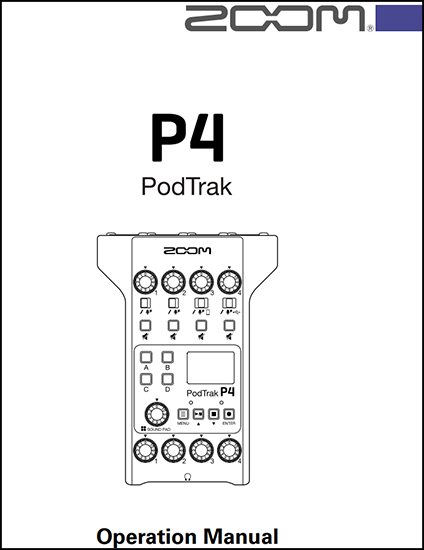
Zoom PodTrak P4 Operation Manual
The Zoom P4 : Sound Pads
When you need help, Sweetwater has the answers!
Our knowledge base contains over 28,000 expertly written tech articles that will give you answers and help you get the most out of your gear. Our pro musicians and gear experts update content daily to keep you informed and on your way. Best of all, it’s totally FREE, and it’s just another reason that you get more at Sweetwater.com.

