
Roland GO:MIXER PRO-X Setup Guide
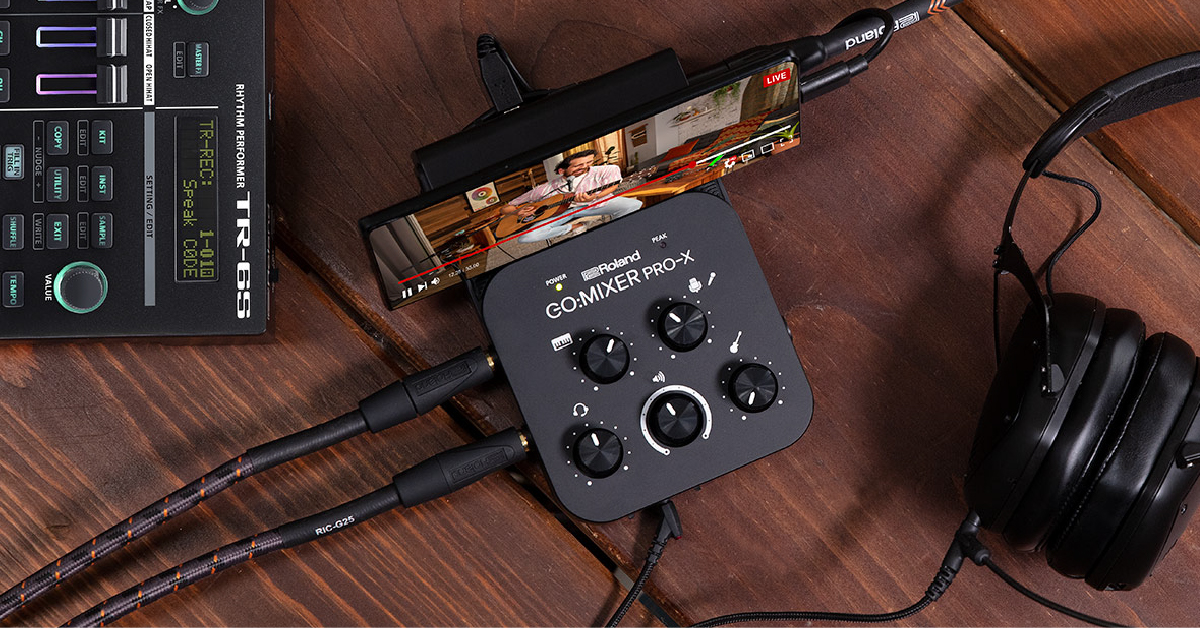
The Roland GO:MIXER PRO-X is a great recording and streaming solution for those on the go, so in this guide we will show you how to register, set up, and connect the device for the first time. Follow the sections below to get started.
Register with Roland
Before we dive into setting up your GO:MIXER PRO-X, the first thing to do is register the product with Roland. By registering the device, you’ll gain access to Roland’s product support, an extended warranty, training videos, and clinic information. Follow the steps below to register and then continue to setup and connections.
- Log in to your Roland Backstage account. If you don’t have one yet, you can create one here.
- Roland will then send an account activation email to the registered email address to complete the account creation process.
- On your account home page, click My Gear and select Register a Product.
- Fill out the required information, including the serial number, and click Register.
- Keep your Sweetwater invoice handy, as you will need to enter the purchase date, method, and Dealer (Sweetwater).
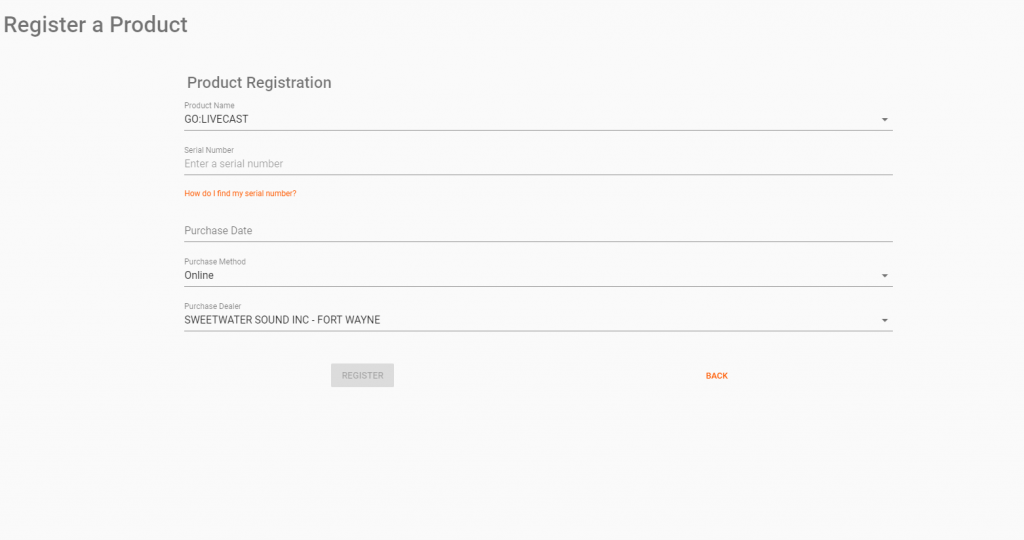
Click the image to register your GO:MIXER PRO-X
Setup and connections
The great thing about the GO:MIXER PRO-X is its straightforward setup and configuration. What’s even better is that it already includes almost every cable necessary for you to connect your mobile devices. Before you get connected, here are a few things to remember.
- Some iOS and Android devices aren’t compatible. Please check their respective compatibility lists for a full list.
- If using a condenser microphone, then you must turn on the Phantom Power switch. Android devices can supply phantom power, but you must use batteries to use phantom-powered devices with iOS devices.
- If you’re on Android and supply phantom power via USB, your device’s battery will drain much faster.
- The Smartphone IN/OUT jack will send a MONO signal to your device, and when connected, you must use battery power.
- Do not use the included USB cables for anything besides the GO:MIXER PRO-X.
Connections and recording
With all of these things in mind, it’s just a matter of plugging in all of your gear. After you’re connected, turn the GO:MIXER PRO-X’s volume down. Begin playing at a normal performance level until you see the red peak LED start lighting up. After it starts peaking, turn the volume down just a tiny bit. This will give you enough headroom while you’re playing. Once you’ve set your levels, it’s time to start performing!
Once you’re ready, you can use any recording app on your device. Roland’s 4XCAMERA app is handy as it’s made specifically for the GO:MIXER PRO-X. It has features such as accessing your song library to jam along to and video clips of drummers playing grooves in different styles. Even better, you can get the app for free after you’ve registered your device.

Click the image to download the app from the Google Play Store.
Click the image to download the app from the App Store.
Additional resources
Related Articles
When you need help, Sweetwater has the answers!
Our knowledge base contains over 28,000 expertly written tech articles that will give you answers and help you get the most out of your gear. Our pro musicians and gear experts update content daily to keep you informed and on your way. Best of all, it’s totally FREE, and it’s just another reason that you get more at Sweetwater.com.

