
PreSonus ATOM SQ Quickstart Guide

Getting started with the PreSonus ATOM SQ
In this guide, we’ll show you how to register, set up and connect the PreSonus ATOM SQ for the first time. Follow the sections below to get started.
Register the PreSonus ATOM SQ
Before you get started, the first thing you’ll want to do is register the ATOM SQ controller with PreSonus. When you register the ATOM SQ, you’ll receive a free copy of Studio One Artist, Ableton Live Lite, and two Live expansion libraries. Keep your Sweetwater invoice handy, as you’ll need some information from that to complete the registration process.
- Log into your PreSonus account. If you haven’t created one yet, you can do so here.
- On your account home page, click Register a Product, then select Hardware in the Choose product type… drop-down box.
- Enter the purchase date and serial number located on the bottom of your ATOM, then click Register.
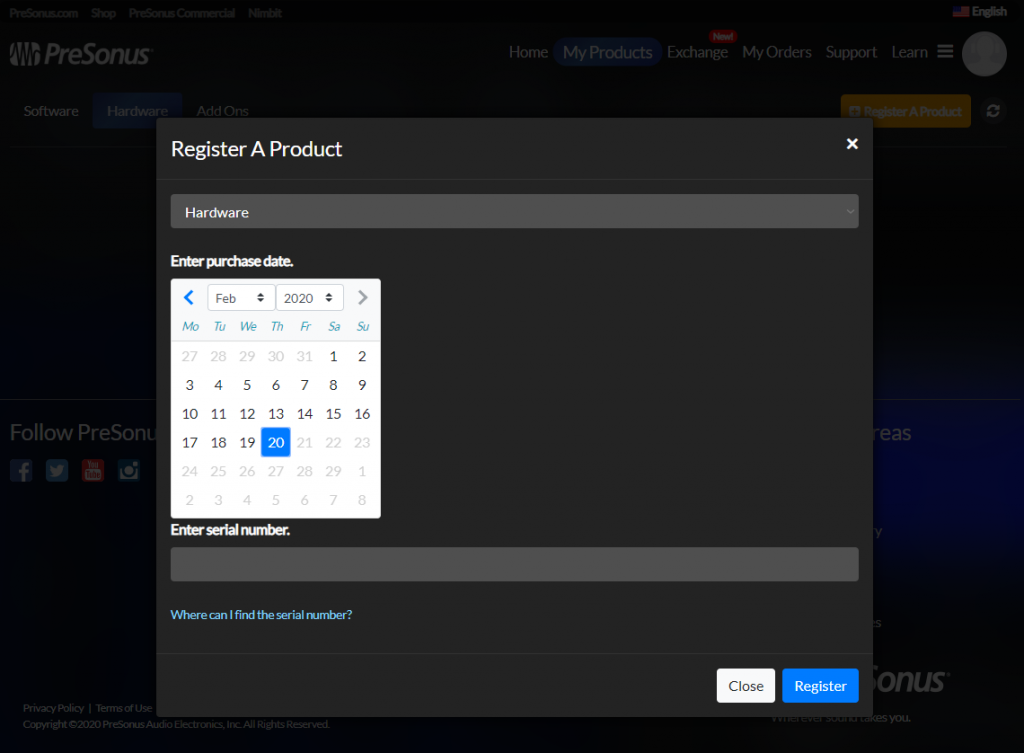
Click the image to register your PreSonus ATOM SQ
Download and install Studio One Artist and Ableton Live Lite
Once your PreSonus ATOM SQ has been registered, you can then access the downloads to your free copies of Studio One Artist and Ableton Live Lite. Activation and installation is very easy for both DAW’s, so be sure to check out our articles below to learn more about their activation instructions.
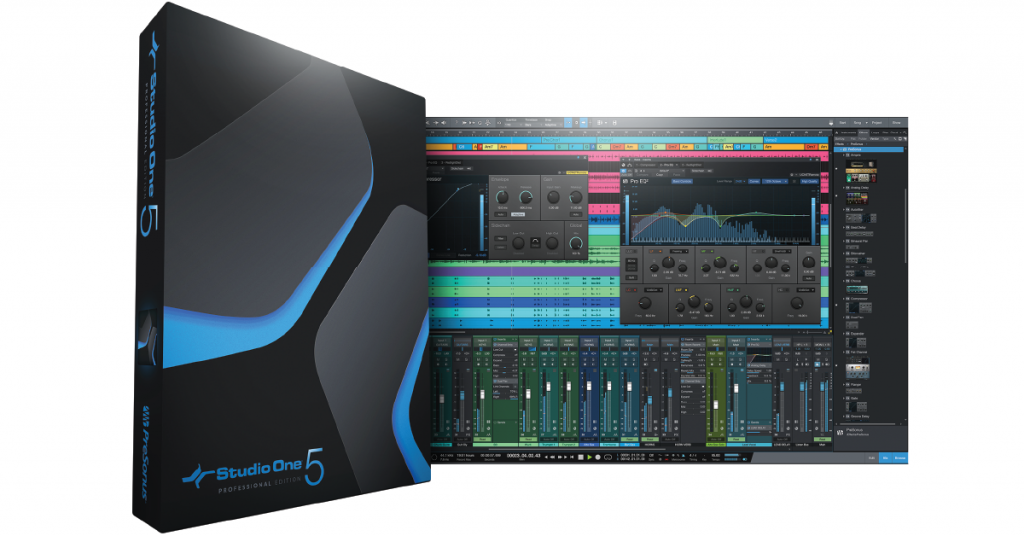
Learn more about how to download and activate Studio One Artist!
Learn More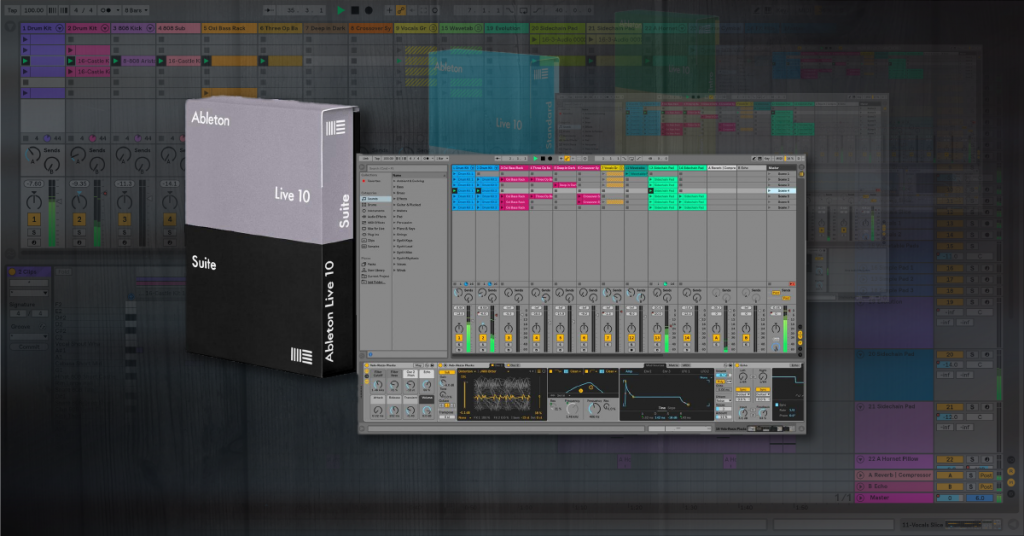
Learn more about how to download and activate Ableton Live Lite!
Learn MoreHow to set up the PreSonus ATOM SQ
The ATOM SQ is plug-and-play so setup is a breeze. Before you can start creating, you’ll first need to do a few things: download the PreSonus Universal Control app and, if necessary, update the firmware. Once that’s done, you can learn how to use the ATOM SQ!
TIP: We recommend connecting your ATOM SQ directly to your computer, preferably a USB 2.0 port. USB hubs may not provide enough power to the device, resulting in connectivity issues, and connecting to a USB 3.0 port may result in connectivity issues.
Download and install Universal Control
After registration, the next step is to download and install Universal Control for your OS. Universal control is the standalone PreSonus application where you will manage your hardware connections, update your firmware, and provide information about your ATOM SQ. Since the PreSonus ATOM SQ is class-compliant, no additional driver software will be necessary. Follow these steps to install Universal Control.
- Go to the ATOM SQ Downloads page and download the installer for your OS.
- If you need to download Universal Control for a different OS, click View Other Systems.
- Go to your Downloads folder and run the Universal Control installer.
- PC: Double-click the .exe file to begin the installation process.
- Mac: Double-click the .dmg file then double-click the .pkg to begin the installation process.
- During the installation process, you will be asked which drivers you would like to install. Since the ATOM SQ is class-compliant, you can uncheck all of the boxes.
Update the PreSonus ATOM SQ firmware
Once Universal Control has been installed, the next step in the setup process is to update the firmware. These firmware updates often add new features and make optimizations to your ATOM SQ. If you don’t update the firmware, then the ATOM SQ may not work correctly within your DAW. Fortunately, PreSonus has made the firmware update process really simple.
TIP: You can also manually check for ATOM SQ updates by going to Settings then clicking Update Firmware.
- Connect the ATOM SQ to your computer, then launch the Universal Control application.
- If the firmware is out-of-date, click Update Firmware and follow the on-screen instructions.
- The firmware update may take a few minutes so be sure not to unplug your ATOM SQ until it’s complete.

Update the ATOM SQ Firmware using Universal Control
Related content

Learn more about optimizing your Windows 10 computer for music production!
Learn More
Learn more about optimizing your Mac computer for music production!
Learn More
Learn more about getting started with DAW controllers!
Learn More
Learn more about getting started with MIDI keyboards!
Learn MoreWhen you need help, Sweetwater has the answers!
Our knowledge base contains over 28,000 expertly written tech articles that will give you answers and help you get the most out of your gear. Our pro musicians and gear experts update content daily to keep you informed and on your way. Best of all, it’s totally FREE, and it’s just another reason that you get more at Sweetwater.com.

