

Line 6 DL4 MkII – Factory Reset
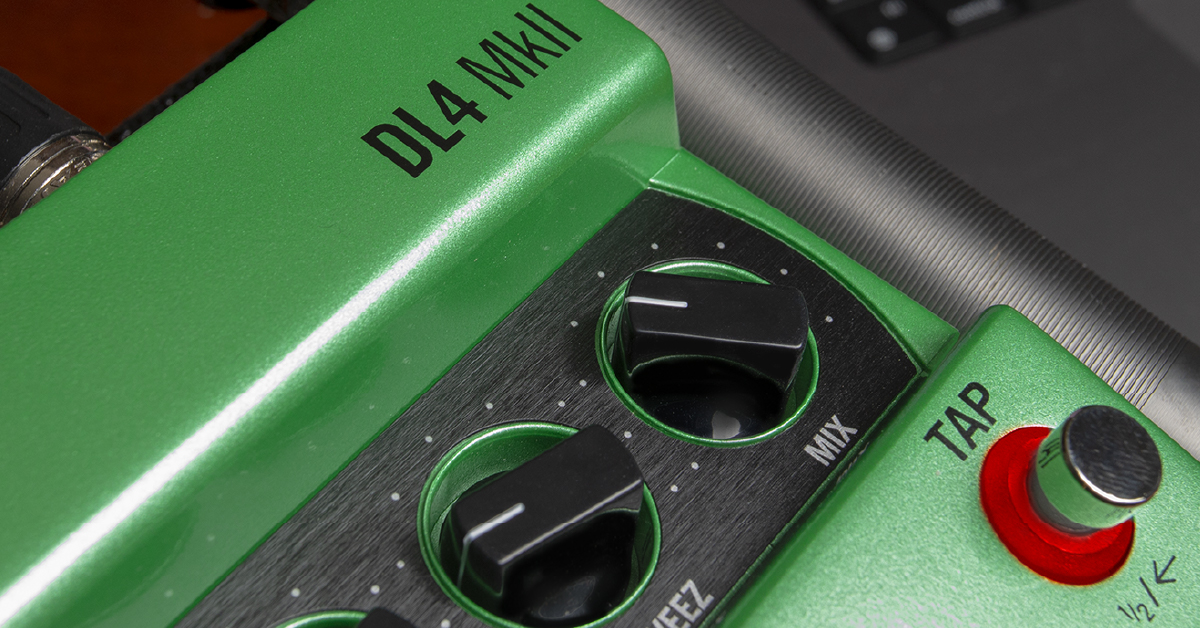
How to Restore DL4 MkII Factory Presets
DL4 MkII is pre-programmed with a set of great factory presets at birth, containing six unique settings accessible from presets A through F. Whenever you perform a preset save, all the factory presets will be over-written with your new custom settings.
Perform a Factory Restore when you want to erase the sounds currently saved in any of the preset locations and restore the original factory presets.
- Press and hold both the A and TAP footswitches while connecting the power adapter to the DC IN.
- Continue holding the switches for about 10 seconds, or until you see the green LEDs light up.
- Your DL4 MkII device is now restored with all factory presets as well as the original default global settings.
- Line 6 DL4 MkII – Factory Reset
- Line 6 DL4 MKII – Firmware Update
- Line 6 DL4 MkII – Setup and Connections
- Line 6 DL4 MkII – Sounds and Presets
- Line 6 DL4 MkII – Looper Settings
- Line 6 Updater Software
Related Articles
When you need help, Sweetwater has the answers!
Our knowledge base contains over 28,000 expertly written tech articles that will give you answers and help you get the most out of your gear. Our pro musicians and gear experts update content daily to keep you informed and on your way. Best of all, it’s totally FREE, and it’s just another reason that you get more at Sweetwater.com.

