

Getting Started With Your Focusrite Scarlett
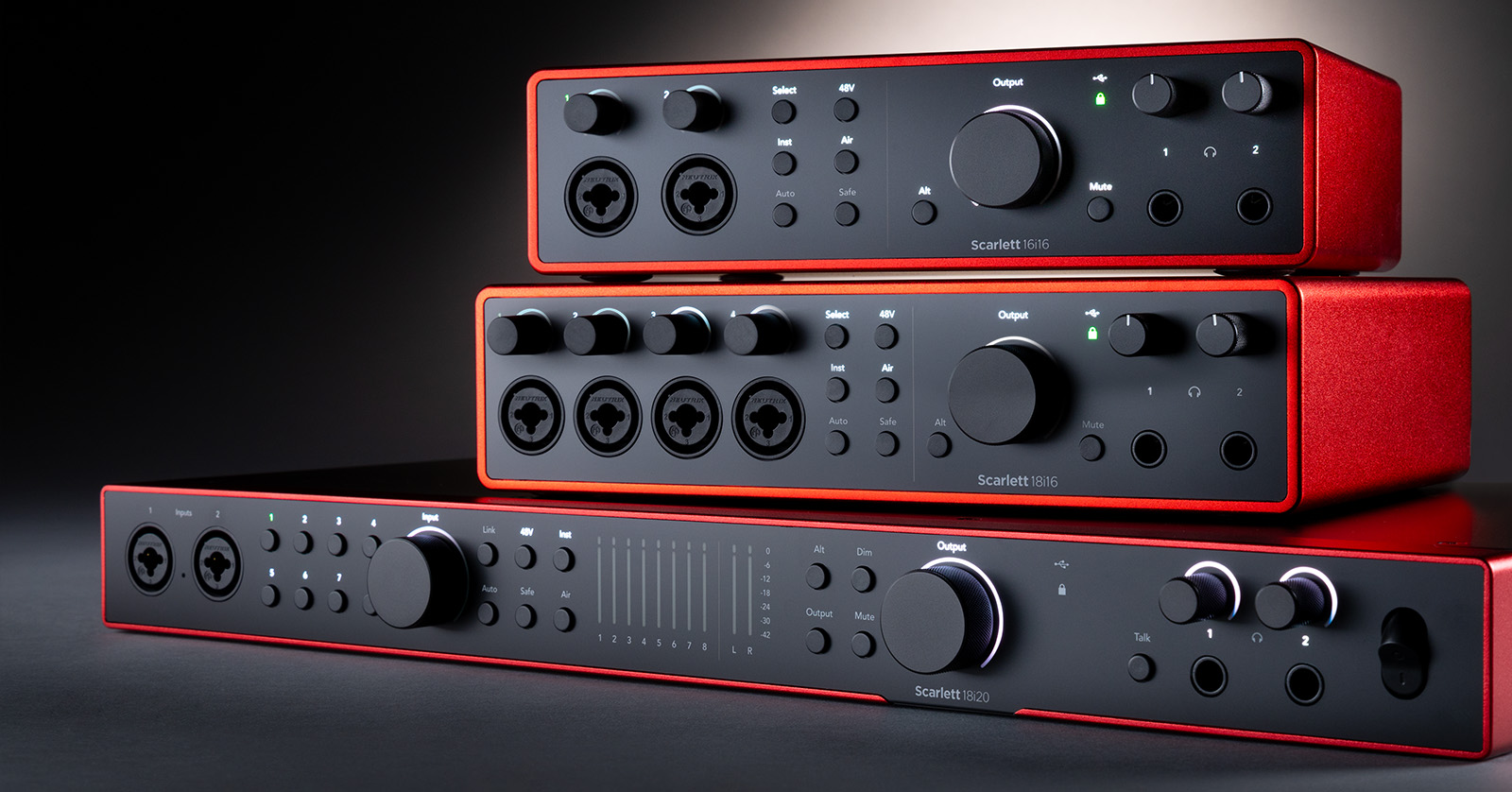
Here at Sweetwater, we’re dedicated to getting you up and running, so in this series, we will show you how to set up, connect, and use the Focusrite Scarlett audio interface.
- Focusrite Scarlett setup and connections
- How to use Focusrite Control 2 software
- Windows PC and Mac audio interface resources
Focusrite Scarlett setup and connections
The Focusrite Scarlett is the industry-standard audio interface used in both home and professional home studios around the world. The Scarlett’s connections are straightforward no matter what recording setup you have. Some Scarlett’s have more inputs and outputs available (e.g., ADAT, S/PDIF), the initial setup and registration is exactly the same.
Scarlett ADAT and S/PDIF connections
Focusrite Scarlett 8i6, 18i8, and 18i20 audio interfaces have S/PDIF connections. The 18i8 and 18i20 interfaces also have ADAT connections to expand your input and output count.
How to use Focusrite Control 2 software
After you have your Focusrite Scarlett set up and connected, you’ll next need to learn how to use the Focusrite Control 2 software. Focusrite Control 2 is the standalone application on PC, Mac, and iOS that allows you to update and edit hardware settings, create and edit custom software routing, and also adjust system and hardware levels.
Other audio interface resources
Once you’re ready to use your Focusrite Scarlett, check out our audio interface resources to help optimize your computer’s audio performance even further.
When you need help, Sweetwater has the answers!
Our knowledge base contains over 28,000 expertly written tech articles that will give you answers and help you get the most out of your gear. Our pro musicians and gear experts update content daily to keep you informed and on your way. Best of all, it’s totally FREE, and it’s just another reason that you get more at Sweetwater.com.

