
Bose S1 Pro System Setup Guide
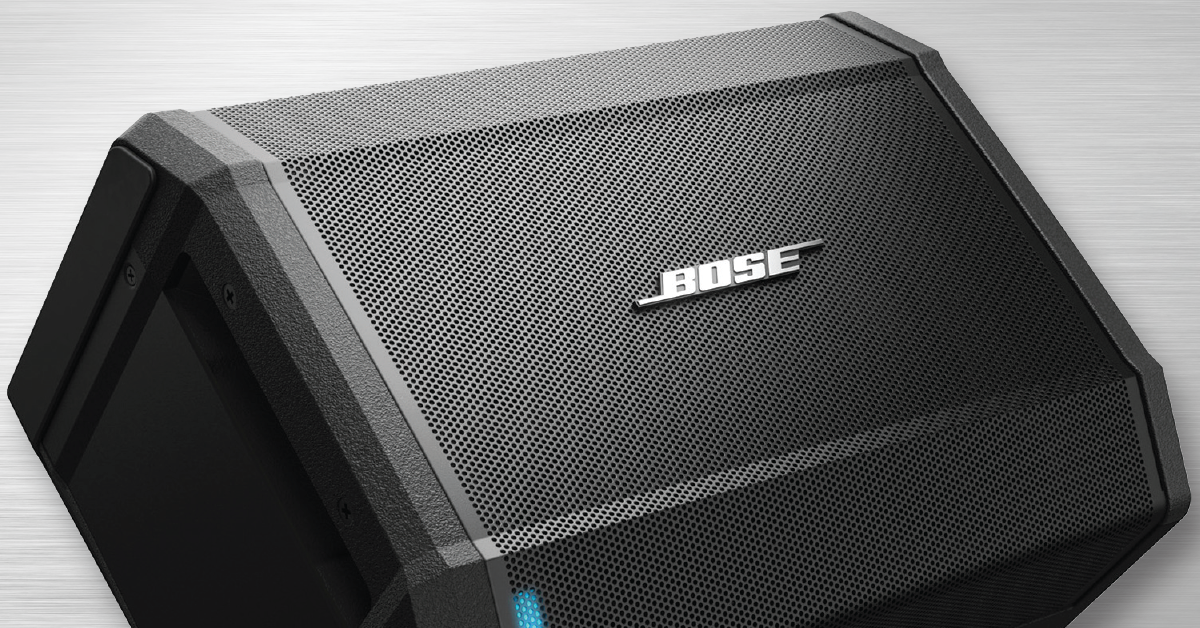
Here at Sweetwater, we’re here to provide the best experience possible. So in this guide, we will discuss how to set up a Bose S1 Pro system and use it to its full potential. Follow the sections below to get started.
S1 setup and connections
The S1 is a very versatile speaker which can be used as a personal monitor or, if you have speaker stands, a PA speaker. Once you have the S1 set up, follow these steps to set up the unit. Make sure to turn all of the volume knobs down before you power the system on.
- Turn the device to Standby, which is the middle position of the Power switch.
- Connect the power cable, then turn the S1 on.
- Connect your sound sources.
- Instruments: Any instrument can be connected with a ¼” or XLR cable to Channel 1 or 2.
- Microphones: Any dynamic microphone can be connected with an XLR or ¼” cable to Channel 1 or 2.
- Aux Sources: Any mobile device or MP3 player will be connected with a 3.5mm cable, which is dedicated to Channel 3.
Are you using multiple S1’s?
If you’re using multiple S1 speakers, connect a TRS cable from the LINE OUT of one to the INPUT Channel 1 or Channel 2 of another. If you aren’t sure what cable to use, Check out our article on the difference between TS and TRS cables.
S1 PA Monitor setup examples
Test the signal
Once you have the speaker set up and everything is connected, the last step is to set the levels for all of the inputs. Follow these steps to get it up and running.
- Turn the volume up for any instruments or devices connected to the S1 speaker.
- Slowly turn the corresponding S1 volume knob up until reaching the optimum volume.
- Adjust the EQ and reverb knobs to fine-tune the sound of your instrument or microphone.
Using Tonematch
If you are using an acoustic guitar or microphone, the Tonematch feature is convenient because it will automatically adjust the sound of your instrument. You may need to make some fine adjustments afterward, however. To do this, move the switch to either guitar or microphone to activate it.
When connecting two S1’s, you will need to disengage both the Tonematch and reverb on the secondary speaker. The same will apply if you connect them to a mixer when using them as standard PA speakers.
Don’t clip the signal!
If the Signal LED on the channel starts flashing red, that means it is clipping, and you will need to turn it down a little bit. Too much clipping will cause distortion and premature damage to your speaker!
Tonematch settings
S1 Bluetooth streaming
The S1 has built-in Bluetooth streaming capability, which is particularly useful when playing background music or backing tracks. To get the best connections possible, make sure to update your firmware beforehand. Follow these steps to pair your device to the S1 successfully.
- On your device, turn on Bluetooth.
- Press and hold the Bluetooth button on the S1 for approximately two seconds. The Bluetooth light will flash white once it’s ready to pair.
- Select the Bose S1 from the Bluetooth device list. The Bluetooth light will turn solid white once successfully paired.
- If your device asks for a password/PIN, enter ‘0000’.
Are you hearing your phone ring?
If your phone is streaming via Bluetooth and you receive a call, the music will drop out, and you will hear the phone ring through your speaker. To prevent this from happening, consider enabling airplane mode on your device.
Once your device is paired, the Bluetooth light will stay solid.
Bose S1 Pro – Unboxing and Setup
Additional resources
Related Articles
When you need help, Sweetwater has the answers!
Our knowledge base contains over 28,000 expertly written tech articles that will give you answers and help you get the most out of your gear. Our pro musicians and gear experts update content daily to keep you informed and on your way. Best of all, it’s totally FREE, and it’s just another reason that you get more at Sweetwater.com.

