
Bose L1 Pro Quickstart Guide
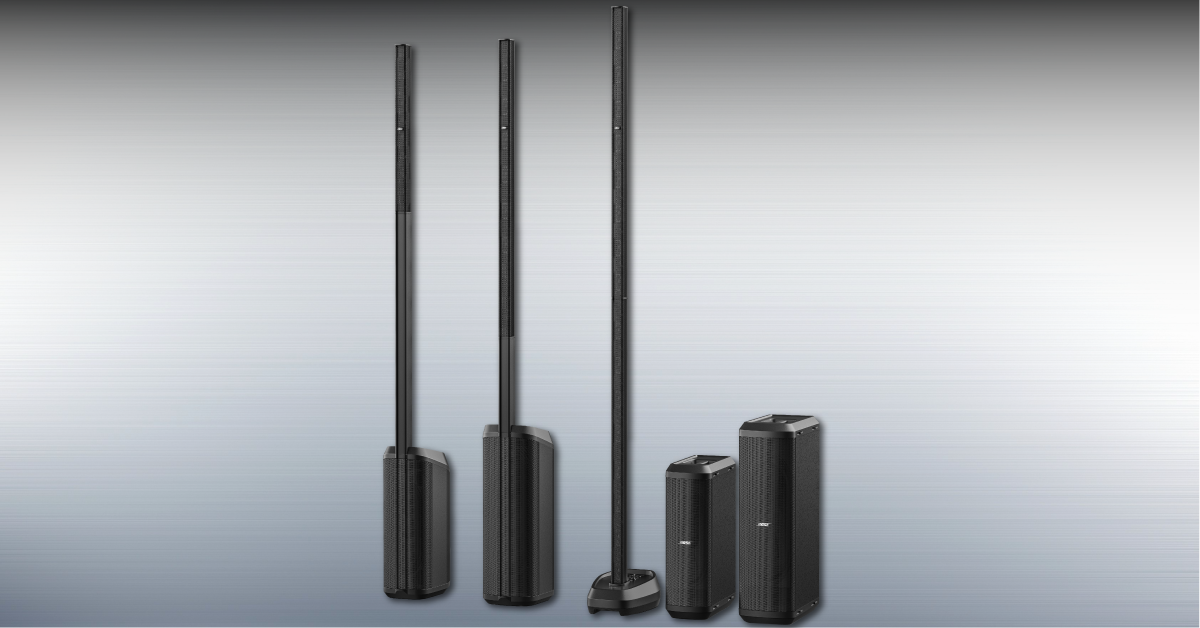
How to set up the Bose L1 Pro
Here at Sweetwater, we’re dedicated to providing you with the best experience possible. So in this guide, we’ll show you how to register, set up, and connect your new Bose L1 Pro speaker system. Follow the sections below to get started.
- Register your L1 Pro
- L1 Pro setup and connections
- How to pair your mobile device to the L1 Pro via Bluetooth
Register your L1 Pro
Before we get everything set up, let’s register the L1 Pro with Bose first. When registering the speaker system, you’ll receive important updates for your L1 Pro and provide proof of ownership (which you’ll need in the event you need to send it in for warranty repair).
All you need to do is go to the Bose product registration page, enter the Serial Number (located on the back or bottom of the speaker), click Next, then follow the on-screen instructions.
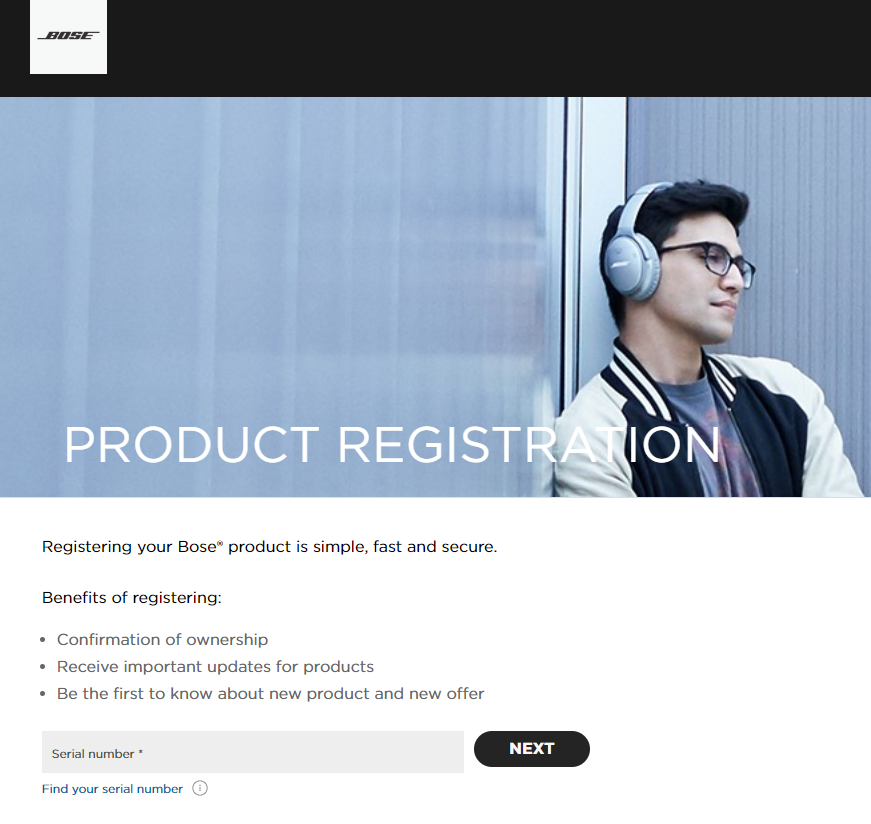
Click the image to register your Bose L1 Pro speaker system.
L1 Pro setup and connections
The Bose L1 Pro is a very versatile speaker system, in that you can use it virtually anywhere. Setting it up and connecting everything is a breeze, too! Depending on the venue you’re using it, you may consider setting it up one way over the other, so follow these steps to get everything set up and connected
TIP: For the best sound possible, Bose recommends that the arrays are at ear level. So if you’ve placed your L1 Pro on stage, only connect one of the arrays. Add the additional array if you have your L1 Pro on the floor.
- Connect the array(s) to the sub, then connect the power cable. Do NOT turn the L1 Pro on until your gear is connected.
- Connect your input sources, then press the Standby (power icon) button.
- Instruments and Microphones: Any instruments or microphones can be connected with a ¼-inch or XLR cable to either Channel 1 or Channel 2.
- Aux sources: Mobile devices, MP3 players, or any other audio playback systems can be connected to Channel 3 via a 3.5 mm cable.
- Line-level audio sources: Use a ¼-inch TRS cable to connect line-level audio sources.
Configure the L1 Pro inputs
Once everything is connected, the last thing you’ll want to do is adjust the level, EQ, and reverb. The L1 Pro already provides two great EQ presets to help dial your sound in even further.
Please note that reverb is only available on Channels 1 and 2 and that it’s recommended not to use the ToneMatch presets if connected to a mixer.
- Turn the volume up for the input devices connected to the L1 Pro.
- Begin playing and slowly turn the encoder knob until you reach an optimal level. If it’s too loud, the green LED will turn red, which indicates your signal is clipping.
- Press the encoder knob to select the Treble, Bass, and Reverb settings.
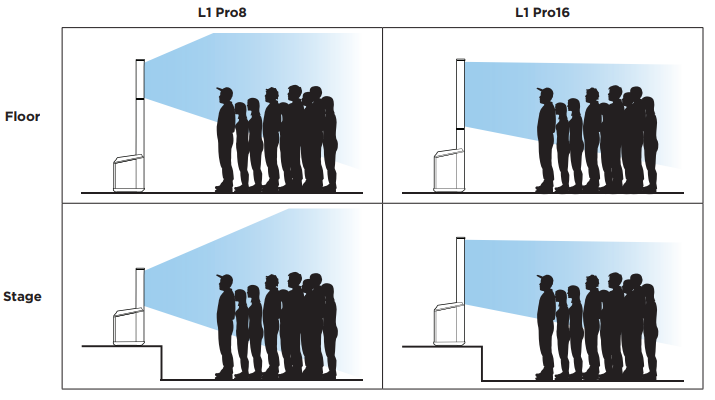
Bose’s recommended placements for your Bose L1 Pro system.
How to pair your mobile device to the L1 Pro via Bluetooth
If you’re in the back of the room, or if the L1 Pro is behind a band, you can use your Android or Apple mobile device to control all of the settings. You cannot only control the settings on the L1 Pro, but you can also stream audio at the same time! What makes it unique is that your mobile device will recognize it as two separate Bluetooth sources. Be sure your mobile device is connected beforehand!
- Go to the Google Play Store or App Store to download and install the Bose L1 Mix app.
- Launch the app and follow the onscreen instructions. When prompted, give your L1 Pro name.
- Your mobile device should now be paired to the L1 Pro for control. You can confirm by going to your Bluetooth menu and looking for a device starting with “LE.”
- This will only allow you to control the settings on your speaker system. You won’t be able to stream audio quite yet.
Pair your mobile device for audio streaming
- Press and hold the Bluetooth button on the L1 Pro until it flashes blue.
- Open the Bluetooth settings on your mobile device and pair with the device that should have the name that you chose during the initial Bluetooth setup.
- After it has successfully paired, the Bluetooth LED on the L1 Pro will turn white.
Bose L1 Pro Bluetooth Connections Explained
Bose L1 Mix App Overview
Related content

Learn more about how to set up PA systems!
Learn More
Learn more about how to work with mixers!
Learn More
Learn more about how speakers work!
Learn More
Learn more about testing your speakers!
Learn MoreAdditional resources
Analog Connections Overview
Onboard Controls Explained
When you need help, Sweetwater has the answers!
Our knowledge base contains over 28,000 expertly written tech articles that will give you answers and help you get the most out of your gear. Our pro musicians and gear experts update content daily to keep you informed and on your way. Best of all, it’s totally FREE, and it’s just another reason that you get more at Sweetwater.com.

