

Apple macOS Resource Center for Musicians
macOS Sequoia
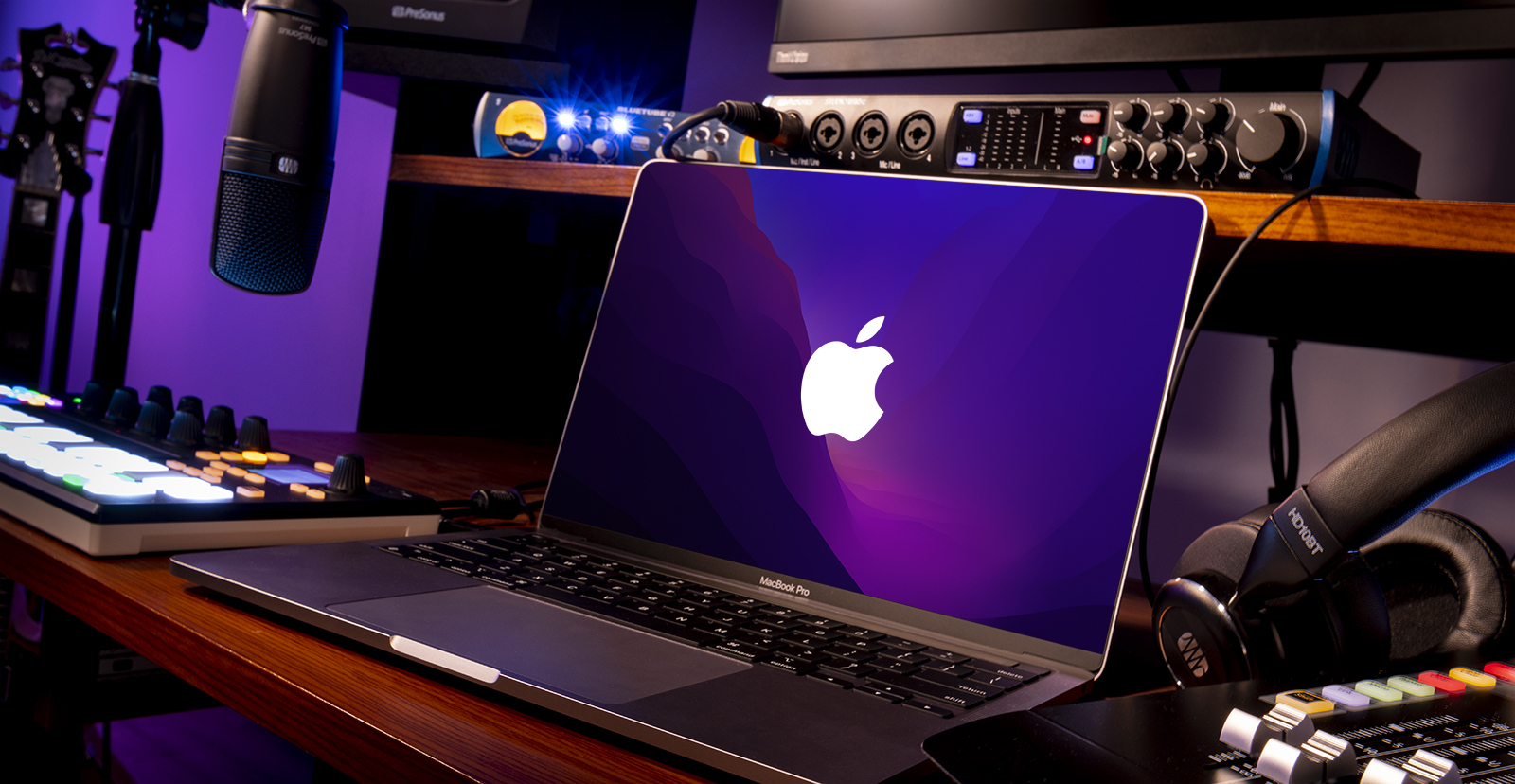
As of late 2024, macOS Sequoia (also known as macOS 15) is the newest, most recently release of Apple’s Mac operating system. New Mac computers are configured with the latest compatible version of macOS available at the time of production, but older, compatible models can upgrade to macOS Sequoia.
Getting Started
Before upgrading macOS, make sure that your Mac and the third-party music, audio and content creation hardware and software that you own are all supported on the new version. Learn more in our Should I Upgrade? article and Compatibility Guide.
Upgrade and Optimize
Here are some tips for optimizing your Mac for recording and content creation. Check out our macOS Audio Optimization Guide below to customize your Mac’s settings.
Backup and Restore
Your computer is working great, but what happens in an emergency? Protect all the data stored on your Mac by creating a Time Machine Backup on an external storage drive. Learn how to back up your Mac in our Time Machine Backup Guide.
If you upgrade to macOS Sequoia and discover that important components of your hardware and software aren’t compatible, it’s possible to downgrade or revert to an earlier version of macOS. Check out our Downgrade Guide in case you need to roll back to a past operating system version.
Sweetwater Support Resources
Audio and MIDI Devices
Get started with your Mac by learning about the Audio MIDI Setup app for macOS and how aggregate audio devices work. That will explain how to verify that your audio/MIDI devices are set up and configured successfully.
Update Drivers
Class-compliant (aka driverless) devices do not require additional software beyond the native macOS audio/MIDI drivers to connect with your Mac. Devices that require a driver must have their respective third-party software installed before connecting. Learn more about managing software updates and where to download drivers for audio/MIDI devices.
Troubleshooting Guides
The world is filled will all sorts of devices, and sometimes they don’t work as expected when connecting to your Mac. Whether it’s an audio or MIDI device, or whether it requires additional software or not, we’ve got solutions for you. Follow our guides for resolving audio interface and MIDI device issues for Mac.
Storage Drives
Storage drives come in all kinds and configurations. Regardless of the kind of drive you have (USB, Thunderbolt, hard disk, solid-state, etc.), you just need to know how to make it work. Learn more about how to format external storage drives, how to create partitions on Mac, and more.
Apple Support Resources
Apple’s support resources for audio and MIDI devices are excellent. Whether you’re getting started with Mac for the first time or learning about the latest features new to macOS, the Apple Support guides for Mac and macOS are excellent resources you can rely on. Learn more on their macOS User Guide and Mac Support pages.
Audio and MIDI Devices
Audio
- Set up audio devices in Audio MIDI Setup on Mac
- Audio Devices window of Audio MIDI Setup on Mac
- Combine audio devices into a single aggregate device in Audio MIDI Setup on Mac
- Play audio through multiple devices at once in Audio MIDI Setup on Mac
- If audio switches to a different device in Audio MIDI Setup on Mac
- About the audio ports on Mac
- Change the sound input settings on Mac
- Change the sound output settings on Mac
- If you can’t hear sound from your Mac speakers
- Set up a Bluetooth audio device to work with Mac
- Stream audio and video from your Mac with AirPlay
MIDI
- Set up MIDI devices using Audio MIDI Setup on Mac
- MIDI Studio window in Audio MIDI Setup on Mac
- Test your MIDI connection in Audio MIDI Setup on Mac
- Share MIDI information over a network in Audio MIDI Setup on Mac
- Transfer MIDI information between apps in Audio MIDI Setup on Mac
- Set up Bluetooth MIDI devices in Audio MIDI Setup on Mac
Updates and Drivers
- Connect and use other storage devices with Mac
- Use one keyboard and mouse to control Mac and iPad
- Intro to syncing your Mac and your devices
- Devices settings for your Apple Account on Mac
- Use two-factor authentication for Apple Account security on your Mac
- Add a printer to your printer list so you can use it on Mac
- Print wirelessly from your Mac to your printer
- Change Pointer Control (Mouse and Trackpad) preferences for accessibility on Mac
Troubleshooting Guides
- Troubleshoot external networking devices on Mac
- Update your printer software if your printer has a printing problem on Mac
- Browse your network for an Audio-Video Bridging device in Audio MIDI Setup on Mac
When you need help, Sweetwater has the answers!
Our knowledge base contains over 28,000 expertly written tech articles that will give you answers and help you get the most out of your gear. Our pro musicians and gear experts update content daily to keep you informed and on your way. Best of all, it’s totally FREE, and it’s just another reason that you get more at Sweetwater.com.

