
AKG Lyra Quickstart Guide
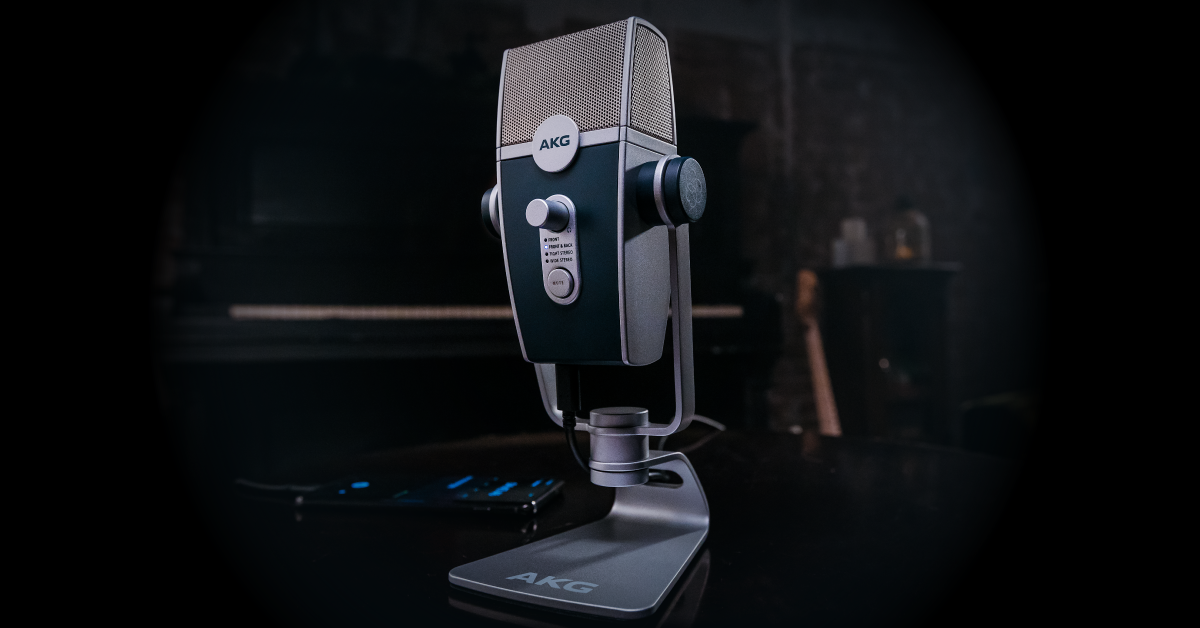
Getting started with the AKG Lyra
In this guide, we’ll walk you through how to use the AKG Lyra USB mic for the first time. Setup is really simple, so follow the instructions and tips below to get started.
How to set up the Lyra
TIP: Turn the headphone volume and mic gain knobs all the way down before connecting. This will ensure that both the input and output aren’t hot.
The AKG Lyra is a breeze to set up. It’s class-compliant, meaning no additional drivers are required, and is bus-powered too, which means no additional power supply is necessary. You can even use it with your iOS or Android device, too!
- Connect the Lyra to your computer or mobile device via the included USB-C cable.
- Connect your headphones, then begin speaking/performing into the mic.
- Turn the headphone volume up until it’s at a comfortable listening level.
- Launch your recording software of choice, and select it as your playback and recording device.
- Begin speaking/performing, and slowly turn the mic gain up to an acceptable level.
- If your recording software’s level meter turns red, you’re clipping and will need to turn the microphone gain down.
Connect the Lyra to your iOS or Android device
If you’re a traveling musician or podcaster, you can use the AKG Lyra with your phone or tablet. Depending on what type of device you’re using will depend on what device version you currently have.
iOS
iOS devices can’t provide enough power to your Lyra, so if you own an iOS device that is 10.7 or higher, you’ll need a powered USB hub, an official Apple Lightning to USB camera adapter, and a USB-A to USB-A cable.
- Use the included USB-C to USB-A cable to connect the Lyra to the powered USB hub.
- Connect the USB-A to USB-A cable from the hub to the lightning to USB adapter, then the adapter to your device.
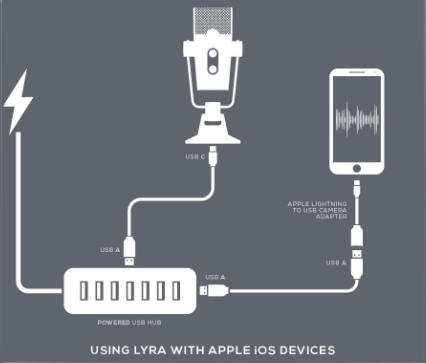
How to connect the AKG Lyra to an iOS device
Android
When using your Lyra with an Android device, all you need is an OTG (on-the-go) adapter. Not all Android devices are OTG compatible, so please check your mobile device’s specification page or owner’s manual to confirm OTG compatibility.
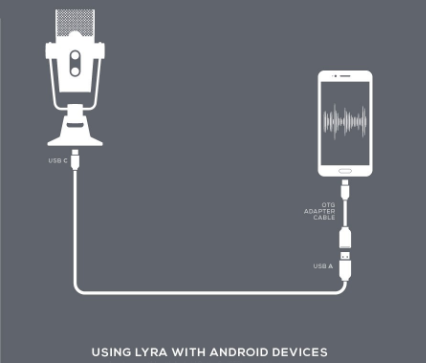
How to connect the AKG Lyra to an OTG-compatible Android device
Ableton Live Lite
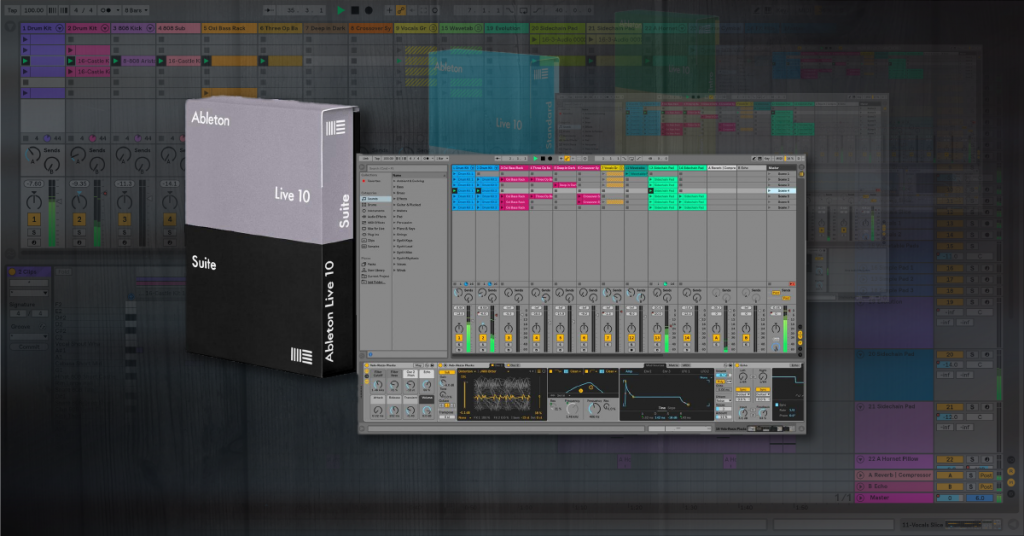
In the box, AKG should have provided you with a free copy of the Ableton Live Lite DAW to get you up and running fast. Check out our activation guide so you can start recording right away!
Related content
Learn more about optimizing your Windows 10 computer for music production!
Learn More
Learn more about optimizing your Mac computer for music production!
Learn More
Learn more about getting started with Ableton Live!
Learn More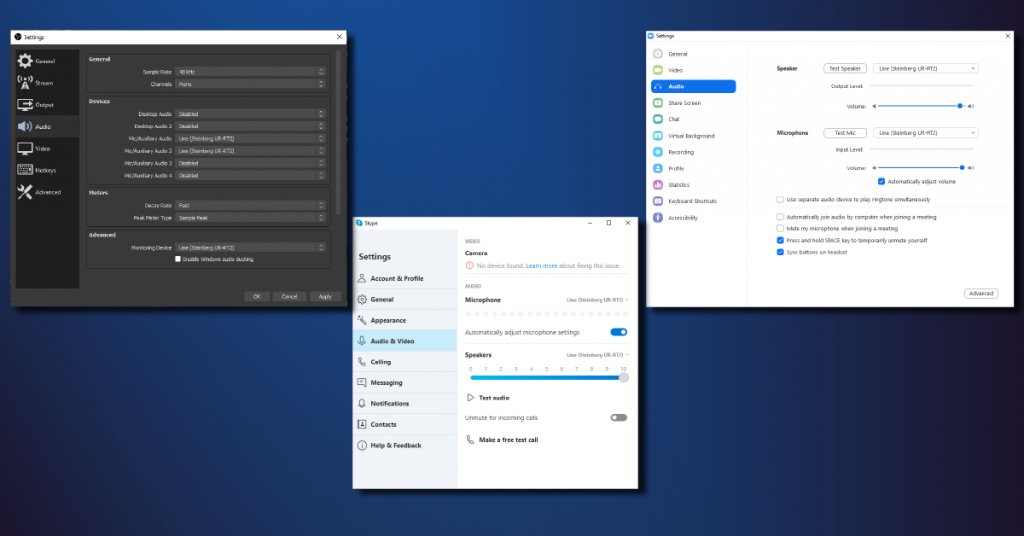
Learn more about how to set up audio for video conferencing!
Learn MoreAdditional resources
AKG Lyra Tutorial Series Playlist
When you need help, Sweetwater has the answers!
Our knowledge base contains over 28,000 expertly written tech articles that will give you answers and help you get the most out of your gear. Our pro musicians and gear experts update content daily to keep you informed and on your way. Best of all, it’s totally FREE, and it’s just another reason that you get more at Sweetwater.com.

