
Universal Audio UAD Plug-In DSP
Getting started
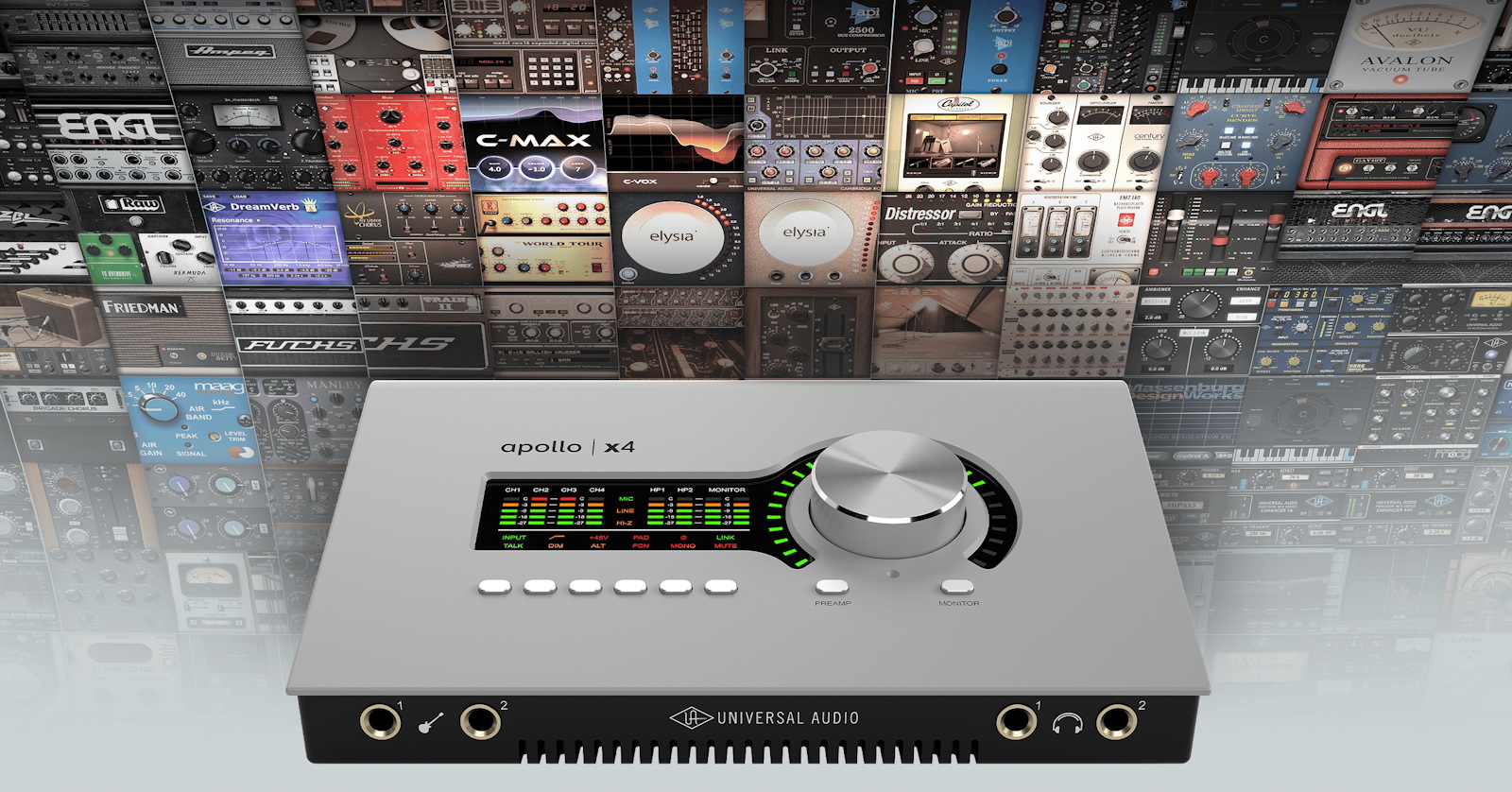
In this guide, we’ll show you how to work with plug-ins using Universal Audio’s UAD-2 DSP chips and Console application. You’ll learn what DSP is, how it works, and how to use it. Follow the sections below to get started.
What is DSP?
Before we dive in, it’s important to know what DSP is and how it works. DSP (digital signal processing) is a way to offload the processing power of plug-ins from your computer’s processor to the processor built into the Apollo or Satellite. By allocating all UAD processing to the external processor, your computer’s internal processor will have more bandwidth for other operations. This is particularly useful with older and slower computers.
How many UAD plug-ins can I use?
Not every UAD plug-in uses the same amount of DSP. So depending on which plug-in you use will determine how many UAD plug-ins can be used simultaneously per track. For a full, comprehensive list of how much DSP each UAD plug-in uses, check out Universal Audio’s DSP Chart.
DSP in UA Console
When you add a plug-in on a channel in Console, the DSP meter goes up. This means each Console channel has its limitations. If the amount of DSP used is more than what the Apollo can handle, the plug-in will be disabled, and you’ll receive an error message stating that the channel’s limit has been exceeded.
Optimize DSP usage
Before you even start using the UAD plug-ins, it’s great practice to optimize the Console software so you get the best performance possible out of the device and plug-ins. Follow these steps to optimize DSP usage in the UAD software.
UAD Control Panel Console
- Open UAD Control Panel, select Configuration, and adjust the following settings:
- Limit DSP load to: 100%
- DSP LoadLock: Off. With this disabled, features or options for certain plug-ins can be disabled which saves DSP usage.
- (Logic Pro users only) Release all UAD DSP resources on AU bypass: On. This will release DSP which is used in real-time when bypassing a plug-in.
- Open UA Console, click Settings, and adjust the following settings:
- Cue Bus Count: 2. Each Cue mix bus uses DSP for mixing and routing. If you’re only using one or two cue mix busses, leave this set to 2.
- Input Delay Compensation (IDC): Off. IDC is used for phase alignment if multiple inputs are being used for a single source and have upsampled plug-ins loaded.
- DSP Channel Pairing: Adjust as necessary. DSP channel pairing allocates the resources from Virtual Channels to Input Channels. The more DSP pairs you allocate, the less Virtual Channels there will be.
Other optimizations
- Higher sample rates require more DSP for UAD plug-ins. Use a lower sample rate when possible to maximize the amount of usable UAD plug-ins.
- Engage UAD REC in the Insert Effects section to print the plug-in effects while recording. This is particularly useful when using guitar amp plug-ins for guitar tracks or reverb on vocals. Selecting UAD MON will only monitor the effects and not apply them to the recordings.
- When mixing in your DAW, group channels together and add plug-ins to Aux tracks instead of instantiating the same plug-in on each individual track. For example, group vocal tracks together and use one instance of a reverb plug-in instead of loading the plug-in on each track.
Channel DSP Pairing
Additional resources
- Managing DSP Resources
- Getting the Most Out of Your Available UAD-2 DSP
- Console Channel DSP Limitations
- Why is some DSP used when I have no UAD Plug-ins loaded?
Related content
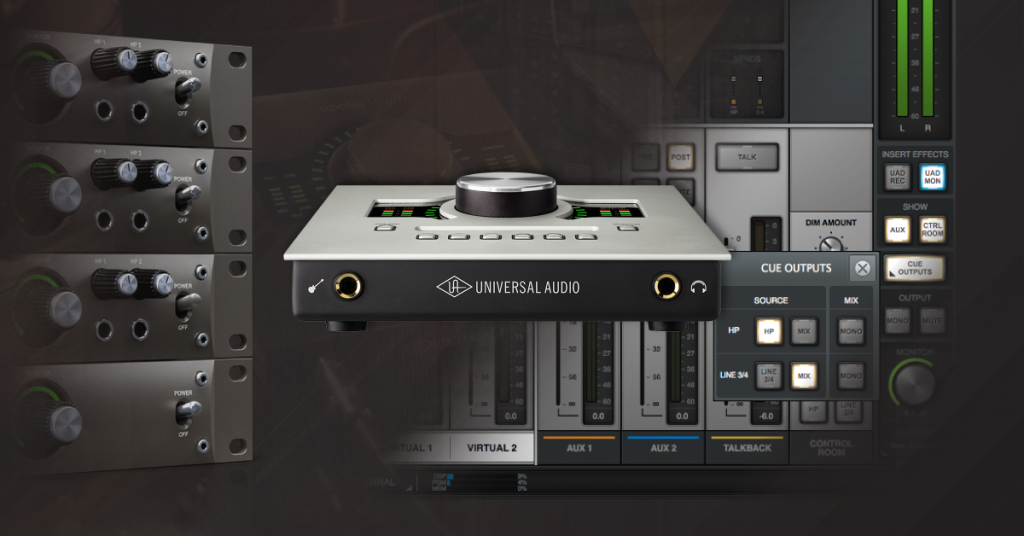
Learn more about how to use cue outputs and create headphone mixes!
Learn More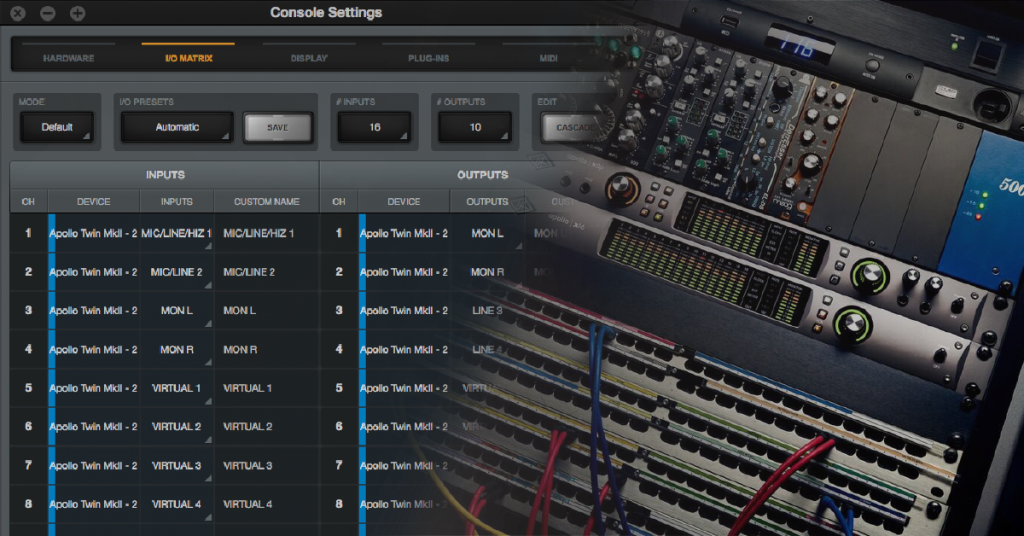
Learn more about Apollo Console Routing!
Learn More
Learn about how to reset Universal Audio Apollo interfaces!
Learn More
Learn more about how to set up Universal Audio Apollo interfaces!
Learn MoreWhen you need help, Sweetwater has the answers!
Our knowledge base contains over 28,000 expertly written tech articles that will give you answers and help you get the most out of your gear. Our pro musicians and gear experts update content daily to keep you informed and on your way. Best of all, it’s totally FREE, and it’s just another reason that you get more at Sweetwater.com.

