
Positive Grid Spark Quickstart Guide
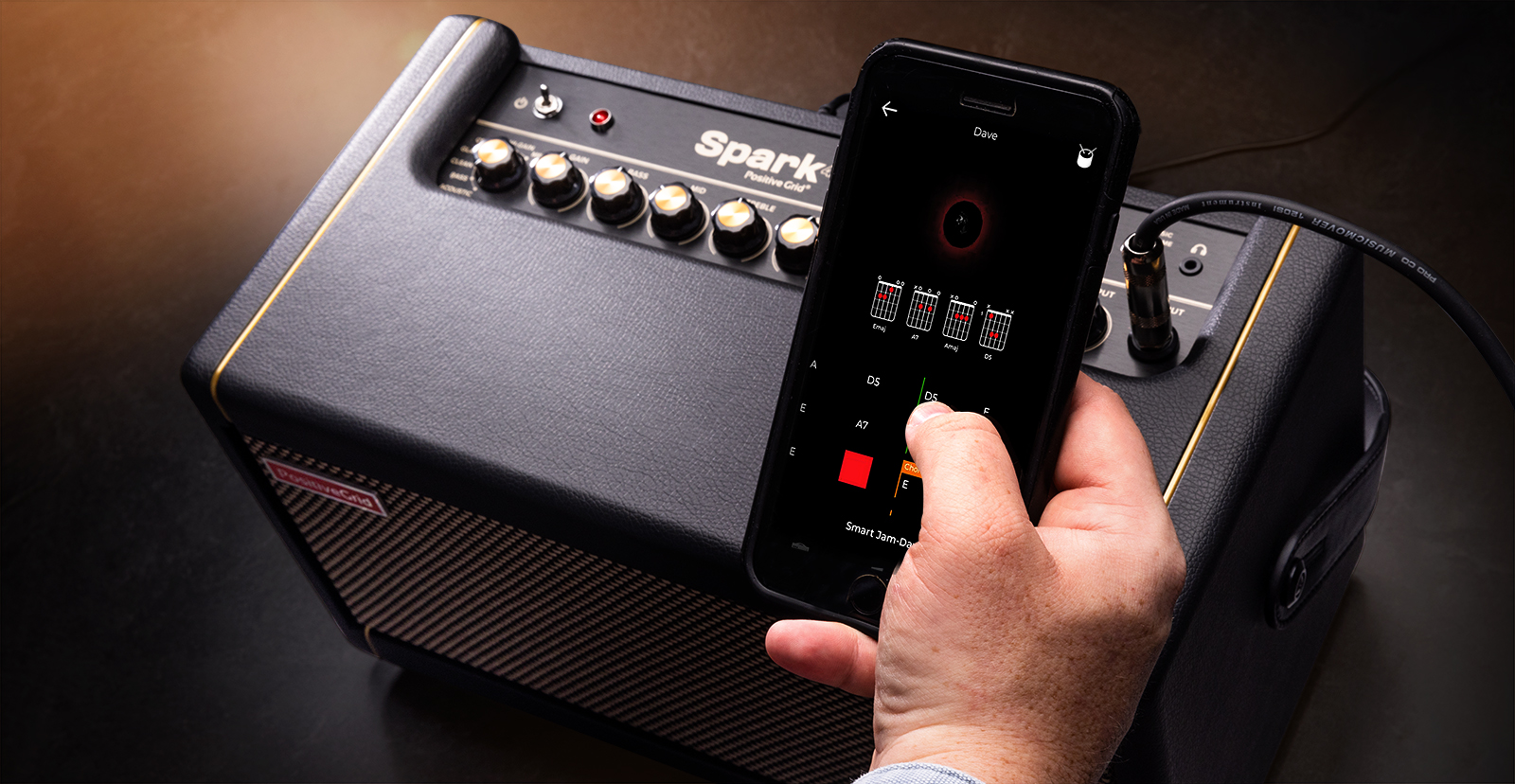
NOTE: This guide covers the original model Spark, also referred to as the Spark 40, as well as the Spark Mini.
If you have the Spark 2, check out our Positive Grid Spark 2 Quickstart Guide.
The Positive Grid Spark is a great amp to jam with at home or while you’re on the road, so in this guide, we’ll show you how to register, set up, and use the amp for the first time. Follow the instructions below to get rocking.
Register the Spark
Before you get up and running, you’ll want to register the amp.
- Log into your Positive Grid account. If you don’t have one, you can create an account here.
- Enter the Serial Number located at the back of the Spark and click Submit.
Setup and Connections
The Spark is built with portability in mind, so setting it up is a breeze. It’s a plug-and-play device, so you spend more time playing and less time messing with cables.
- Please note that the knobs on the Spark amp are digital, not analog. This means that the physical position of the knobs may not reflect the current tone of the preset.
Computer
NOTE: The USB port is for data connection only and will not stream raw audio. This means it can act as an audio interface, but cannot play back audio from applications like Spotify or Apple Music.
Use the included USB cable to connect the Positive Grid Spark to your computer to record your guitar. The Spark is class-compliant on Mac, meaning no additional driver software is needed. However, if you’re a Windows PC user, you must download and install the Positive Grid Windows Driver for Spark.
- (Windows PC users only): Go to the Positive Grid Help Center Spark page and click the link for Installing Windows Driver for Spark. Download the Windows driver installer from the link provided, and follow the instructions on the page.
- Connect the Spark to your computer and set it as the default playback and recording device.
- Launch the Spark app and find the tone you want.
- Create an audio track and start recording!
Bluetooth
NOTE: The Aux In jack takes priority over Bluetooth, so be sure nothing is connected to the Aux In jack if you want to stream audio from your mobile device via Bluetooth.
You can utilize the Bluetooth feature on the Spark for streaming audio and using the Spark app. When you enable Bluetooth on your phone, you will see two instances of Spark: Audio and BLE. For instructions on pairing your mobile device with the Spark, check out our Android and iPad guides to learn more!
- If you want to stream audio, make sure to select Audio.
- If you use the Spark app, you will want to choose BLE.
Using the Spark App
The Spark app is packed full of features that make playing guitar enjoyable. Not only can you fully customize guitar tones that you can save to the amp, but you can also jam with your favorite songs from Spotify and Apple Music and even play with auto-generated tracks based on your riff!
- Download the Spark app from the App Store or, if you’re an Android user, the Google Play Store.
- Android devices must be running on version 8.1 or higher.
- Launch the Spark app and follow the on-screen instructions to pair the amp with the app. After it’s paired, the app will take you to the tone editor.
- Adjust the settings of each effect. To switch through different types of an effect, double-tap the pedal.
- Once you’ve found a tone you like, press the three dots at the top of the screen, then select where you want to save it.
- You can only save four tones to the amp at once, but you can save an unlimited amount on the app for later recall.
Related Articles
When you need help, Sweetwater has the answers!
Our knowledge base contains over 28,000 expertly written tech articles that will give you answers and help you get the most out of your gear. Our pro musicians and gear experts update content daily to keep you informed and on your way. Best of all, it’s totally FREE, and it’s just another reason that you get more at Sweetwater.com.

