
Flux:: Software Activation Instructions

In this guide, we will show you how to register, download, and activate your new Flux Software Engineering plug-in. Follow the sections below to get started.
- Create an iLok Account
- Register the Code with Plugivery
- Log in and Link iLok Account
- Redeem License Code
- Download and Install Software
Create an iLok Account
NOTE: If you already have an iLok account, skip these steps and continue below to register your code. Learn more about iLok licensing in our iLok Setup Guide.
Flux software is licensed with an iLok. That means you must connect its iLok license to your computer to use it. If you don’t already have an iLok account, you must create one and install the iLok License Manager app. Follow these steps to get started.
- Visit iLok’s registration page and complete the registration form. Take note of your User ID and password.
- Open the iLok Account Activation email. Click on the verification link.
- Download and install the iLok License Manager.
- Launch the iLok License Manager app. Sign in to your iLok account.
- (Optional): Connect an iLok. When prompted, click Yes to register it to your account.
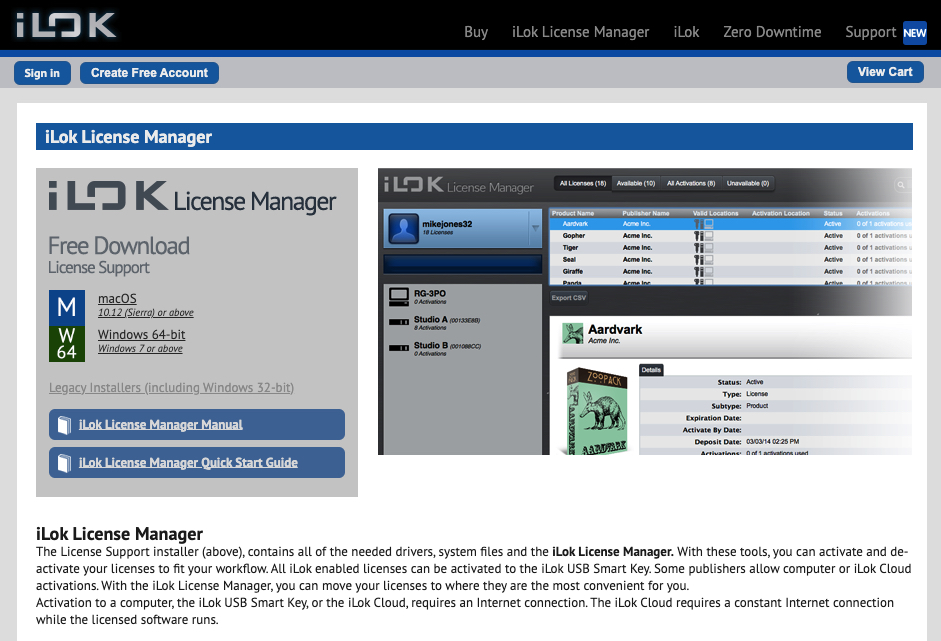
Click the image to create an iLok account.
Register Code with Plugivery
IMPORTANT: You will only use the Sweetwater redemption code during this step in the activation process. Plugivery will provide a separate, unique serial number AFTER you complete this step.
Once you’ve created an iLok account, the next step is to register your serial number using Plugivery.
- Sign in to your Plugivery Manager account. If you don’t have an account yet, you can create one here.
- Go to the Plugivery software redemption page, then copy and paste the redemption code you received from your Sweetwater Sales Engineer.
- Fill out the necessary information to complete the registration process.
- You will receive an email from Plugivery that includes the Flux License Key.
- If you don’t receive an email, go to your Plugivery account home page, then click Licenses. You can then view your Flux License code.
- If you don’t receive an email, go to your Plugivery account home page, then click Licenses. You can then view your Flux License code.

Click the image to redeem your Sweetwater Plugivery code.
Log in and Link iLok Account
Before submitting your registration number, you must link your iLok account to your Flux user account.
- Log into your Flux account. If you don’t have one, scroll to the bottom of the page, click Create Account, and fill out the necessary information. Please note that your username will be your email address.
- Flux will send you an account verification email if you’re creating a new account. Check your Spam folder if you don’t receive the email within five minutes!
- On your account home page, click iLok account link, click Link, then enter your iLok credentials.
- iLok accounts are case-sensitive, so be sure to enter the iLok username exactly as you created it, or else it may be sent to a different iLok user!
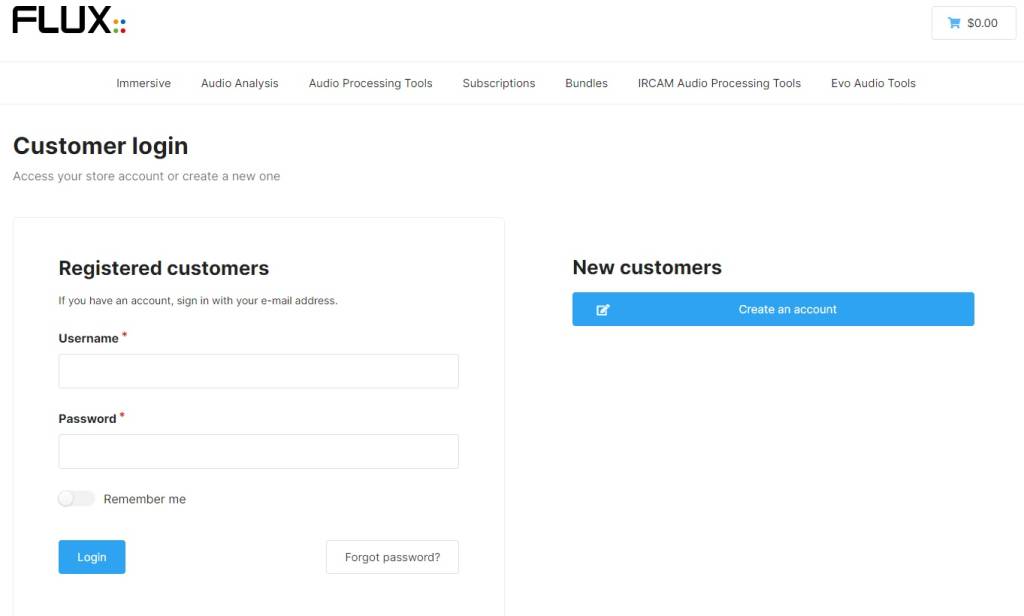
Click the image to log into your Flux account.
Redeem License Code
Now that your iLok account is synced with your Flux Software Engineering account, you can redeem the License code you received from your Sweetwater Sales Engineer.
- On your account home page, scroll down and click License codes.
- Next, click Redeem a License code.
- Copy and paste the License code generated from Plugivery, then click Redeem it!
Download and Install Software
After redeeming your License code, you must download and install the Flux:: Center application and your plug-in.
- Go to the Flux:: Center download page. Select the download for your OS.
- Navigate to your Downloads folder, locate and launch the installer, and follow the on-screen instructions.
- Once installed, Launch Flux:: Center and enter your Flux account credentials.
- Once you’re logged in, any plug-ins you redeem will be available to download.
- You can change the plug-in installation path by clicking the Gear icon.
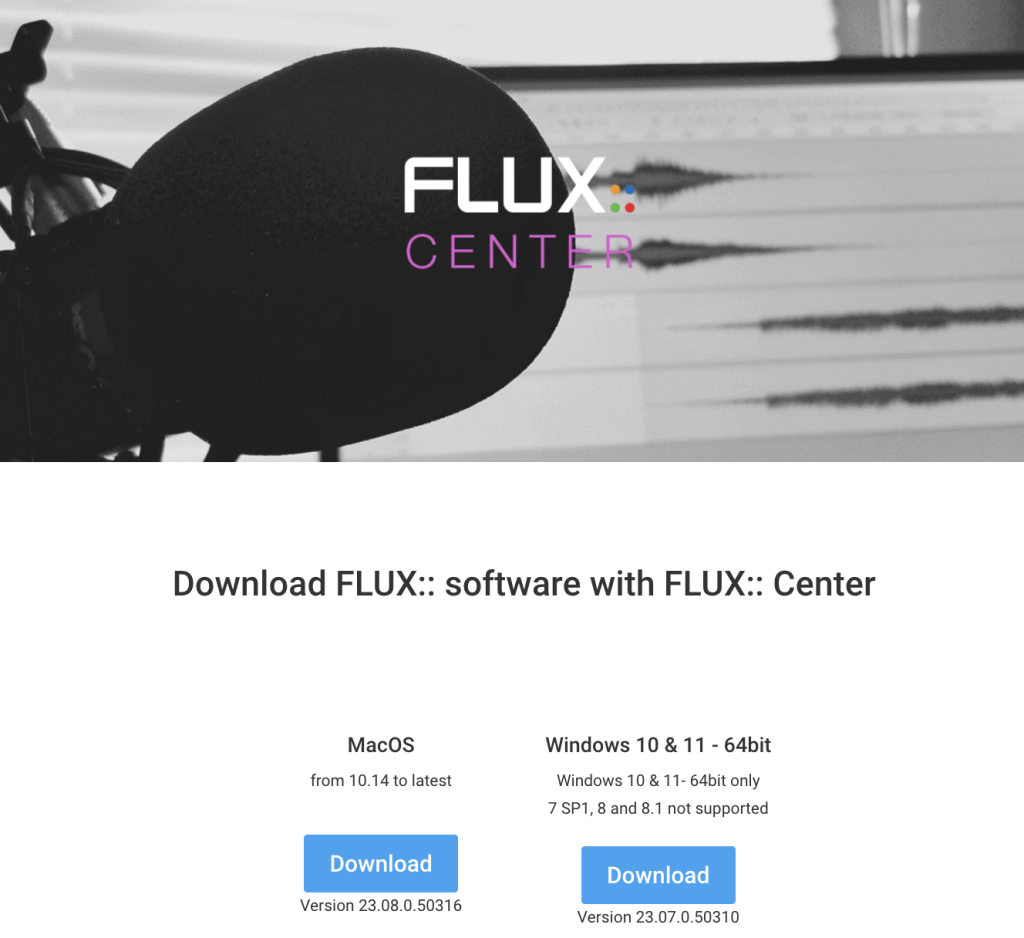
Click the image to download Flux:: Center.
When you need help, Sweetwater has the answers!
Our knowledge base contains over 28,000 expertly written tech articles that will give you answers and help you get the most out of your gear. Our pro musicians and gear experts update content daily to keep you informed and on your way. Best of all, it’s totally FREE, and it’s just another reason that you get more at Sweetwater.com.

