

GetGood Drums Groove MIDI Pack Software Activation Instructions

In this guide, we will show you how to register, activate, and install your new GetGood Drums Groove MIDI pack. Follow the sections below to get started.
Register GetGood Drums Grooves MIDI Pack
To register your software, all you have to do is visit Continuata’s registration page and fill out your purchase information including your name, email, and download code. The download code can be found in the Software Activation Instructions email sent from your Sweetwater Sales Engineer.
GetGood Drums will then send you an email containing download instructions for your product.
- Visit the Continuata registration page.
- Enter the product purchase information. The Download Code can be found in the Software Activation Instructions email sent from your Sweetwater Sales Engineer.
- Click Register.
- Locate the new email from Continuata and follow the included instructions to download your software.
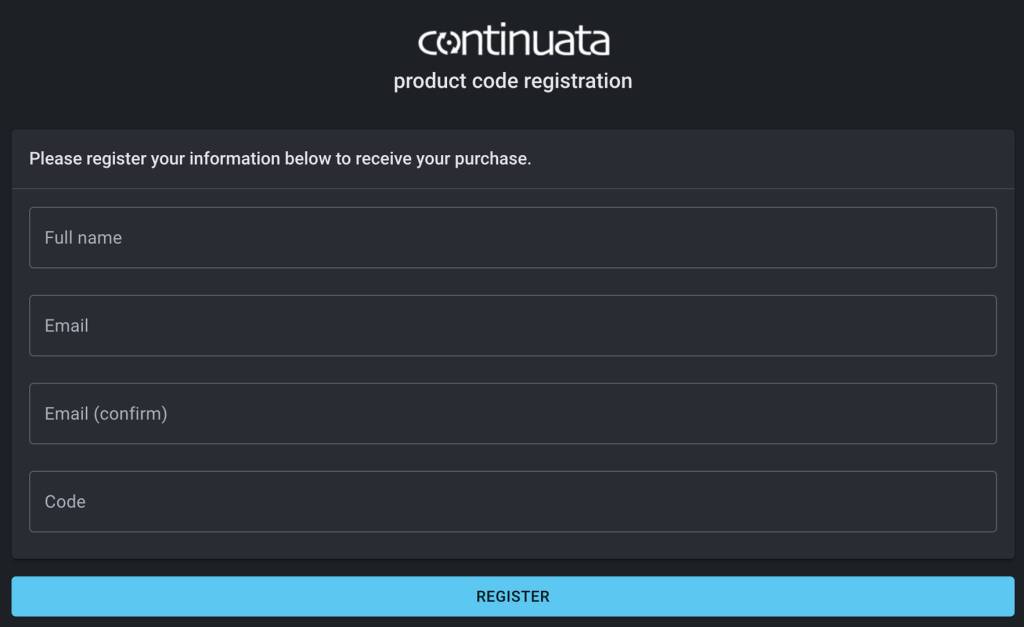
Click the image to register your activation code.
Download Continuata Conduct and Install Groove MIDI Pack
Once you have registered your GetGood Drums Groove MIDI Pack, you must download and install the Continuata Conduct application. This is the standalone application where you will activate and download your product.
- Go to the Continuata Conduct download page and download the latest version for your OS.
- Locate and launch the installer. Once installed, launch the application.
- Open the email you received from GetGood Drums, copy the Download Code, and click PASTE DOWNLOAD CODE FROM CLIPBOARD. Your Groove MIDI Pack will now appear and will be available for download.
- Click the three dots located next to your product, choose Open folder, and set the installation path of your choosing.
- Locate your GetGood Drums MIDI folder.
- Launch Kontakt Player, select the Instruments dropdown beneath GetGood Drums, and choose Open containing folder.
- Copy and paste the Groove MIDI Pack file into the MIDIFiles folder, then restart Kontakt Player.
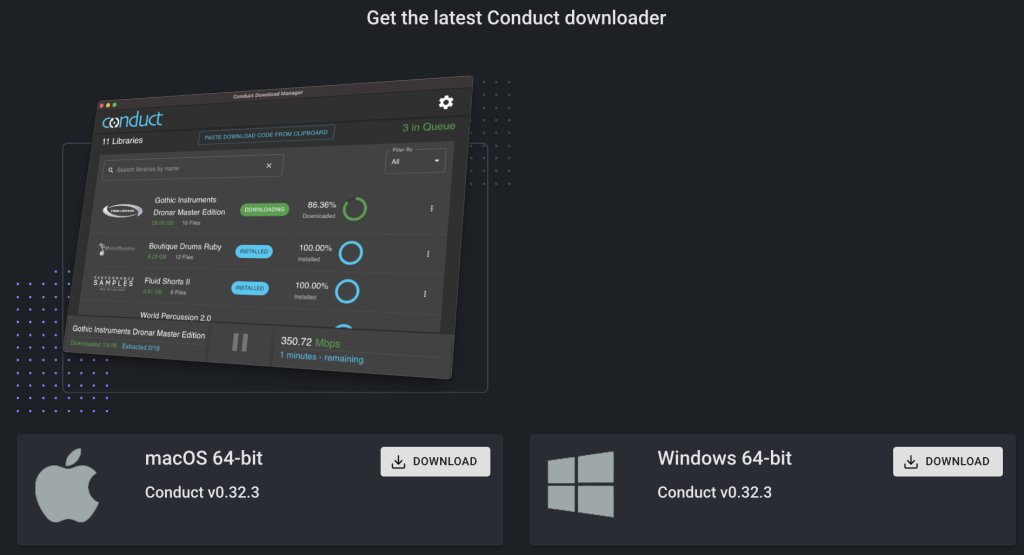
Click the image to download Continuata Conduct
When you need help, Sweetwater has the answers!
Our knowledge base contains over 28,000 expertly written tech articles that will give you answers and help you get the most out of your gear. Our pro musicians and gear experts update content daily to keep you informed and on your way. Best of all, it’s totally FREE, and it’s just another reason that you get more at Sweetwater.com.

