
eLicenser Setup Guide
IMPORTANT! The eLicenser licensing services shut down May 20, 2025. Please visit Steinberg’s FAQ page and our Memo for further information.
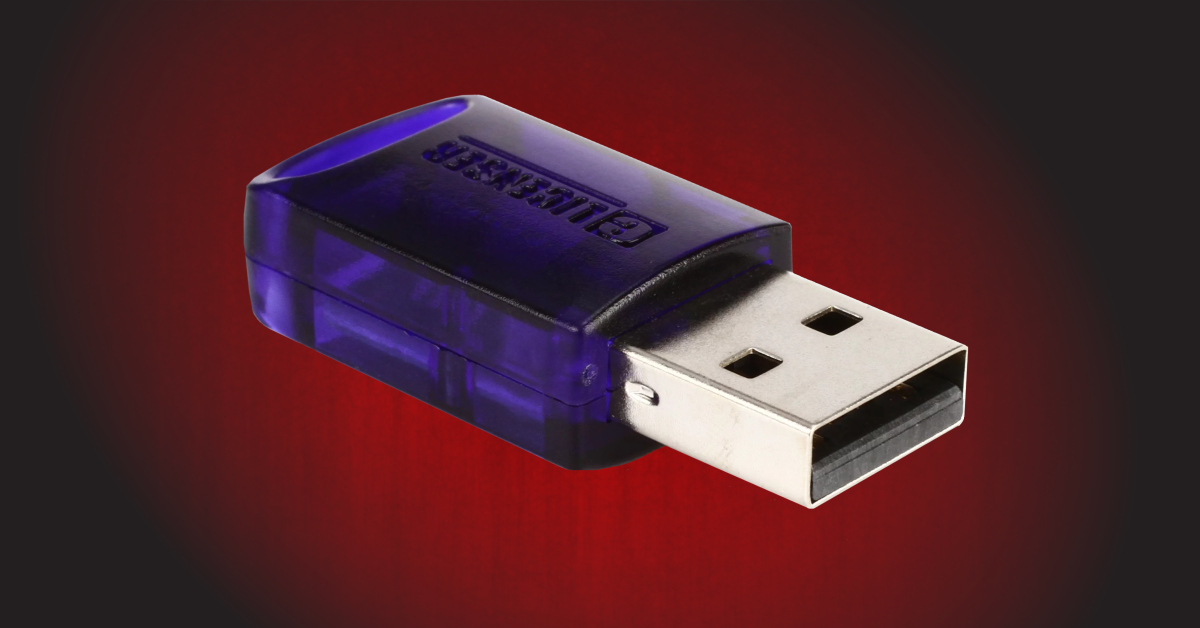
If your software requires activation using an eLicenser, this guide will show you how to get started with the eLicenser USB and software licensing system. We’ll explain what it is and how to use the eLicenser Control Center app to register your eLicenser activation key. Follow the sections below to get started.
What is an eLicenser key?
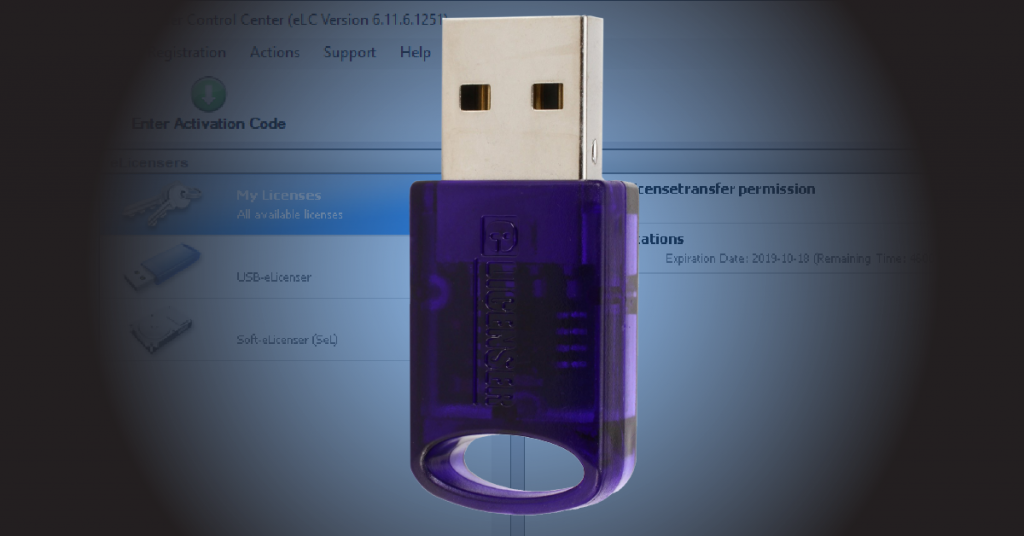
Before showing you how to get up and running with your eLicenser key, you should first know what it is and how it works. Software protected using an eLicenser key won’t open until a license is found on a physical Steinberg or VSL eLicenser USB key or a Soft eLicenser on your computer’s hard drive. Like other license management, it’s an added layer of security for your DAW and plug-in software licenses. Check out the eLicenser information page for more information.
Do I need a USB eLicenser key?
Most software using the eLicenser activation system will require the use of a USB eLicenser key. However, some products (such as Steinberg’s Cubase LE) do not require a USB eLicenser and are instead activated directly to your computer’s hard drive. This is known as a Soft eLicenser.
- Licenses that reside on a Soft eLicenser can be transferred to a USB eLicenser key at any point. You cannot undo this action, however, and you must perform the transfer on a computer with internet access.
- If you purchased a new computer or if you had to reinstall your OS and the software license is on a Soft eLicenser, you’ll need to deactivate and reactivate the Soft eLicenser. The process is slightly different for each manufacturer, so check out their support page for more information.
Transferring a license from Soft eLicenser to USB eLicenser | Support
What is eLicenser Control Center?
eLicenser Control Center (sometimes called eLCC)is used to activate, maintain, and manage your licenses and USB eLicenser keys. eLCC works directly with your specific product, so make sure you have an account with the software manufacturer created beforehand!
If you purchased your software from a reseller such as Sweetwater, you will receive a serial number (Vienna Symphony Library) or download access code (Steinberg). Although you have the serial number, you’ll still need to register your Soft eLicenser or USB eLicenser key so that you can transfer the software’s license.
- Use eLicenser Control Center to perform maintenance tasks. This cleans up eLicenser memory and will keep everything updated so you don’t run into any issues or errors.
- We recommend running maintenance at least once a month to keep your software running smoothly.
Download eLicenser Control Center
Downloading and installing eLicenser Control Center is just like any other installer. Go to the download page to download, then once it’s finished, run the installer. Please note that eLicenser Control Center does not have a dedicated page. Instead, it is located on Steinberg’s website. Even though it’s hosted there, you’ll download the same installer for any product that uses the eLicensing system.
- Go to the eLicenser download page on Steinberg’s website.
- Click on the latest version for your OS to begin the download.
- Once the download is complete, go to your Downloads folder, launch the installer, and follow the on-screen instructions.
- If you’re having issues with eLicenser Control Center, uninstall it from your computer and go to the eLicenser download page. Next, scroll down to Alternative versions, then download and install the latest version of that for your OS.
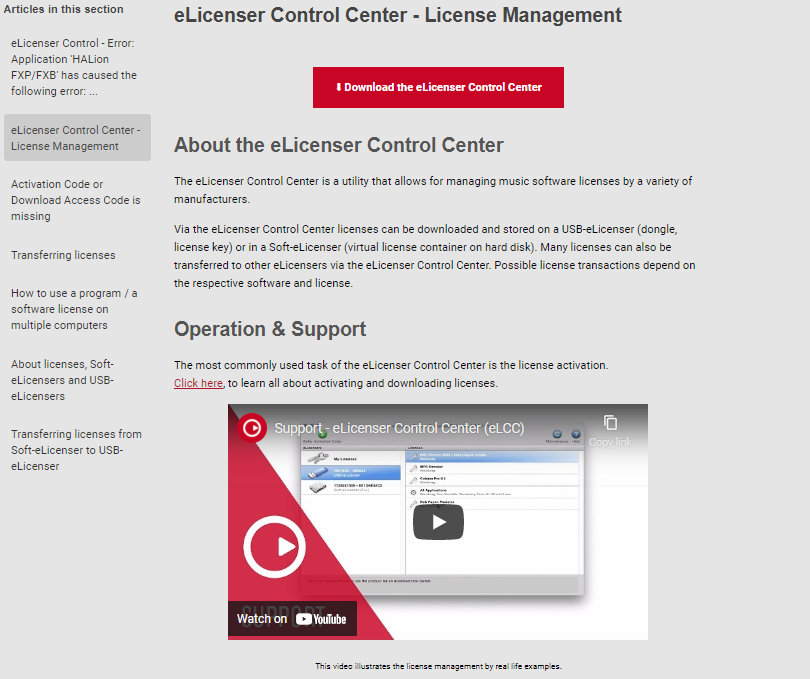
Click the image to download eLicenser Control Center
Register your USB eLicenser activation key
REGISTRATION TIP: If you have more than one eLicenser key, you can register them all at once by navigating to Registration, then click Register all eLicensers.
Some manufacturers will require you to register your USB eLicenser key before activating your software. The process is straightforward. Create or log in to your software manufacturer’s user account, connect your USB eLicenser, and then register it. Remember, connected USB eLicensers must have the valid license loaded to use your software!
- Connect the USB eLicenser to your computer, then launch eLicenser Control Center.
- Click Registration, hover over the USB eLicenser, then click Copy Serial Number.
- Go to the manufacturer’s eLicenser registration page, paste the serial number, and then click the Register button.
- Please visit your software manufacturer’s support page for more eLicenser registration information.
- The manufacturer should then send you the software activation code to complete the registration process.
Support – eLicenser Control Center (eLCC)
Related content
When you need help, Sweetwater has the answers!
Our knowledge base contains over 28,000 expertly written tech articles that will give you answers and help you get the most out of your gear. Our pro musicians and gear experts update content daily to keep you informed and on your way. Best of all, it’s totally FREE, and it’s just another reason that you get more at Sweetwater.com.

