
Elektron Model:Cycles Setup Guide
Getting started
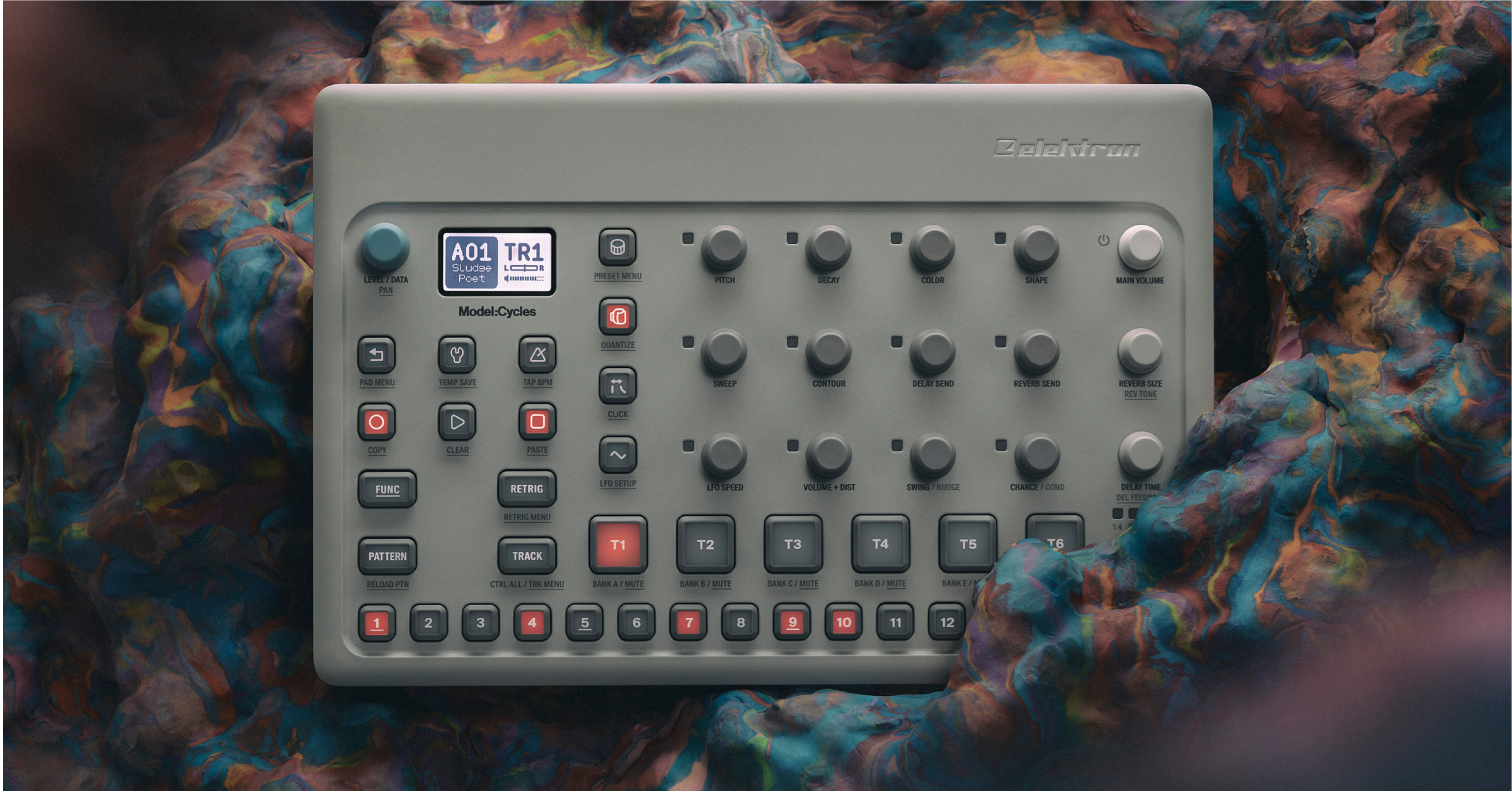
In this guide, we will show you how to get up and running with the Elektron Model:Cycles. You’ll learn how to register and navigate the product, as well as making your first patterns. Follow the sections below to get started.
Register the Model:Cycles
Before we get our hands on the device, the first thing you’ll want to do is register the device with Elektron. When you register the sequencer, you’ll receive an extended three-year warranty as well as full support if the device encounters a bug. Follow these steps to register your Model:Cycles.
- Log in to your Elektron account. If you don’t have one, you can create it here.
- On your account page, navigate to the Person icon at the top right, click My Registered Products, then enter the product’s serial number.
- The serial number is found both on the bottom of the unit, as well as the side of the box.
- Follow the on-screen instructions to complete the registration process.
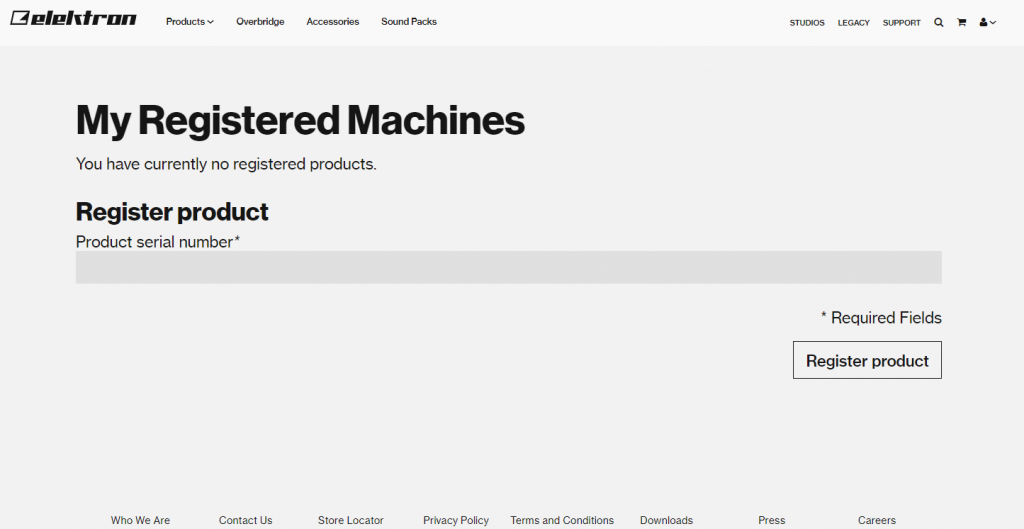
Click the image to register your Model:Cycles
Navigating the sequencer
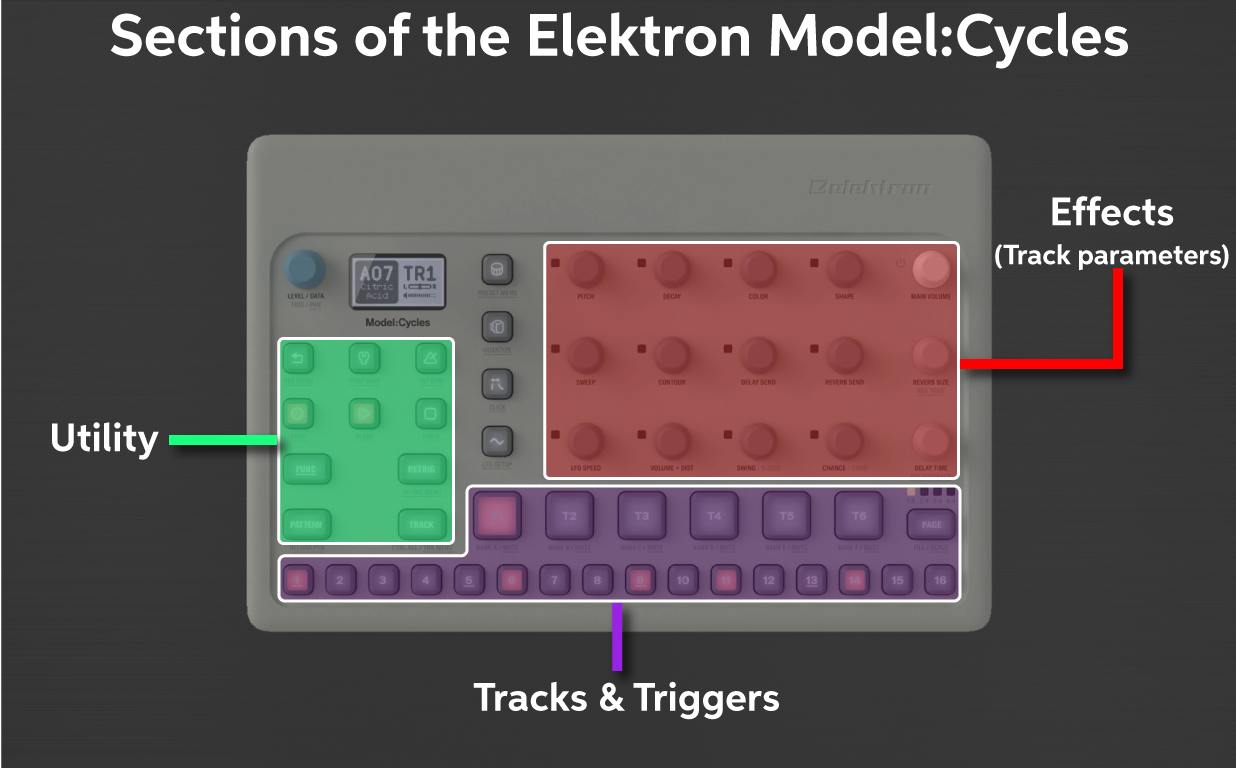
While the Model:Cycles has quite a few encoders and buttons, it can be broken down into three primary sections. Effects, Tracks and Triggers, and Utility. All play an integral part in getting creative. The menu navigation is simple, as well. You can change quite a few parameters, and when holding the FUNC button, you can enter even more menus and change more settings.
Click the image to enlarge
Effects (track parameters)
The Effects (track parameters) section is pretty straightforward for monophonic FM based synthesis. Every sample loaded on a track can be altered in any way, and then can be saved as a custom preset.
- Press and hold the FUNC button while turning an encoder for a more significant parameter change.
- Press and hold a trigger while changing parameters to apply changes that will only affect that specific step. Once applied, the red LED next to the encoder will light up. This only applies to the dark gray encoders.
- Visit the Parameter section of the Model:Cycle user manual for a detailed description of how parameters affect each type of sound.
Tracks and Triggers
The Track (T1-T6) buttons are where the samples reside. The Trigger (1-16) buttons are what you’ll use to enter the steps, be it manually or by recording live. While you’re only limited to six tracks for an individual pattern, you can have up to 70 presets loaded on each track! The trackpads are velocity sensitive, as well.
- To turn fixed velocity (trackpads no longer velocity-sensitive) on, follow these steps:
- Press and hold the FUNC button, press the PAD MENU button
- Rotate the DATA ENCODER to select FIX, then press it to change the velocity from OFF to any velocity you wish.
- Mute specific tracks by holding the FUNC button, then pressing the track channel you wish to mute.
Utility
The utility section of the Model:Cycles includes buttons such as the metronome, transport controls, punch (compression), and various menus like quantization, presets, click settings, and LFO setup.
- Holding the FUNC button allows you to access sample sub-menus, which are underlined. For example, holding the FUNC button while pressing the MACHINE button will allow you to change the specific sound of the current track.
- Press and hold the RETRIG button to select a track silently.
- Press the WRENCH button to access the Config menu. This is where you will change the global options of the device, like various audio, MIDI, project, and sample settings.
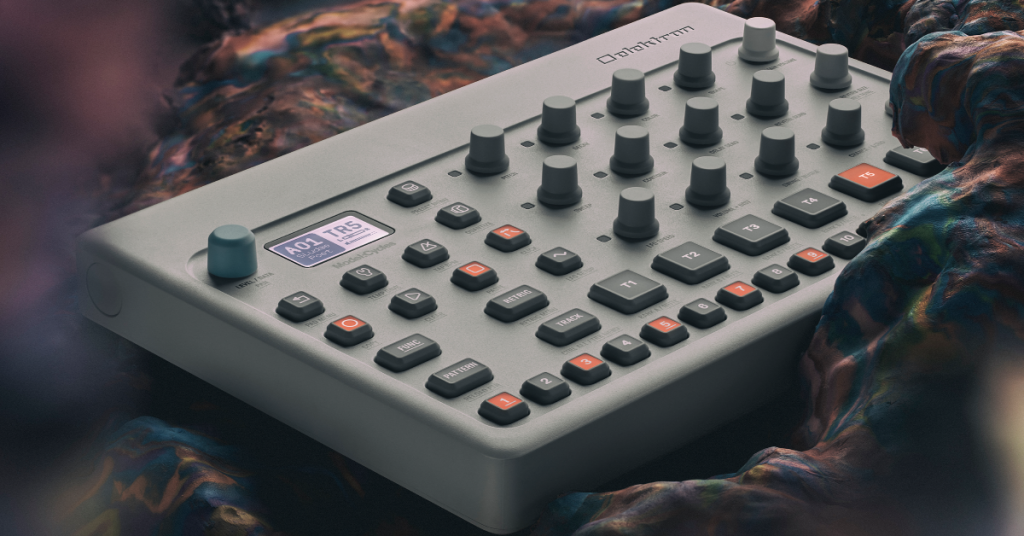
Learn how to create, edit, and save projects and patterns using an Elektron Model:Cycles.
Related content
When you need help, Sweetwater has the answers!
Our knowledge base contains over 28,000 expertly written tech articles that will give you answers and help you get the most out of your gear. Our pro musicians and gear experts update content daily to keep you informed and on your way. Best of all, it’s totally FREE, and it’s just another reason that you get more at Sweetwater.com.

