
Casio WU-BT10 Setup Guide
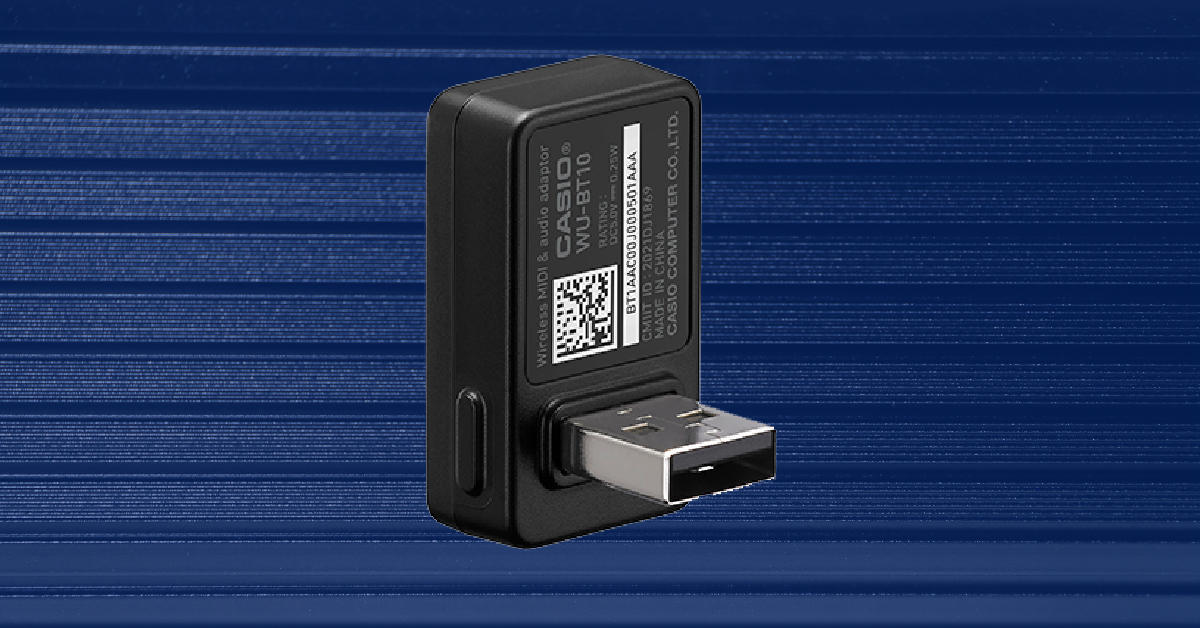
In this guide, we will show you how to register, set up, and pair your new CASIO WU-BT10 with a Casiotone CT-S400, CT-S1, and LK-S450. Follow the sections below to get started.
Register the WU-BT10
Before you get started, you first need to register the WU-BT10 with Casio. Upon registration, you’ll receive exclusive Casio product support, offers, and an extended warranty. Keep your Sweetwater invoice handy, as you’ll need some information off of that to complete the registration.
- Go to the Casio registration page and select Electronic Musical Instruments.
- Fill out the necessary information, then click Finish.
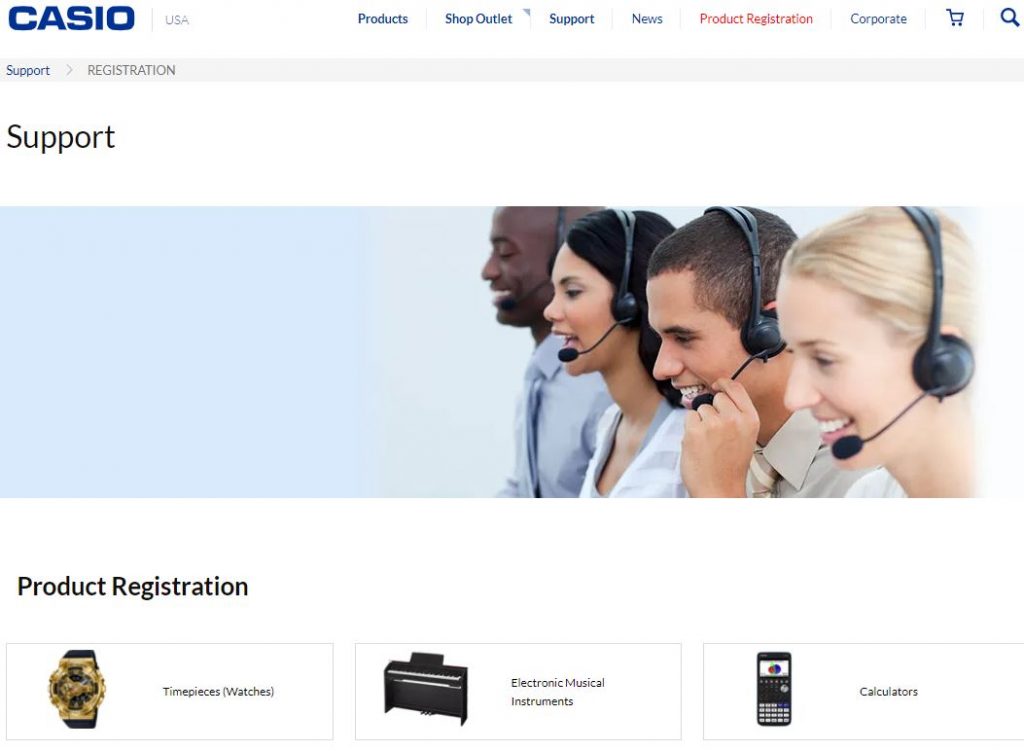
Click the image to register your WU-BT10
Pair with your mobile device
Once registered, the next step is to pair it via Bluetooth. You can pair it with your mobile device and stream audio to the Casiotone, or you can pair it with your computer so you can send wireless MIDI to your compatible software. The processes are straightforward, so follow these steps to pair your mobile device to your Casiotone.
- Turn on Bluetooth on your mobile device.
- Turn your Casiotone keyboard off, then connect the WU-BT10 to the USB port on the back.
- Turn the Casiotone back on.
- Press and hold the Function button and A flat 5 key.
- Once you hear clicks, the Casiotone is in Bluetooth pairing mode.
- Open your mobile device’s Bluetooth device menu, then pair it with the WU-BT10.
How to record MIDI via Bluetooth
With the WU-BT10 connected, your Casiotone can send MIDI over Bluetooth. This means you can play and record in your favorite music application that accepts MIDI. The process for each app is different, so you’ll need to refer to the app’s manual for more information.
Download the Chordana Play app
The Chordana Play app for Android and iOS is great for teaching you how to play on your Casiotone. You can set it up as a MIDI Bluetooth device via the WU-BT10. All you need to do is click the Gear icon on the top right corner of the app, tap Bluetooth MIDI Device, and then select the WU-BT10 to pair your Casiotone.
Learn more about how to work with Bluetooth on Android devices!
Learn More
Learn more about how to work with Bluetooth on iOS devices!
Learn MoreAdditional resources
Setting Up the WU-BT10 Bluetooth Adapter
Using the Chordana Play App with Your Casiotone
When you need help, Sweetwater has the answers!
Our knowledge base contains over 28,000 expertly written tech articles that will give you answers and help you get the most out of your gear. Our pro musicians and gear experts update content daily to keep you informed and on your way. Best of all, it’s totally FREE, and it’s just another reason that you get more at Sweetwater.com.

