

iLok Issues: Purchased license, still receiving “0 Days Remaining” message
If you’ve recently downloaded a software demo that requires an iLok license and then purchased the full license but are still getting a “trial expired” or “0 days remaining” message, it may be because the trial license is still on your iLok. For some reason, the trial license will fight with your full license and prevent you from using your software. To fix this, follow the instructions below on how to deactivate a license.
1. Plug in your iLok and launch iLok License Manager.
2. Sign in.
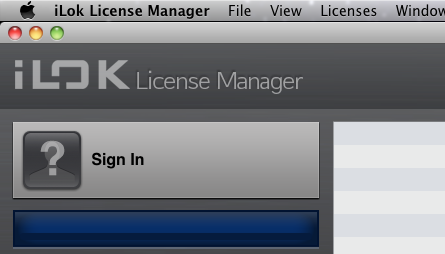
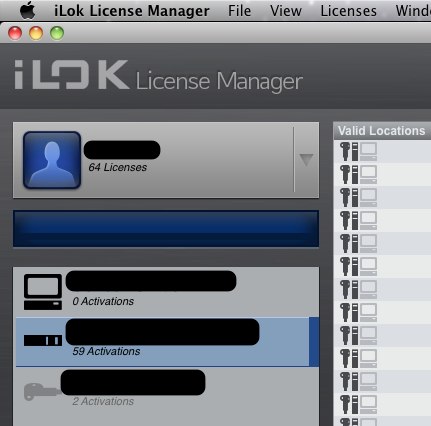
3. Select your iLok.
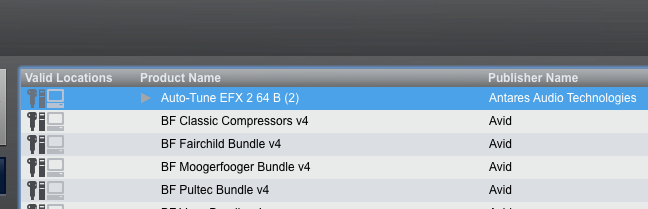
4. Select the license you want to deactivate.
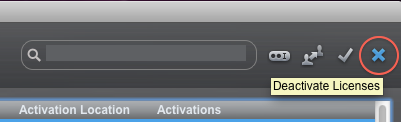
5. Click the deactivate button.
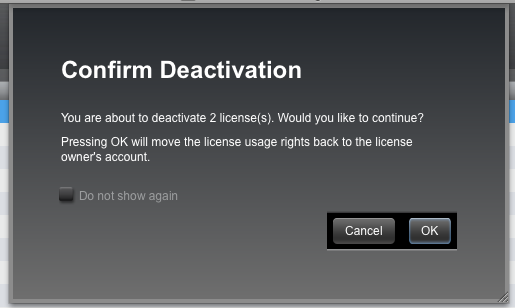
6. A confirmation dialogue will open. Click OK.
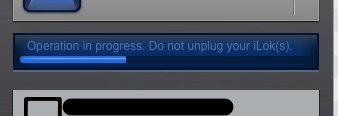
7. Wait for the operation to be complete. It should not take long. There is a progress bar on the left side of the page.
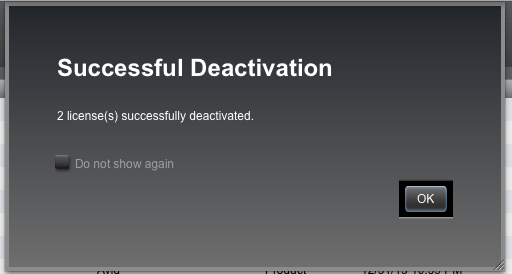
8. Another dialogue will open telling you the deactivation was successful. Click OK.
9. Wait just a few more seconds for the License Manager to update itself.
That’s it!
When you need help, Sweetwater has the answers!
Our knowledge base contains over 28,000 expertly written tech articles that will give you answers and help you get the most out of your gear. Our pro musicians and gear experts update content daily to keep you informed and on your way. Best of all, it’s totally FREE, and it’s just another reason that you get more at Sweetwater.com.

