
GetGood Drums Studio Cabs Software Activation Instructions
In this guide, we will show you how to register, download, and activate your GetGood Studio Cabs plug-in. Follow the instructions below to get started.
Create an iLok Account
NOTE:If you already have an iLok account, skip these steps and continue below to register your code. Learn more about iLok licensing in our iLok Setup Guide.
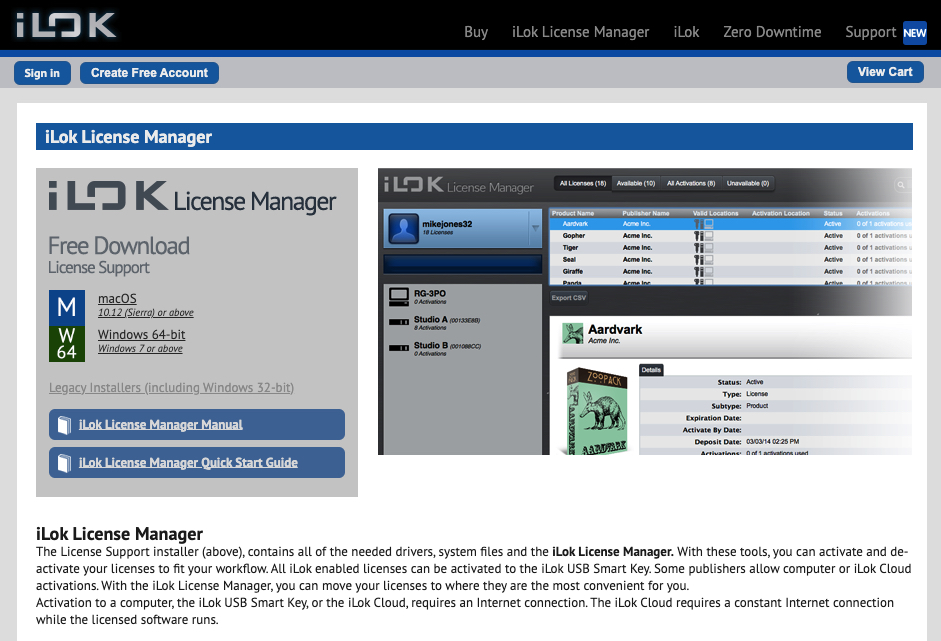
GetGood Studio Cabs software is licensed with an iLok. That means you must connect its iLok license to your computer to use it. If you don’t already have an iLok account, you must create one and install the iLok License Manager app. Follow these steps to get started.
- Visit iLok’s registration page and complete the registration form. Take note of your User ID and password.
- Open the iLok Account Activation email. Click on the verification link.
- Download and install the iLok License Manager.
- Launch the iLok License Manager app. Sign in to your iLok account.
- (Optional): connect an iLok. When prompted, click Yes to register it to your account.
Register the Activation Code
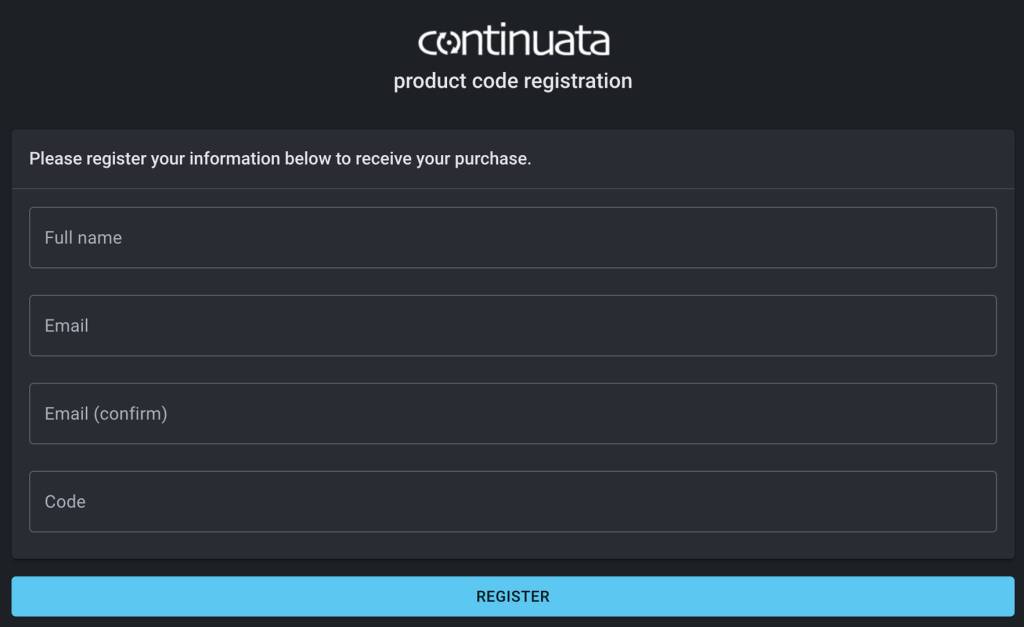
To register your software, visit Continuata’s registration page. Fill out your purchase information, including your name, email, and the registration code you received from your Sweetwater Sales Engineer.
- Visit the Continuata registration page.
- Enter the product purchase information. The Registration Code can be found in the Software Activation Instructions email sent by your Sweetwater Sales Engineer.
- Click Register.
- Locate the new email from GetGood Drums. Follow the included instructions to download your software.
- If you don’t receive the email within five minutes, be sure to check your spam folder!
Install the Software
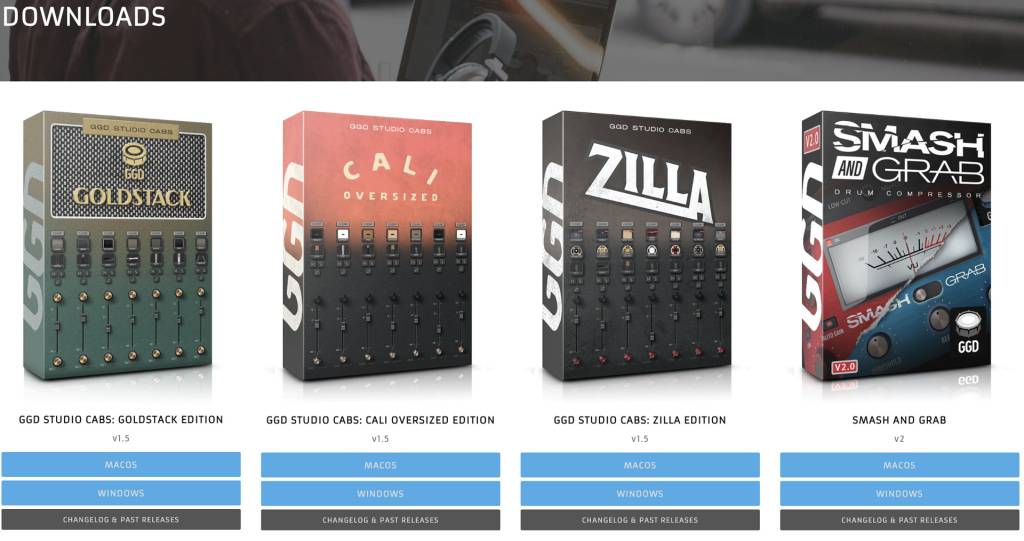
The next step is downloading and installing your Studio Cabs plug-in from the GetGood Drums download page.
- Go to the GetGood download page, locate the plug-in you purchased, and click on the download for your OS.
- Navigate to your Downloads folder. Find and launch the product installer, then follow the on-screen instructions.
Activate iLok License
The final step in the process is to activate your GetGood Studio Cabs plug-in in iLok License Manager.
- Launch iLok License Manager.
- Navigate to Licenses, then click Redeem Activation Code. Alternatively, click the …I button next to the search bar to view the prompt.
- Copy and paste the iLok activation code you received in the email from GetGood Drums, then click Next.
When you need help, Sweetwater has the answers!
Our knowledge base contains over 28,000 expertly written tech articles that will give you answers and help you get the most out of your gear. Our pro musicians and gear experts update content daily to keep you informed and on your way. Best of all, it’s totally FREE, and it’s just another reason that you get more at Sweetwater.com.

