
Fender Tone Master Pro: Pro Control App Guide
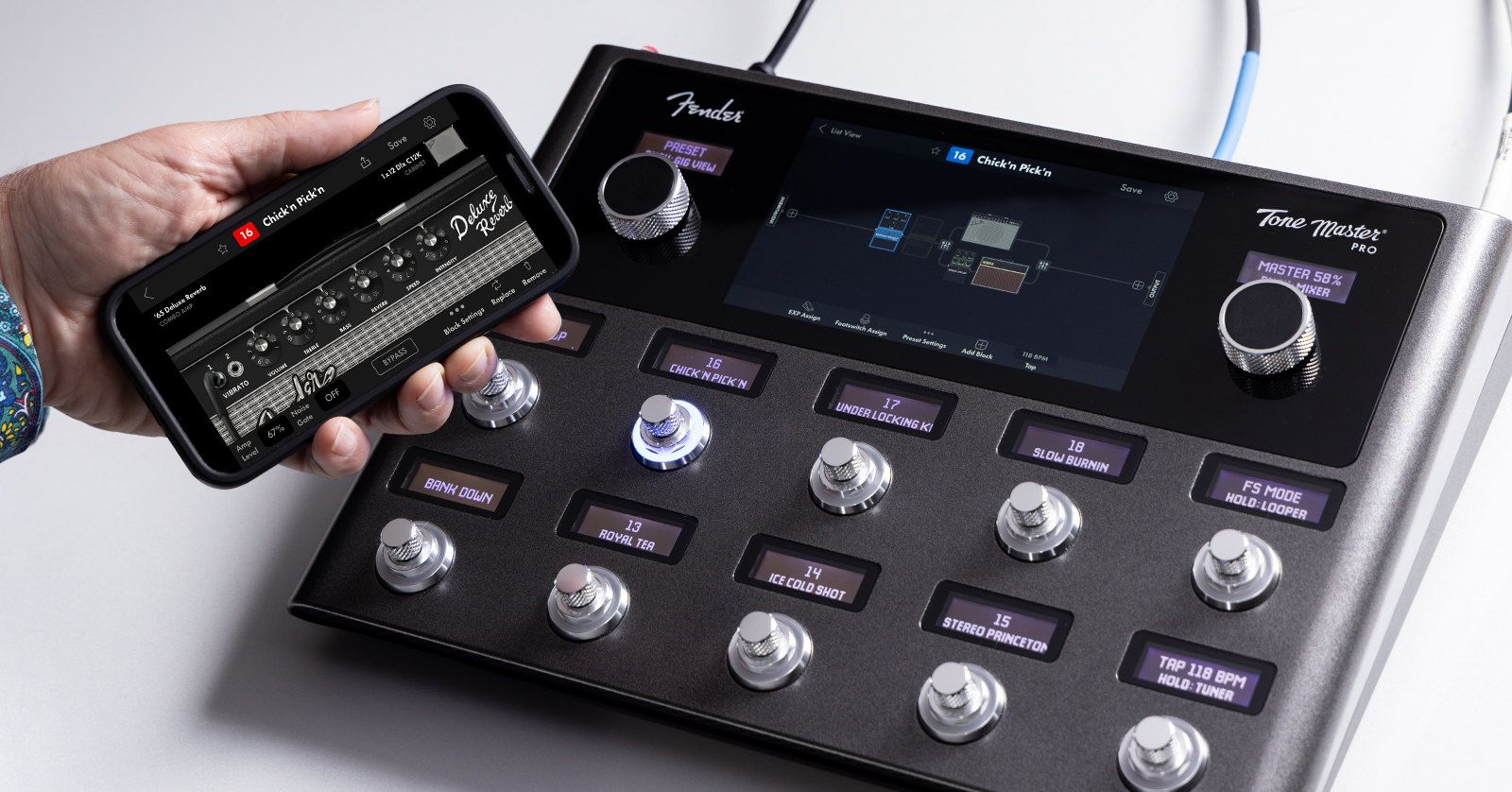
Your Fender Tone Master Pro guitar workstation is easy to use as a stand-alone, but the Fender Pro Control app for Mac and Windows PC makes it even easier to program and edit amp models, effects, and signal chains; to create set lists; and more. With the app, you can download new presets from the Fender Cloud and back up and restore your own presets and settings.
Beginning with Firmware 1.3.74, released in June 2024, Fender adds support for the Pro Control app for iPhone and Android over Bluetooth, giving you even more flexibility. Let’s get started.
Fender Pro Control App for macOS and Windows
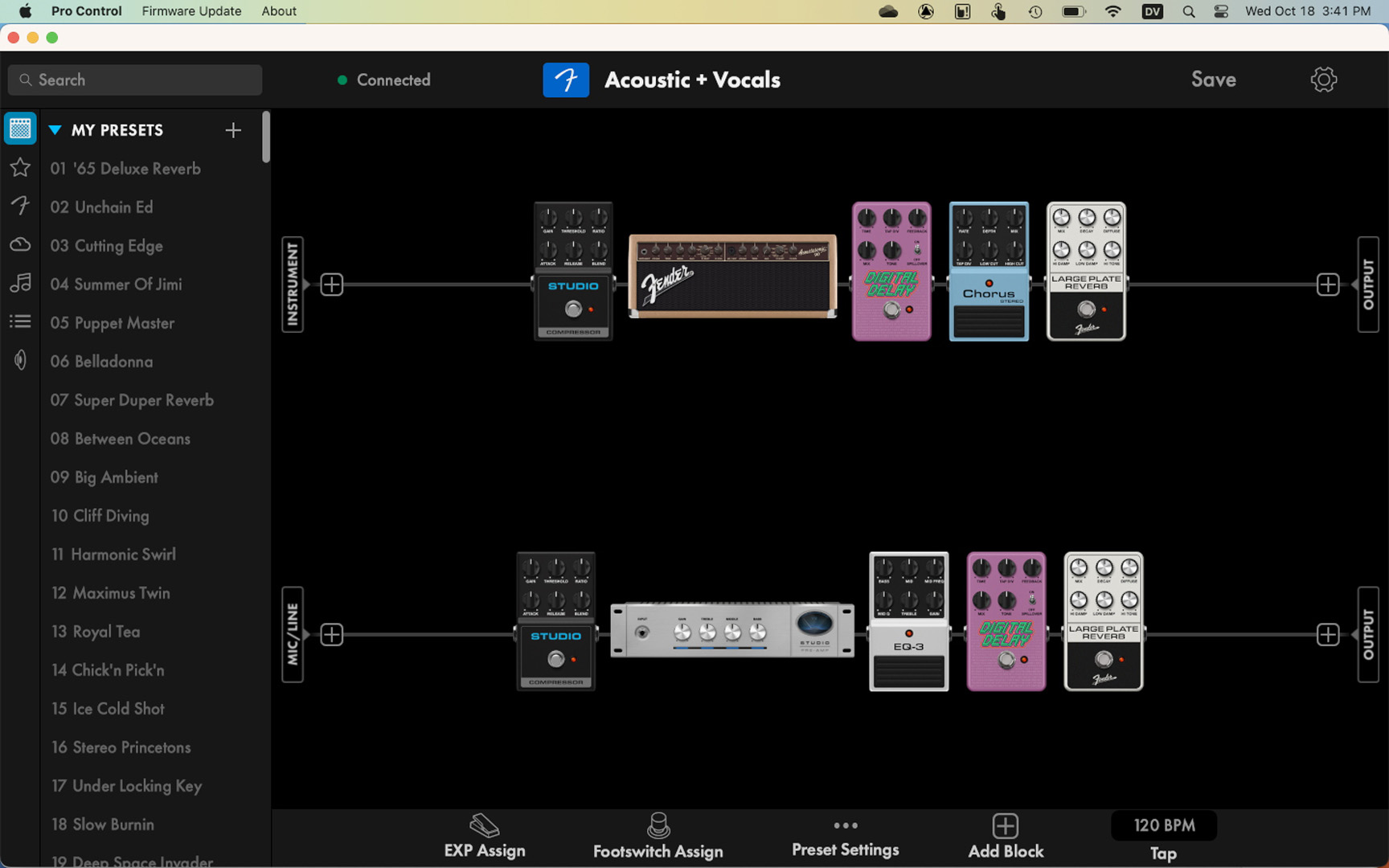
The Fender Pro Control app on macOS
When your Tone Master Pro is connected to your Mac or your Windows PC with a USB-C data cable, you can control it from the Tone Master Pro Control app on your computer.
The app lets you access and edit most of the parameters on the hardware unit. In addition, you can easily rename presets, tag favorites, and create song lists and set lists. The app provides the IR Manager, which is how you install your own speaker cab impulse response files.
The app also enables you to connect to the Fender Cloud, where you can find presets shared by other users and organized by artist and genre. You can download presets to the app, then load them into your Tone Master Pro. You can upload your own presets to the cloud to share with others.
Most importantly, you can use the Cloud to make backups of everything on your Tone Master Pro so you can restore the data if anything goes wrong.
Download the app for Mac or Windows PC at www.fender.com/tonemaster_pro.
If you are on Windows, you must download and install the Fender Windows ASIO audio driver, which can also be found at the link above.
Here’s how to access the Fender Cloud.
- Launch the Pro Control app. In the home screen, in the pane on the left, click the Cloud icon.
- In the Cloud view, in the upper right-hand corner, click Sign in.
- Enter your Fender Cloud email address and password (which you created when you registered your purchase with Fender), or log in via another method provided. Click Sign in.
Fender Pro Control App for iPhone and Android
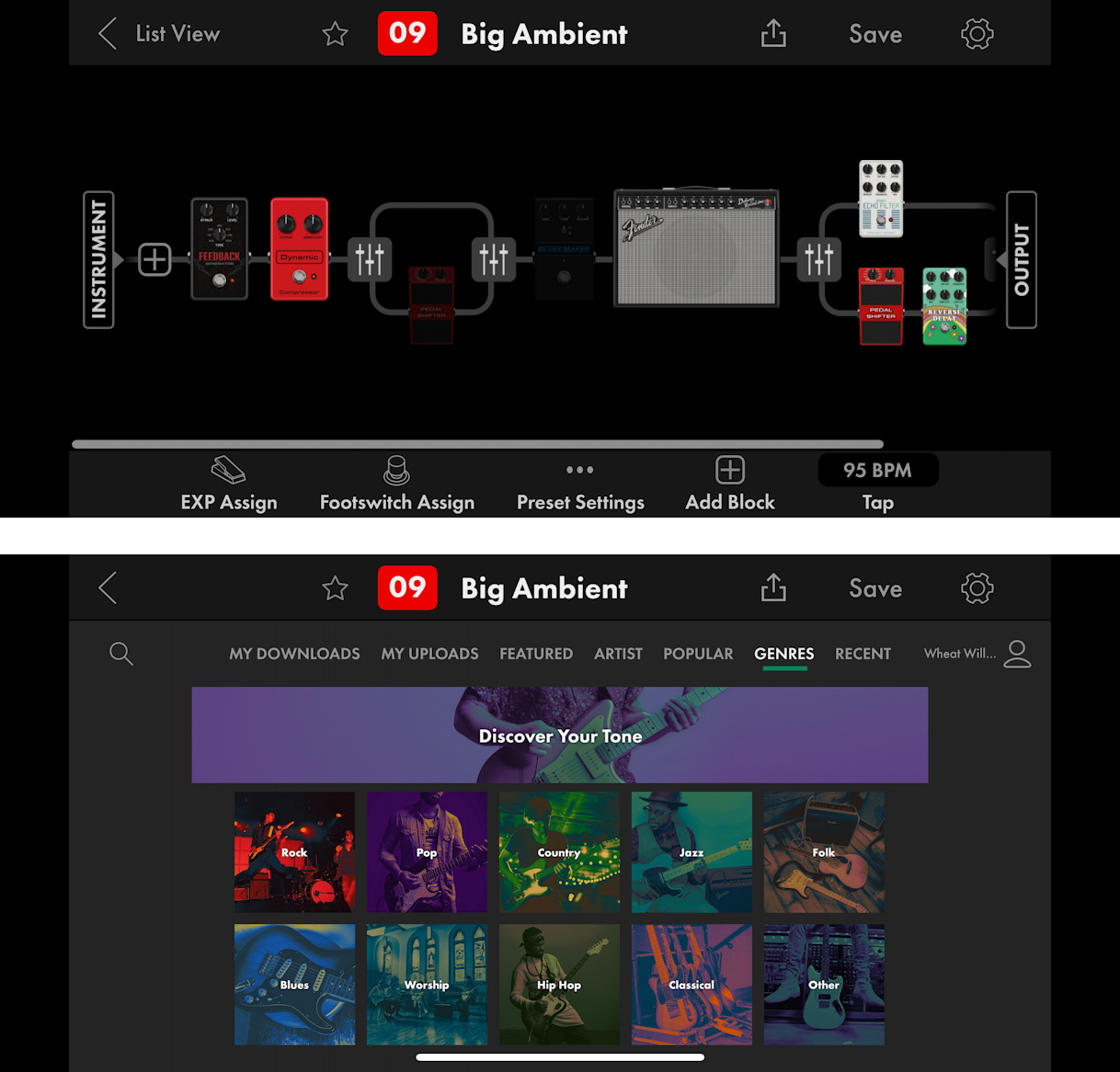
Two views from the Fender Pro Control app for iPhone
Update the Firmware
To use the latest version of the Pro Control app on any of the platforms, you’ll need to update your Tone Master Pro to the latest version of the firmware, so take this opportunity to follow the instructions in our Firmware Update guide below.
Install the App on Your Phone
Once you have confirmed that you have the newest version of the firmware, install the app on your iPhone from the Apple App Store or on your Android phone from the Google Play store.
Pair with Bluetooth
On the Tone Master Pro:
- From the Home screen, tap the Settings gear icon in the upper right-hand corner.
- This takes you to the User Preferences screen. At the bottom, tap the Bluetooth icon.
- Under Bluetooth Settings, turn Bluetooth On.
On your iPhone or Android phone:
- Go to your system settings and turn on Bluetooth. You should see “Tone Master Pro” as an available device.
- The Tone Master Pro will display a 6-digit pairing code on its screen. Your phone will prompt you with a message that displays the same code, asking you to confirm that you want to connect. Tap Pair.
- Open the Pro Control app. The first time you run the app, you may see a dialog asking you to grant permission for the app to use Bluetooth. Tap the button that says “OK” or “Allow.”
- This should begin the connection process in the app, which may take up to 30 seconds.
You will then see the Preset View showing the signal chain of your first selected preset. You can now use the phone app to access most of the features available in the version of the app for your computer. The phone app does not permit importing your own impulse responses; for that, you need to use the Pro Control app on your computer.
Related Articles
When you need help, Sweetwater has the answers!
Our knowledge base contains over 28,000 expertly written tech articles that will give you answers and help you get the most out of your gear. Our pro musicians and gear experts update content daily to keep you informed and on your way. Best of all, it’s totally FREE, and it’s just another reason that you get more at Sweetwater.com.

