
Empirical Labs Software Activation Instructions

Getting started
In this guide, we will show you how to activate, download, and install your new Empirical Labs plug-in. Follow the sections below to get started.
Create an iLok account
Empirical Labs software is licensed with iLok. That means in order to use it, you will need to connect its iLok license to an iLok USB stick. If you don’t already have an iLok account, you’ll need to create one and install the iLok License Manager app. Follow the steps below to get started. If you already have an account, pass these steps and continue to activate the software. Learn more about iLok licensing in our iLok Quickstart Guide.
- Visit iLok’s registration page and complete the registration form. Take note of your User ID and password. Please note that your ID and password are case sensitive.
- Open the iLok Account Activation e-mail and click on the verification link.
- Download and install the iLok License Manager.
- Launch the iLok License Manager app and sign into your iLok account.
- (Optional) Connect an iLok when prompted, and then click Yes to register it to your account.
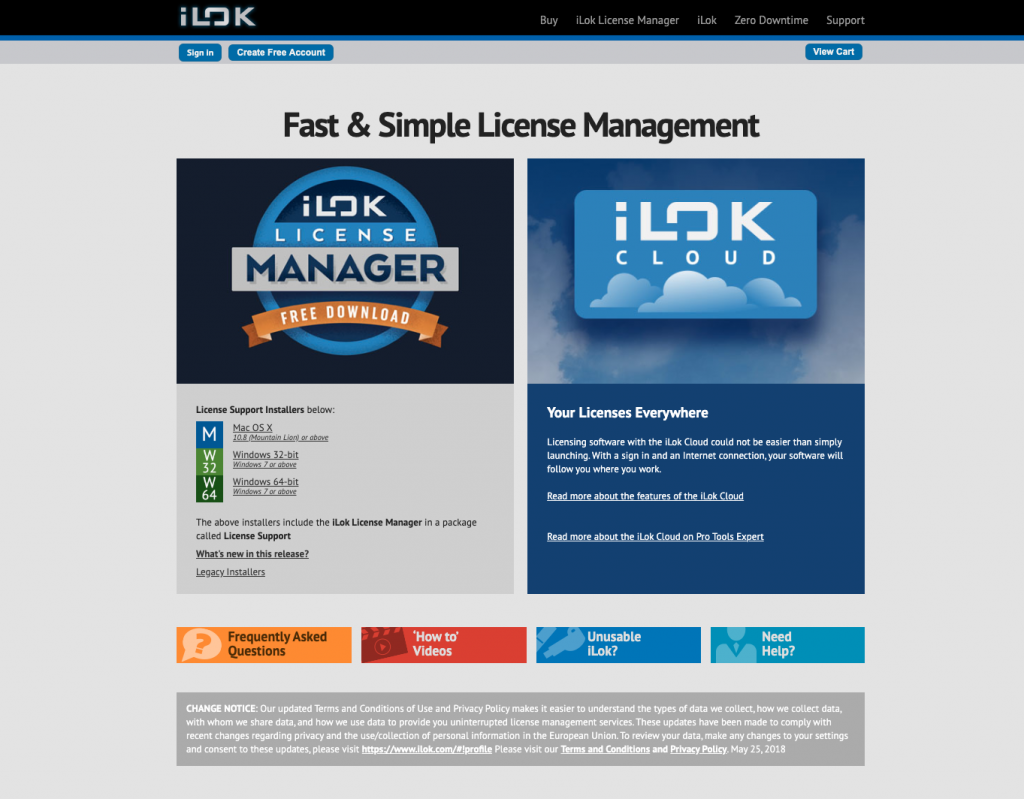
Click here to download iLok License Manager.
Activate the plug-in with iLok
The next step in the activation process is to register and activate the plug-in to your iLok account. You will need to enter the activation code you received from your Sweetwater Sales Engineer then transfer it to a connected iLok USB dongle. Follow the steps to activate the plug-in.
- Connect the iLok USB dongle to your computer and sign in to iLok License Manager.
- Click the “..I” button (next to the search bar) to view the activation prompt.
- Enter the activation code your Sweetwater Sales Engineer sent, then click Next.
- Click the Available tab, and then drag and drop the license into the iLok icon.
Transferring a license to an iLok USB dongle
Download and install the software
The final step in the process is to download the plug-in from the Empirical Labs website and install it. Follow the steps to complete the installation process.
- Navigate to the Empirical Labs download page and download the plug-in for your OS.
- Go to your Downloads folder, launch the installer, and follow the on-screen instructions.

Click here to download your plug-in.
When you need help, Sweetwater has the answers!
Our knowledge base contains over 28,000 expertly written tech articles that will give you answers and help you get the most out of your gear. Our pro musicians and gear experts update content daily to keep you informed and on your way. Best of all, it’s totally FREE, and it’s just another reason that you get more at Sweetwater.com.

