
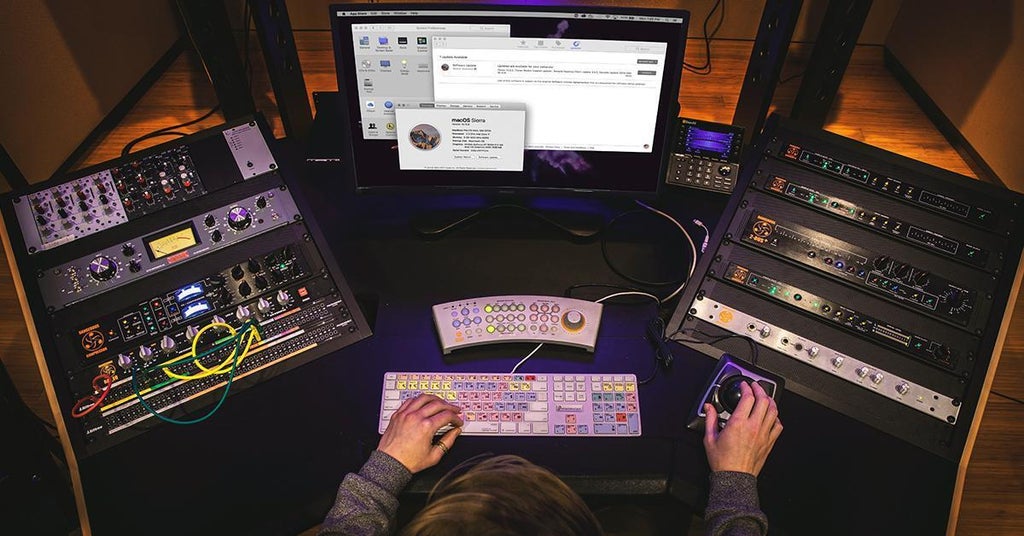
Technology moves fast, but when you rely on your computer and DAW software for your business, you don’t necessarily want to move too fast if it sacrifices system stability. So, when is the right time to update your studio computer’s operating system, DAW software, and associated drivers? The short answer is when you don’t have any sessions booked, so you can take a few days to work out any bugs or workflow changes. The better answer takes a simple approach to keeping your recording computer updated while avoiding potential issues — let’s take a look.
Should I Update My OS and DAW Software?
If your system is working smoothly and reliably, why update anything? Whether it’s for your business, artistic passion, or both, you should be cautious about updating your computer when things are working well already. But if the new version of whatever software has a feature you want, or if you’re experiencing a particular bug that has been fixed in the update, then you want to update. Understand that there’s a potential for the update to affect something you may not even expect — it’s smart to do a quick internet search for “update issues with…” to see if other users with similar systems are reporting problems. If it looks like the update is working well for others, proceed.
Why Not Just Update Anything at Any Time?
Let’s suppose you simply install software updates as they become available, whether for your operating system, DAW software, or drivers. These three groups of software form an intricate, entangled digital relationship with each other that is in a delicate balance. Any update to anything in this relationship changes the terms of that relationship in some way. Unfortunately, the result of this can sometimes be an error message, or three, miscommunication with your audio interface, or any number of other random issues. At worst, it can make your workflow and operation stop functioning. Always consider that before randomly updating to the latest software version.
In other words, seemingly benign software updates can potentially cause issues simply because something else in the system wasn’t prepared to deal with the new code. To avoid potential issues when updating your DAW system, let’s make a simple hierarchy of what to update and when to do it.
Which Should I Update First – My OS, My DAW, or My Drivers?
How do we keep our recording system updated without risking downtime? Updating your operating system is a relatively larger change compared to updating your DAW software. And updating DAW software is a relatively larger change compared to updating drivers for your audio interface, USB and MIDI controllers, and other hardware. So, I’ll recommend going in the reverse order.
If you’re having technical issues, then a good place to start is with your device drivers. Manufacturers are constantly working to optimize the performance of their products amid a changing hardware landscape. The more your driver updates outpace your DAW software and OS updates, the more likely the updated drivers have maximized their efficiency for your system. Check that the driver update is the latest available for your OS and that your computer meets the driver’s hardware requirements.
After drivers comes DAW software — be more cautious with DAW updates, as any problems could potentially affect both your current projects and all of your past projects, too. This is a good time to update your device drivers and check that they’re compatible with the newer DAW version. Also check for any known issues with your current OS version. If the DAW update is supported by your drivers as well as your current OS version, then download and install the update.
What if your operating system is no longer supported by your DAW update? It’s time for an update — this is also a good time to do one final backup of your entire system drive in its current state. Update your OS and make sure everything is in order regarding your desktop, peripheral devices, and so on. Now that your OS is updated, download and install your DAW update.
What If I Have No Technical Reason to Update My OS, but I Want the Latest Features?
If the latest OS update offers some appealing new features, first check Sweetwater’s SweetCare guides on update compatibility for macOS and Windows. Our Technical Support experts stay on top of the latest system updates to help you make sure all of your software and each of your devices remain compatible.

Learn more about Mac updates in our macOS 10.15 Catalina Compatibility List!

Learn more about PC compatibility in our Windows 10 and PC Compatibility List!
Where Can I Find a More Technical Article on Updating My Operating System, DAW, and Drivers?
Sweetwater’s Technical Support experts have put together this extensive guide to updating your operating system for both macOS and Windows users.

Learn more about updates for Windows and macOS in our Computer Updates for Music Production guide!
If you still have questions, our Technical Support experts can help. Give us a call at (800) 222-4700.