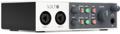
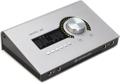
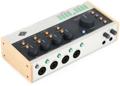
Streaming has taken over social media and for good reason: creative types love to showcase what they do. Whether you’re a musician, producer, or engineer, you can take advantage of streaming to promote your work. But in order to successfully promote yourself, your live stream has to be top quality. There are plenty of ways to improve your live stream, as detailed in this article; but for now, we’re going to take a look at Universal Audio’s Console software and see how you can incorporate it into your live streams.
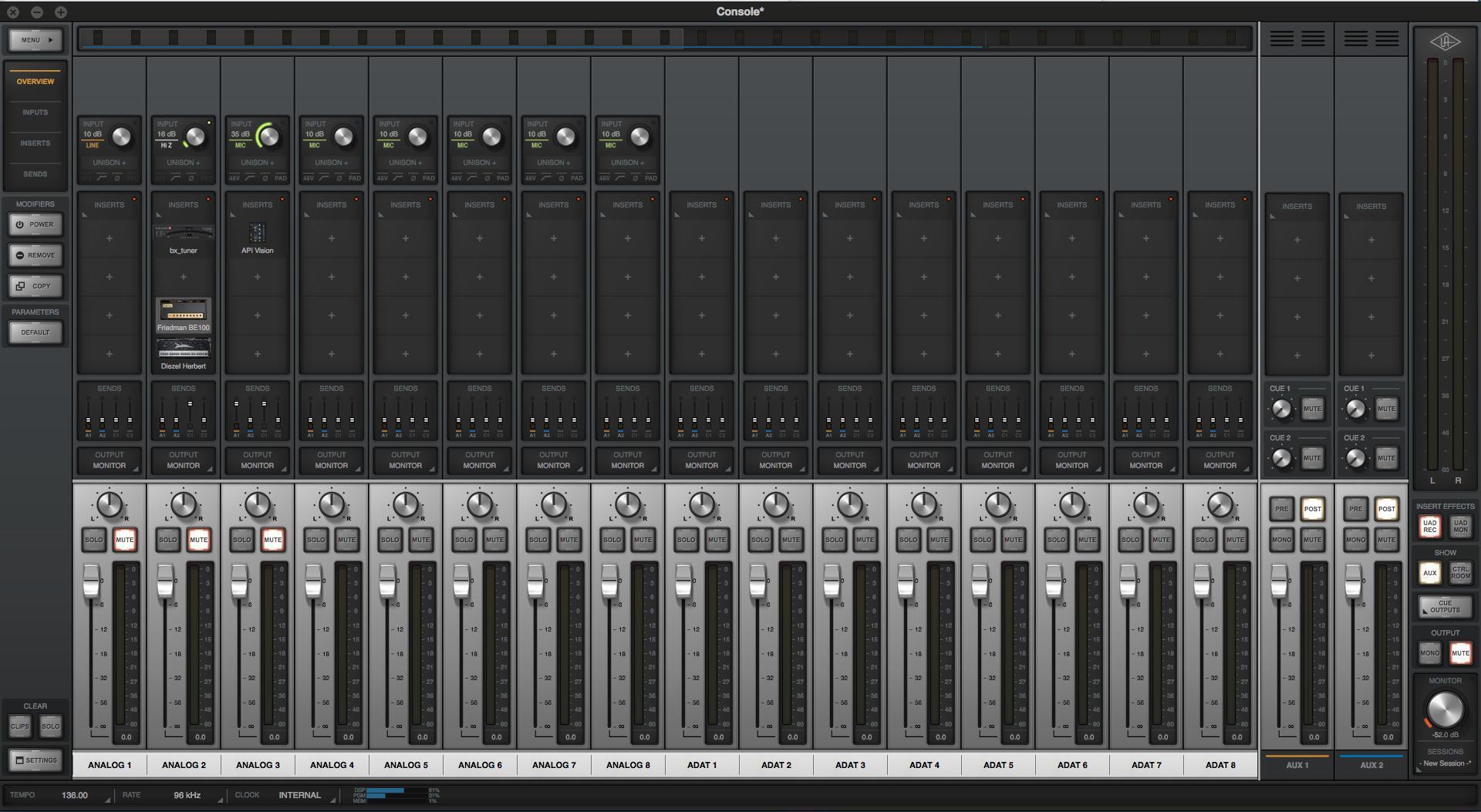
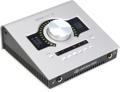
UA’s Console is a piece of software used to control audio with your Apollo system. Console has the familiar layout of an analog board to control the audio running through your Apollo. This system allows you to insert Universal Audio plug-ins directly onto the audio passing through it. When coupled with streaming software such as OBS, you can process your live audio to improve your live stream.
A great example of this is when an engineer wants to live stream a mixing session. The engineer will be streaming the audio from his DAW and combining it with an external microphone for commenting on their process.
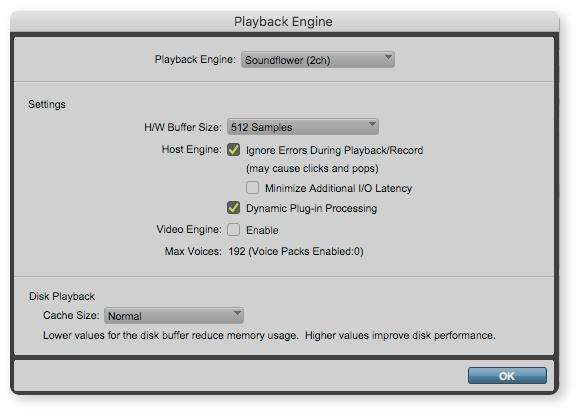
To get audio from your DAW to your streaming host, you will need an external piece of software such as Soundflower. You will need to set the playback engine of your DAW to that program. Finally, set your streaming host to capture the desktop audio. Now you will be able to stream audio from your DAW.
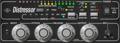
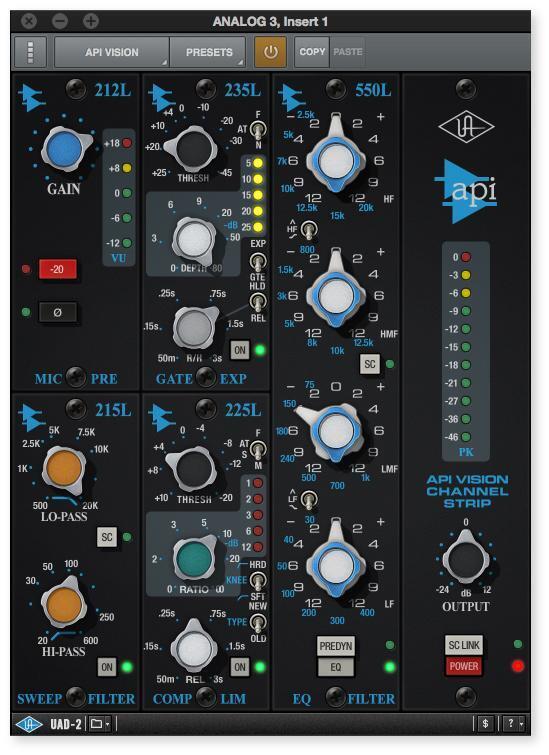
For the commentator mic, you’ll need to set up an auxiliary mic input in your streaming host and have it capture the audio coming into your Apollo system. At this point, you will be able comment on your mix while you are actively mixing; and with Console, we can take it to the next level. Using UA plug-ins to clean up and process your voice is a great use of the Console software. Using a channel strip, such as the API Vision, will allow you to have a gate on the microphone so there isn’t a feedback loop while monitoring the mix from your DAW. You can also add compression and a bit of EQ to sweeten up your voice.
This simple system utilizing UA’s Console software is a great way to improve your live streaming. For more information on which Universal Audio interface is right for you, reach out to your Sweetwater Sales Engineer at (800) 222-4700.