
PROCESS.AUDIO Software Activation Instructions

In this guide, we will show you how to activate your new PROCESS.AUDIO software. Follow the sections below to get started.
Create iLok account
Your PROCESS.AUDIO software is licensed with iLok. To use it, you will need to connect its iLok license to your computer with an iLok USB key. If you don’t already have an iLok account, you’ll need to create one and install the iLok License Manager app. Follow the steps below to get started. If you already have an account, pass these steps and continue to redeem your activation code. Check out our iLok Setup Guide for more information.
- Go to the iLok registration page and complete the registration form. Take note of your User ID and password.
- Open the iLok Account Activation email and click on the verification link.
- Download and install the iLok License Manager.
- Launch the iLok License Manager app and sign in to your iLok account.
- (optional) Connect an iLok and click Yes to register it to your account when prompted.
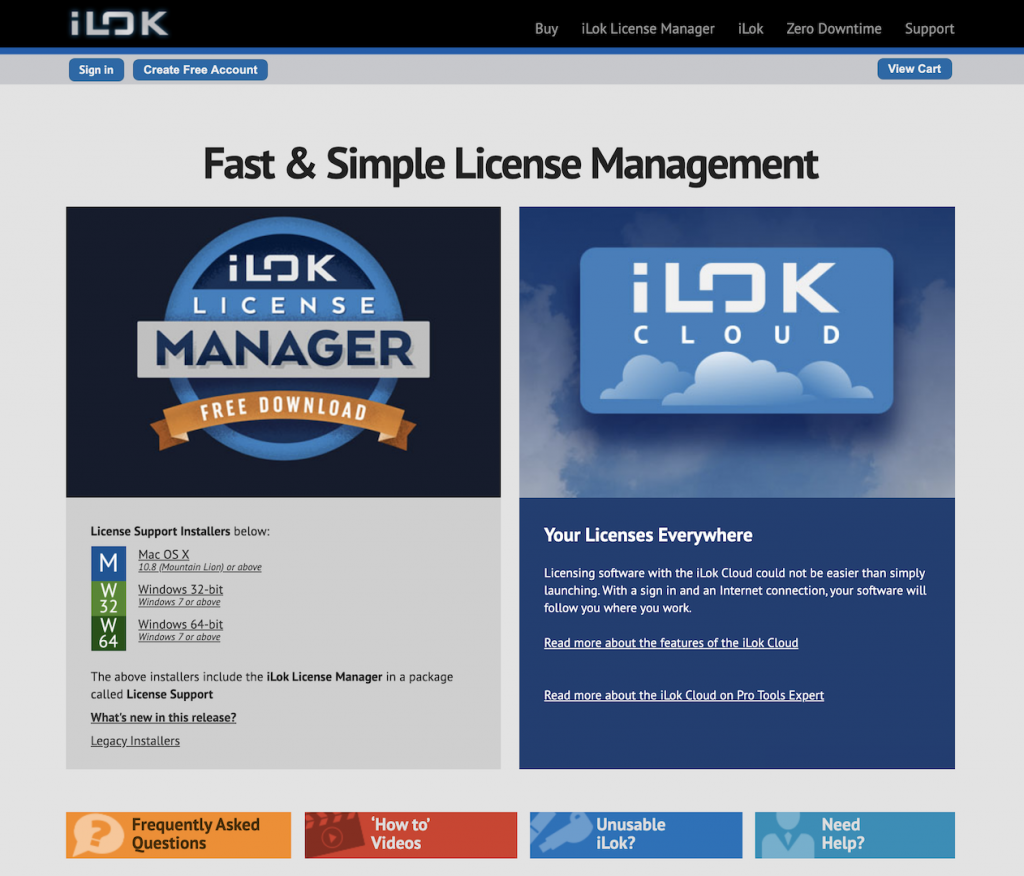
Click the image to create an iLok account.
Redeem activation code
The first step in the registration process is to create an account and redeem your license code.
- Log in to your PROCESS.AUDIO account. If you don’t have one yet, go to PROCESS.AUDIO’s account creation page, Fill out the necessary information, then click Register.
- PROCESS.AUDIO will then send you an email to activate your account. If it doesn’t show up, be sure to check your spam folder!
- You must activate your account before redeeming your license code.
- Go to PROCESS.AUDIO’s Sweetwater Activation Page. Once there, copy and paste the code you received from your Sweetwater Sales Engineer into the Code field, then click Get your product(s).
- Click Get your product(s) once more for the plug-ins to be added to your PROCESS.AUDIO account.
- Click Redeem to complete the redemption process.
- On your account home page, locate your software, click Redeem License, enter your iLok Account ID, then click Redeem License.
- Your iLok Account ID is case-sensitive, so be sure to enter it exactly, or else the redemption process will fail.

Enter your iLok Account ID after clicking Redeem License.
Download and install
Once the software is redeemed, you’ll need to download the plug-in next. The process is straightforward. Go to your account page, click Download plug-in, then locate and launch the installer.
Activate the plug-in
There are two ways to activate your PROCESS.AUDIO plug-in: via the iLok Cloud or on an iLok USB key. Please note that an internet connection is required if you plan on using the iLok Cloud.
iLok Cloud
You have two options when activating the iLok Cloud. When launching your DAW or via iLok License Manager.
NOTE: While the video below shows Pro Tools activation, the same concept can be applied to ANY iLok cloud-based license.
Launch your DAW
- Connect your computer to the internet.
- Launch your DAW.
- When prompted (typically when the DAW is scanning for plug-ins), sign in to your iLok account
iLok License Manager
- Launch iLok License Manager and sign in.
- Click File, then select Open Cloud Session. A new Cloud session will start.
iLok USB key
To load the PROCESS.AUDIO plug-in to your iLok USB key, just drag the license to the iLok icon.
- Click the Available tab.
- Drag and drop your license into the iLok icon.
Activating a license to a iLok USB key
When you need help, Sweetwater has the answers!
Our knowledge base contains over 28,000 expertly written tech articles that will give you answers and help you get the most out of your gear. Our pro musicians and gear experts update content daily to keep you informed and on your way. Best of all, it’s totally FREE, and it’s just another reason that you get more at Sweetwater.com.

