
Neural DSP Quad Cortex | Getting Started Guide
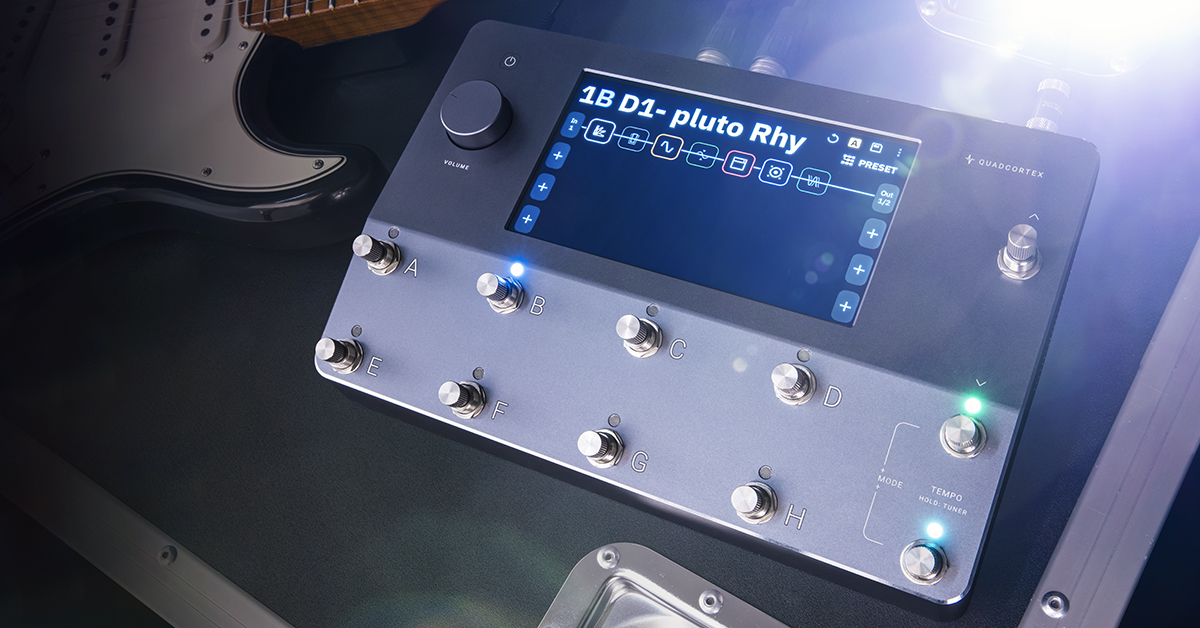
If you’re getting started with Quad Cortex for the first time we can’t wait for you to make music with it! Even though it’s a super-powerful multi-effects processor, it’s very simple to use and that makes creating the sounds you hear in your head that much easier. To make it even better, we’ve gathered all the resources you’ll need below so you’ll have an awesome Quad Cortex experience. Follow each of the sections below to get started.
- Neural DSP Quad Cortex Quick Start Guide
- Neural DSP YouTube Channel
- Quad Cortex User Manual
- Getting Started with Mitch Gallagher
- Deep Dive with Mitch Gallagher
- Cortex Control Editor Librarian App
- Neural DSP Cortex Support
Neural DSP Quad Cortex Quick Start Guide
Download the latest version of the Neural DSP Quad Cortext Quick Start Guide at this link. Follow the simple steps and you’ll be a certified Quad Cortex pilot in no time.
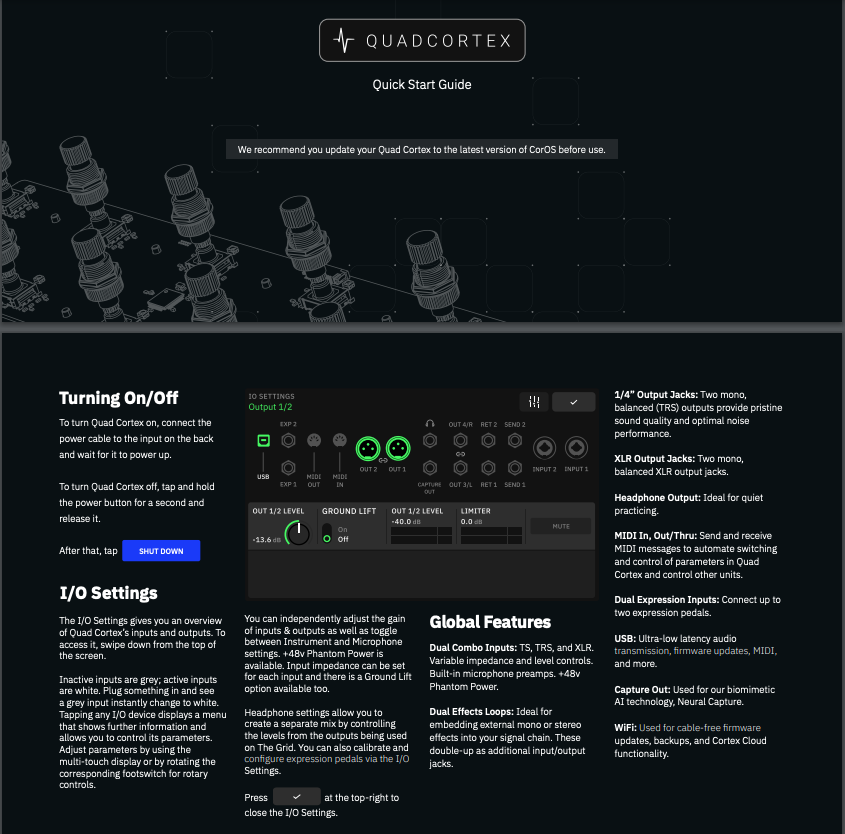
Download the Quad Cortex Quick Start Guide from Neural DSP.
Neural DSP YouTube Channel
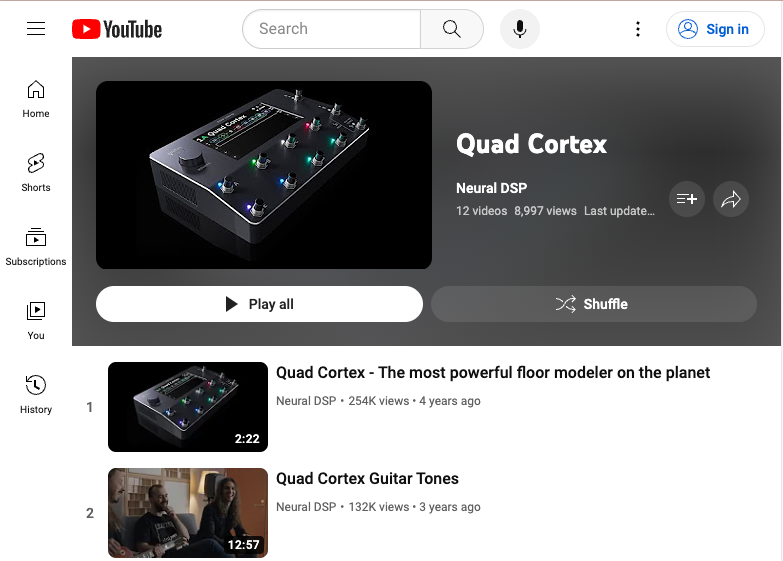
The Neural DSP YouTube channel has a ton of other Quad Cortex videos and resources to dig your teeth into, too.
Quad Cortex User Manual
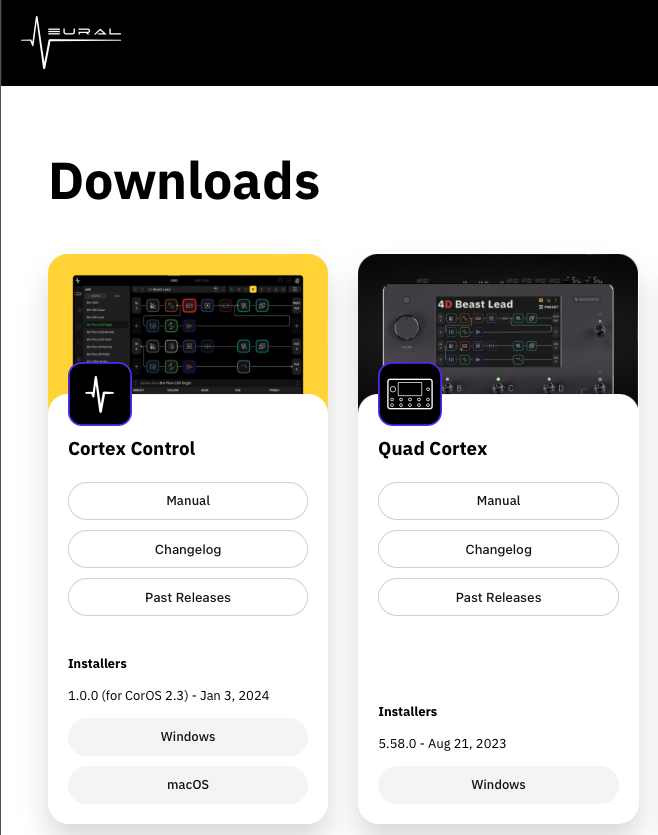
The Neural Downloads Page has the newest version of the Quad Cortex user manual.
As the Quad Cortex is frequently updated with new features through free firmware updates, you will want to download the newest version of the user manual. Check this link.
The Quad Cortex manual is designed with care and very easy to use. Follow the setup instructions and find out about the full range of the Quad Cortex’s features.
Getting Started with Mitch Gallagher
If you’re getting started for the first time, watch this video first! You’ll learn how to get connected, how to use the Preset, Scenes and Stomp modes, and how to create a Neural Capture. Grab your Quad Cortex and follow along with Sweetwater’s Mitch Gallagher!
Deep Dive with Mitch Gallagher
Quad Cortex is packed full of presets, features, and controls that will keep you busy creating! In the video below, Mitch Gallagher gives you an in-depth tour of the first version of the Quad Cortex in 2021. You’ll learn even more about input and output connections, signal routing, and effects customization. Follow along and dive in!
Cortex Control Editor Librarian App
In early 2024, Neural released the free Cortex Control app for Windows and macOS, which requires the CorOS 2.3 firmware update or higher. Cortex Control enables you to easily edit every feature and setting on your computer screen, manage libraries of presets, and save your changes to the Quad Cortex.

The home screen of Cortex Control on Mac or Windows PC
Download the macOS or Windows version of the Cortext Control app installer and its user manual from the Neural downloads page. Follow the instructions to install the app and to connect your Quad Cortex.
In this video, Rabea Massaad and Neural’s Max Taylor Grant show you how to use Cortex Control to program a bank of presets.
Neural DSP Quad Cortex Support
Looking for more information? Neural DSP’s Support pages have many solutions and tips for both new and experience Quad Cortex users.
View more articles from Neural DSP Cortex Support
Related Articles
When you need help, Sweetwater has the answers!
Our knowledge base contains over 28,000 expertly written tech articles that will give you answers and help you get the most out of your gear. Our pro musicians and gear experts update content daily to keep you informed and on your way. Best of all, it’s totally FREE, and it’s just another reason that you get more at Sweetwater.com.

