
MixWave Software Activation Instructions

In this article, we will show you how to activate, download, and install Mixwave software. Follow the sections below to get started.
IMPORTANT: If you have purchased a sample library, please visit our MixWave Kontakt Instrument Software Activation Instructions.
Create an iLok account
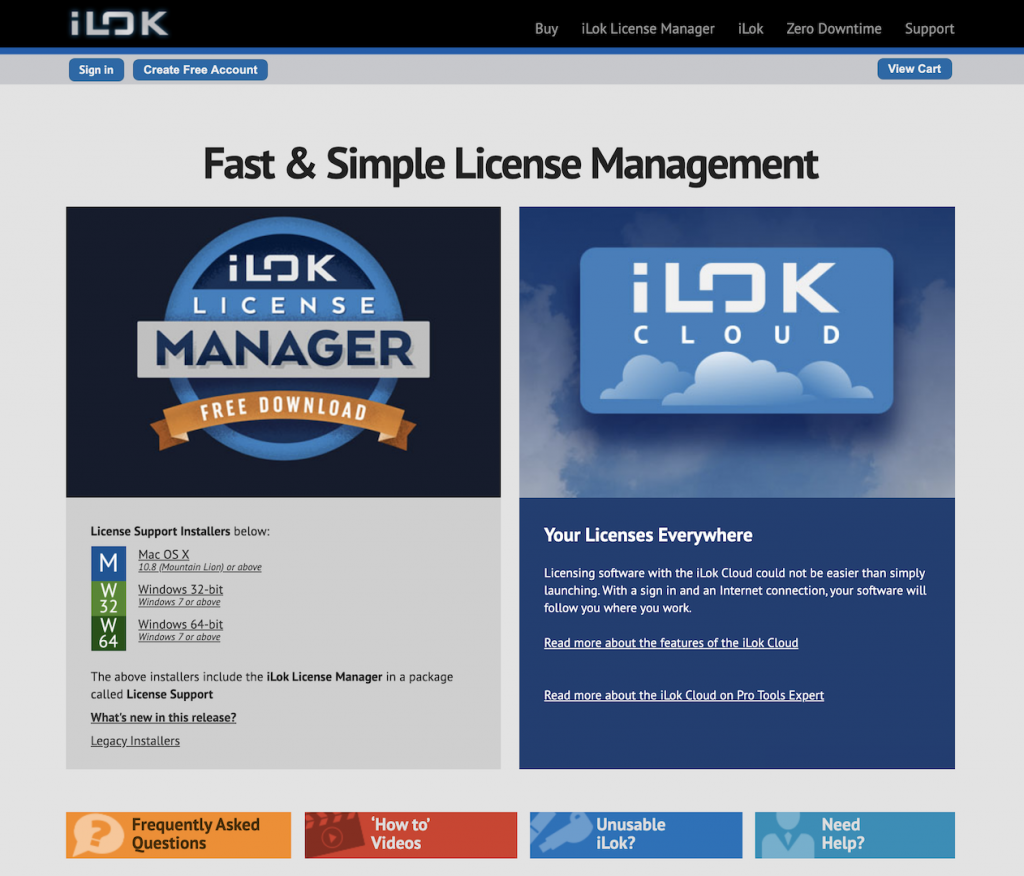
MixWave software is licensed with an iLok. To use it, you will need to connect its iLok license to your computer via an iLok USB dongle. If you don’t already have an iLok account, you’ll need to create one and install the iLok License Manager app. Follow the steps below to get started. If you already have an account, pass these steps, and continue to download and install. Check out our iLok Quickstart Guide for more information.
- Visit iLok’s Registration page and complete the registration form.
- Please take note of your User ID and password, as they are case-sensitive.
- Open the iLok Account Activation email and click on the verification link.
- Download and install iLok License Manager.
- Launch the iLok License Manager app and sign in to your account.
- (Optional) Connect an iLok and click Yes to register the dongle to your account when prompted.
Enter Discount Code
Once you’ve created an iLok account, the next step is to redeem your software with Mixwave. You’ll need the discount code you received from your Sweetwater Sales Engineer.
- Log into your MixWave account. If you don’t have one, you can create it here.
- Go to the MixWave Products page, locate your software, then add it to your cart.
- Click the Shopping Cart icon, accept the terms, then click Check out.
- Copy the discount code you received from your Sweetwater Sales Engineer, paste it into the Discount code box, then click Apply. The price will then drop to $0.00.
- Complete the checkout process.
- After the checkout process is complete, you will be prompted to enter your iLok username. Enter your iLok UserID and click Deposit.
- All licenses associated with your order will be deposited into your iLok account. Your order confirmation email will also include a link to enter your iLok ID.
- Launch iLok License Manager and sign in.
- Locate your new MixWave license(s) and activate them to a valid location (iLok USB, iLok Cloud, or your computer).

Download and Install
- Go to the Downloads page.
- Find your product(s) and click the download button compatible with your computer.
- Launch the installer file, complete the installation, and then open your new plugin in your host software.

When you need help, Sweetwater has the answers!
Our knowledge base contains over 28,000 expertly written tech articles that will give you answers and help you get the most out of your gear. Our pro musicians and gear experts update content daily to keep you informed and on your way. Best of all, it’s totally FREE, and it’s just another reason that you get more at Sweetwater.com.

