
Korg Nautilus Quickstart Guide
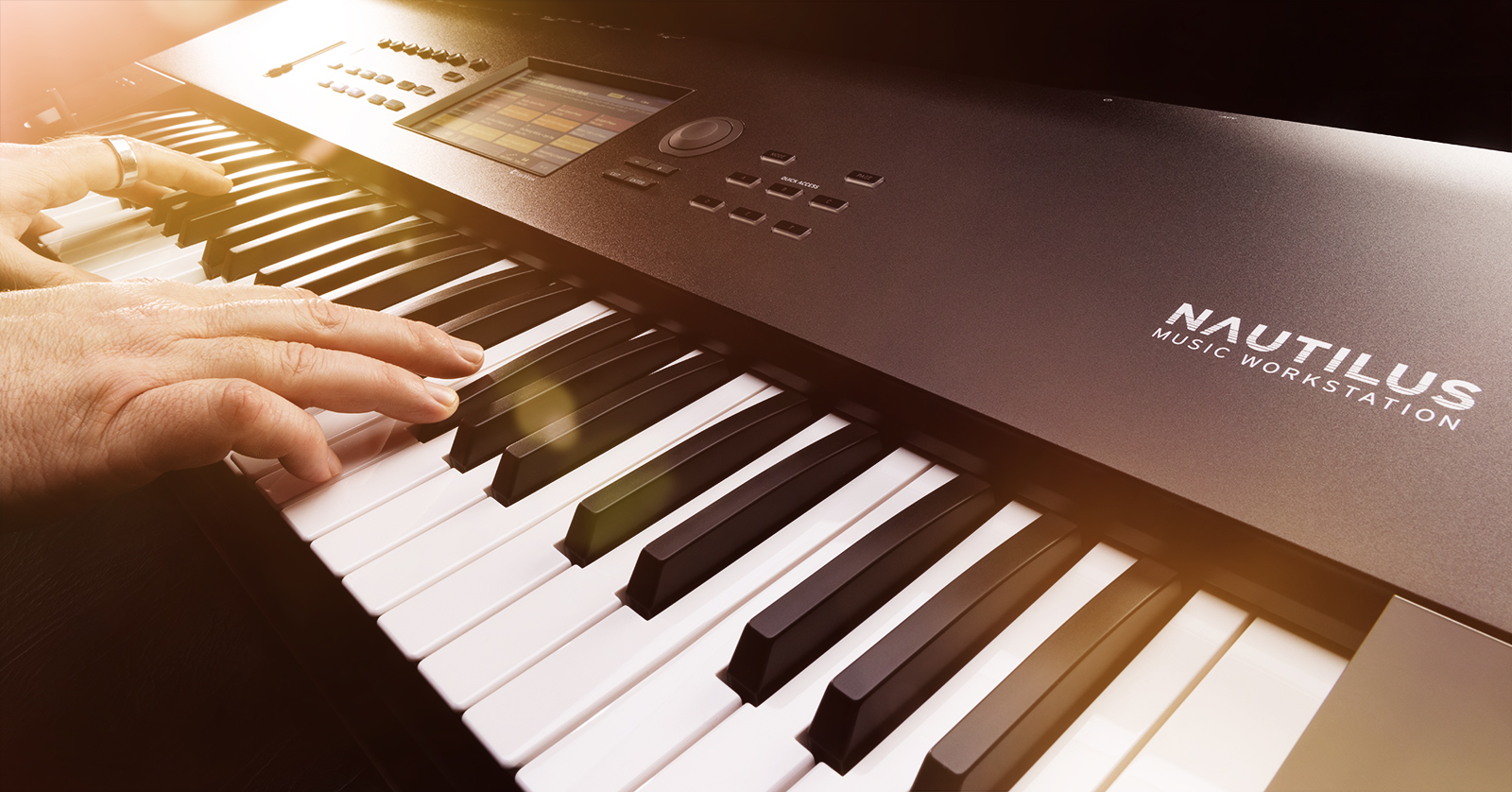
The Korg Nautilus is a workstation that offers a wide range of sounds and features, so we will show you in this guide how to get up and running in no time! This article only scratches the surface, so check out the Operation Guide and Korg’s Video Manual below for more information.
Register the Korg Nautilus
While it’s always exciting to plug in your new gear and start playing, you first need to register the Nautilus with Korg. You will receive an extended warranty if you register the Nautilus within 90 days of purchase. Keep your Sweetwater invoice handy, as you’ll need to provide some information during the registration process.
- Go to the Korg account login page and enter your Korg account information. If you don’t have a Korg account, then you will be prompted to enter a password.
- Korg will send you an account confirmation email. Check your spam folder if you don’t see it in your inbox!
- Once you’re logged in, click Register a Product. On the next page, enter the necessary information, including the serial number, the purchase date, and the place of purchase (Sweetwater).
- Click Save to finish the registration process.
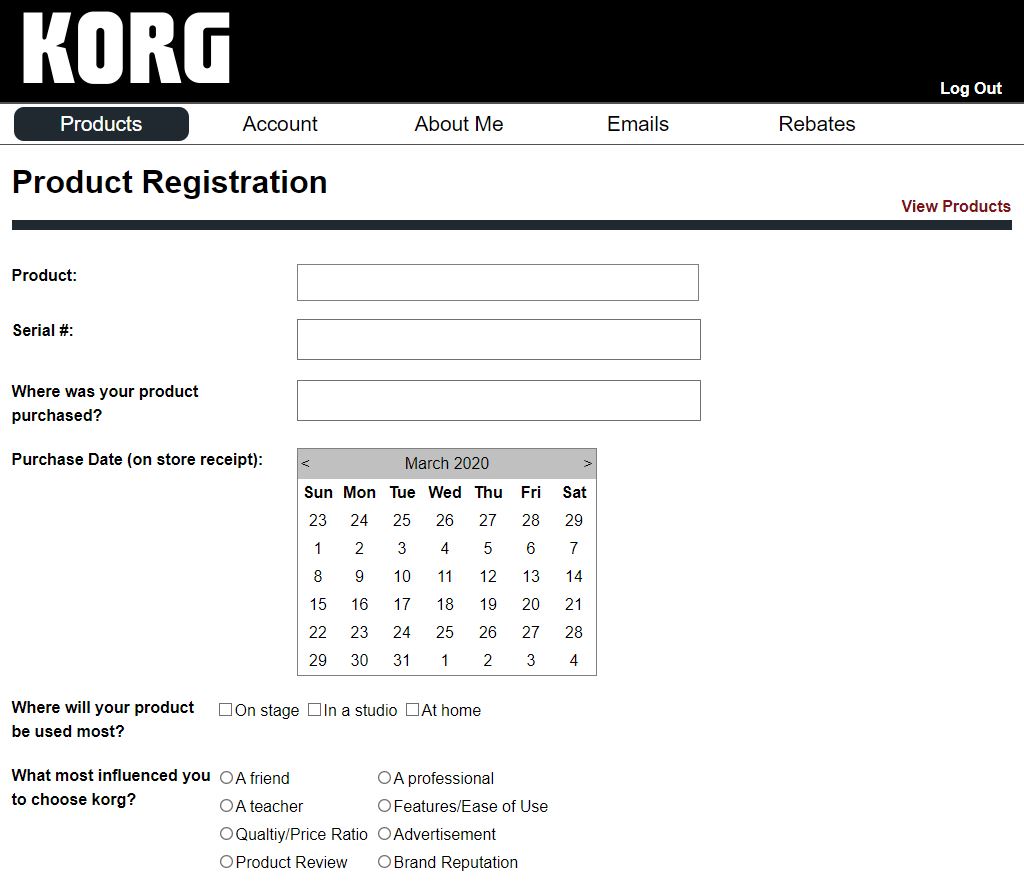
Click the image to register your Korg Nautilus
Navigation
With the number of internal and external options available, learning to navigate the Nautilus is critical. This is especially true if you’re onstage because entering through the menus can make or break the performance!
The NAUTILUS: Video Manual Part 1 – Introduction and Navigation
The NAUTILUS: Video Manual Part 7 – Global & Media
Nautilus Setup and Connections
The Nautilus features a variety of hardware connections that provide flexibility both onstage and in the studio. Along with USB and MIDI ports, there are also analog inputs and outputs so you can have your Nautilus act as the central hub for all your gear!
Audio recording
There are TRS input connections that allow you to connect external gear, like a mic, directly to the Nautilus. Here is how to set up and prepare for recording external hardware on your Nautilus.
- With the Audio Input parameter on the PROGRAM > Home – Sampling page, set Bus Select of Input 1 and Input 2 to L/R.
- Hold the SHIFT button and press the Audio In button to display the Analog Input Setup dialog box.
- Switch the Input Select to MIC or LINE, depending on what’s connected.
The NAUTILUS: Video Manual Part 6 – Audio Recording & Sampling
Selecting Programs
Over 2,000 preset programs (sounds) are built into the Nautilus, which you can fully customize and combine. To select a sound, press the MODE button and select PROGRAM on the touchscreen display.
The NAUTILUS: Video Manual Part 2 – Program Mode
The NAUTILUS: Video Manual Part 3 – Combination Mode & Set List
Product Resources
Korg Nautilus Operation Guide
Korg Nautilus Digital Performance Workstation Demo
Korg Nautilus Video Manual Series (Playlist)
When you need help, Sweetwater has the answers!
Our knowledge base contains over 28,000 expertly written tech articles that will give you answers and help you get the most out of your gear. Our pro musicians and gear experts update content daily to keep you informed and on your way. Best of all, it’s totally FREE, and it’s just another reason that you get more at Sweetwater.com.

