
iZotope Bundle Software Activation Instructions (Legacy Products)

In this guide, we will show you how to use the registration bundle code to generate your iZotope products. Follow the instructions below to get started.
- Go to the Bundle License Registration page, enter your email address, then click Get Registration Link to receive a unique registration link.
- Check your email for a link to the new registration page.
- If you don’t see it, be sure to check your spam folder!
- Click the link in the email to open the new registration page.
- On the new page that opens, copy and paste the license code you received from your Sweetwater Sales Engineer, enter your first and last name, then click Registration Bundle.
- On the next page, your iZotope license codes will appear.
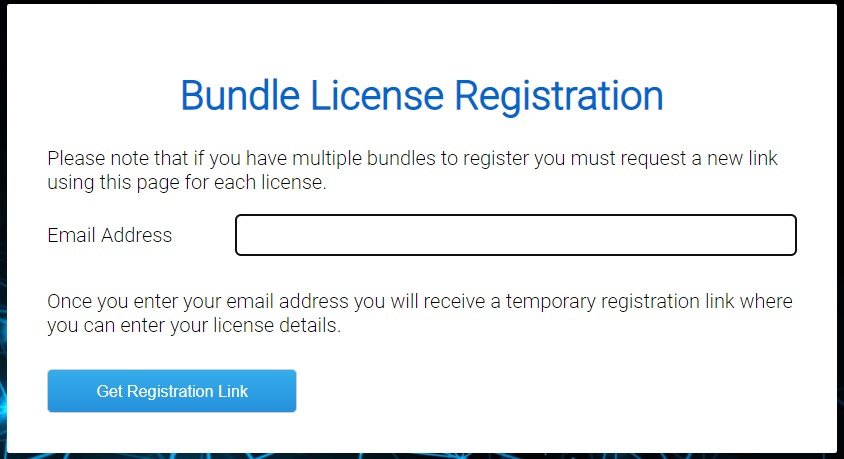
Click the image to receive your unique software registration link.
Continue to iZotope Software Activation Instructions
Now that you’ve received your iZotope registration codes, please click the image below to continue to our iZotope Software Activation Instructions page to register your products.
When you need help, Sweetwater has the answers!
Our knowledge base contains over 28,000 expertly written tech articles that will give you answers and help you get the most out of your gear. Our pro musicians and gear experts update content daily to keep you informed and on your way. Best of all, it’s totally FREE, and it’s just another reason that you get more at Sweetwater.com.

