
EZDrummer 2 FAQ
Overview
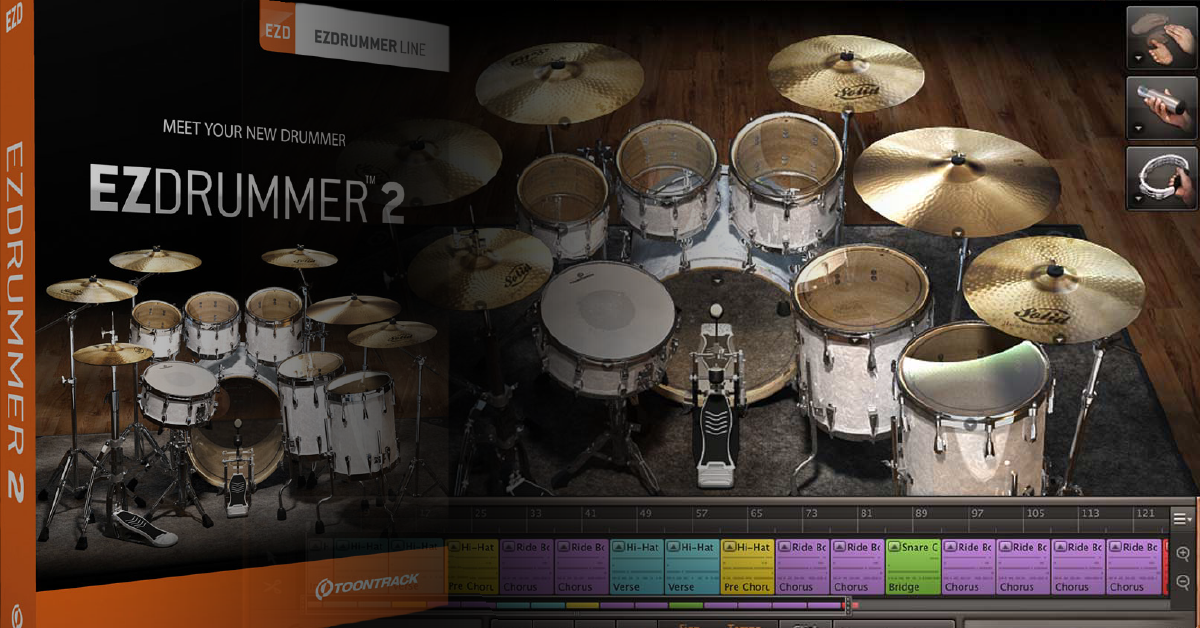
In this article, we will cover some of the most frequently asked questions when using Toontrack’s EZDrummer software.
How do I import EZDrummer MIDI files into my DAW?
You can import EZDrummer MIDI files into your DAW in a few different ways. If your DAW supports dragging and dropping, you can import it that way. If not, you will need to save your MIDI file in the standalone app, then create a MIDI track in your DAW and import it there.
Can I use EZDrummer sound libraries in Superior Drummer 3?
Yes! You cannot, however, load Superior Drummer 3 samples or expansions into EZDrummer.
- To load your sound libraries in Superior Drummer 3, launch the Superior Drummer standalone app, go to Settings, then select Libraries/Paths.
How do I multitrack EZDrummer in my DAW?
If you want to assign each instrument from EZDrummer to a separate channel (multitrack) in your DAW, follow the steps below:
- Load EZDrummer as an instrument track in your DAW.
- Go to EZDrummer’s Mixer tab, then navigate to the output channel at the bottom of the track.
- Use the drop-down box to select which output channel you want it to be assigned to. Alternatively, choose Multichannel to assign each drum to a different output automatically.
- Set up the multichannel output operation within your DAW. If you’re not sure how to do this, please visit your DAW’s Owner’s Manual.
How do I move EZDrummer’s sound libraries?
Moving your sound libraries are simple. First, locate the EZDrummer folder. Unless you selected a custom installation path, the libraries install to the following location:
- macOS: Macintosh HD > Library > Application Support > EZDrummer
- Windows: C:/Program Files(x86)/Common Files/Toontrack/EZDrummer
Next, copy and paste the ENTIRE EZDrummer folder to the new location. Finally, launch the EZDrummer standalone app. You will receive an error saying it cannot locate the sounds. Just click Browse, then select the location where you copied the sounds.
Why am I getting an audio error when I launch EZDrummer?
If you receive an audio error in the standalone app that says “Failed to open audio device, please check the Audio settings.”, check and see if any other software is using your audio device such as a music streaming service or other virtual instrument’s standalone app.
If you’re still receiving the error, be sure to check out our guides on resolving audio interface issues on PC and Mac.
Can I use different sounds in EZDrummer?
You can only use samples from EZDrummer and its expansions. Importing custom samples is not possible.
How do I edit individual MIDI notes in EZDrummer?
Natively, you cannot change individual MIDI notes in EZDrummer. However, if you’re using an electronic drum set and it has the ability to change MIDI note numbers, you can match those to the MIDI notes displayed in EZDrummer. To see what MIDI note each drum is assigned to, select the drum, then go to Details.
Are there EZDrummer key maps for my MIDI keyboard?
Yes! If you’re using a MIDI keyboard and don’t want to keep clicking the drums to hear your samples, follow these steps to view the keymap for your EZDrummer libraries:
- Go to Menu, then go to About sound libraries.
- Select your EZDrummer pack, then click MIDI Layout.
Can I use my MIDI keyboard to control knobs and faders in EZDrummer?
Except for changing the tempo, time signature, and library navigation, you can use the knobs and faders on your MIDI keyboard to control functions like the mixer faders, effects, and main volume.
To do this, right-click the parameter you want to adjust (i.e., fader) and select MIDI Learn. After that, move the fader/knob on your MIDI Keyboard to assign it.
- Once you’ve set everything up, you can then right-click again, click MIDI Learn Presets then select Save As. You can then recall them in a new project by right-clicking the function, go to MIDI Learn Presets, then User Presets.
When you need help, Sweetwater has the answers!
Our knowledge base contains over 28,000 expertly written tech articles that will give you answers and help you get the most out of your gear. Our pro musicians and gear experts update content daily to keep you informed and on your way. Best of all, it’s totally FREE, and it’s just another reason that you get more at Sweetwater.com.

