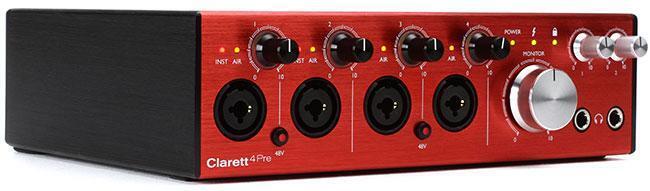
While there are studios out there that are based on analog or digital tape, the overwhelming majority of us are now working on computer-based recording rigs. And this means we need to get audio from the air-based soundwave world into the virtual, ones-and-zeroes-based digital world. For this, we use an audio interface. And upgrading your sound may be as easy as upgrading your interface.
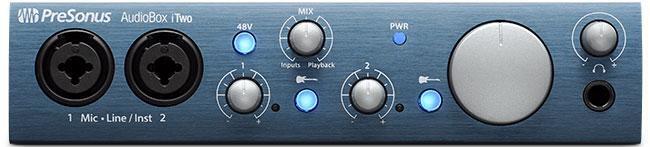
For our purposes here, an audio interface is a device that accepts analog microphone and line-level signals, converts them to digital for storage and processing in a computer, and can also do the opposite: accept digital audio signals from the computer and convert them back to analog signals to drive studio monitors, headphones, and analog processing gear. That’s the most basic level. Certain interfaces add sophisticated monitor control capabilities, flexible routing options, multiple digital audio I/O formats, and MIDI I/O, and they may include onboard digital signal processing (DSP) for latency-free monitoring or processing signals.
There are many considerations when choosing a new audio interface. Let’s take a look at some of the most significant.
1. Your needs
Any time I’m asked, “Which audio interface should I buy,” I respond with a question: “What do you want to do with it?” Knowing what your needs are — stereo mobile recording, tracking a full band, recording guitar/vocal overdubs, composing using virtual instruments, making quick song demos, and so on — will go a long way toward determining which interface will be best for you. I recommend sitting down and making a list of everything you do where the interface is involved.

2. Connection format
Will you hook the interface to your computer via USB, FireWire, Thunderbolt, or a proprietary connection? Some “hybrid” interfaces support more than one protocol, but this first step will narrow your search considerably.
3. Number of simultaneous analog ins/outs/preamps
Consider how many signals you need to get into the interface at the same time. One for a guitar and one for a vocal? A drum kit? A full band? How many of those require microphone preamps? Will you use external microphone preamps into line inputs? How many pairs of monitors do you have? How many simultaneous headphone feeds are required for tracking? Do you incorporate external analog compressors/EQs/effects when mixing? Make a list of every in/out you need and its format (1/4″, XLR, RCA, 1/8″, digital).
4. Additional I/O
Do you need MIDI in and out? S/PDIF, AES, or ADAT optical digital ins and outs? RedNet, Dante, AVB, or other network connectivity?
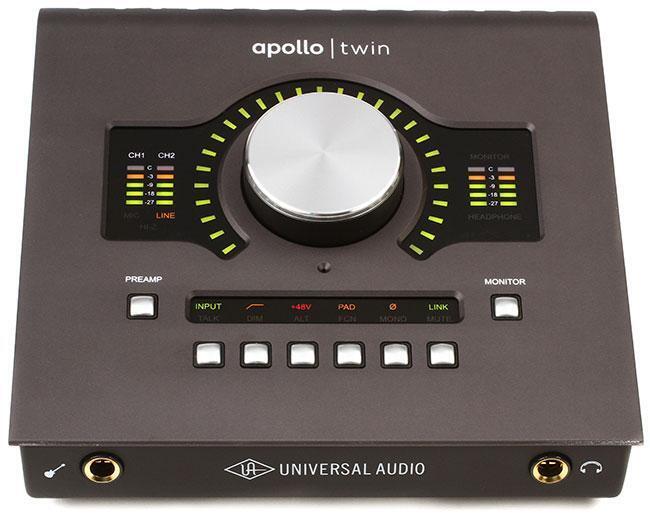
5. Onboard DSP
Several manufacturers offer onboard DSP for running plug-ins and latency-free monitoring mixes. It’s not essential for many applications, but it’s a valuable bonus if it fits your needs (see #1 above).
6. Sound quality
Really, sound quality is #6 on the list? This is because these days, even the least expensive audio interface is capable of delivering great sound quality when used properly. There are differences in the audio quality and tonality offered by various manufacturers, but in my humble opinion, this is rarely the deal-breaker or deal-maker when choosing an interface.
7. Price
Price is always a consideration. But I’ve found that by the time you work through the list above, you’ll have narrowed the field to a short list of audio interfaces that will fit the bill. At this point, you can choose the one that fits your budget. Some people prefer to start with price as the first consideration, but in my experience, you’re better off to start with the end in mind (meeting your needs) and let price be the tie-breaker at the end.