During the last several years, there’s been a synthesizer renaissance driven in large part by the popularity of synthwave, an instrumental electronic-music subgenre inspired by 1980s electronic film scores and video-game music. Synthwave has operated as an underground microgenre for over a decade. In 2011, it entered the popular consciousness via the soundtrack for Nicolas Winding Refn’s breakthrough film, Drive, which featured songs from synthwave luminary Kavinsky and a retro-fabulous score by Cliff Martinez. Five years later, synthwave made another big splash in the hit show Stranger Things with a score by electronic duo S U R V I V E that pulls liberally from early synth pioneers such as John Carpenter, Vangelis, Tangerine Dream, and Jean-Michel Jarre. Currently, synthwave is still going strong, as evidenced by the Weeknd’s synthwave-laced smash “Blinding Lights” claiming the title of the best-performing global single of 2020.
In this article, I’ll take you through some of the fundamental aspects of creating a synthwave track using virtual instruments and plug-in effects, including sound selection, arrangement, and mixing.
Selecting a Synth Pallet
Synthwave is a genre steeped in nostalgia with a sonic palette that relies almost exclusively on sounds from old-school analog and early digital synthesizers. However, vintage synthesizers and their modern equivalents are pricey, and building a sizable hardware-synth collection is no small investment. Fortunately, software emulations of classic synthesizers are readily available and affordable, and they sound great. While they may not be one-to-one re-creations of their hardware counterparts, today’s software synths get relatively close to the machines that inspired them, and they allow producers to access a host of inspiring sounds that otherwise would be difficult to attain. Software developers such as Arturia, UVI, GForce, u-he, Tracktion, and IK Multimedia offer an excellent selection of vintage-inspired soft synths ideal for creating synthwave tracks in the box.
When I’m selecting synth sounds for retro-themed music, I typically start in one of two ways. First, I’ll dig through some of the supplied presets, but I like to focus on original factory presets if they’re available for whatever soft synth I’m working on. I find that these get me more immediately in the ballpark than the presets created by contemporary sound designers. Quite frankly, sound design is much more sophisticated than it was 40 years ago when the music that synthwave takes its cues from was being created. So, I prefer to find simple yet evocative sounds that fit the aesthetic and are easy to tweak. Alternatively, I’ll start a patch from scratch and build up a sound just like I would on a hardware synth.
Constructing the Melodic Elements
In creating this sample track, the goal was to stick closely to the genre conventions, and that decision, to some extent, dictated the arrangement. Before I had a single note in my head, I knew that the track would have a driving bass line playing steady 16th or eighth notes, a repeating arpeggio, a pad, one or two additional melodic elements, a lead, and drums.
Bass
Synthwave bass lines are often quite simple, involving the root note playing in repeating 16ths or eighths. I find it easy to sequence these using Pro Tools’ piano roll, but you could use a soft synth’s built-in arpeggiator fixed to a single octave and then record in whole notes played from a keyboard controller. For this bass line, I selected a synth-bass preset from the Korg Polysix soft synthesizer, available as part of the Korg Collection virtual-instrument pack and bundled with Korg Kronos series synthesizers. I slightly altered the preset, adding more resonance and tailoring the release time of the envelopes to fit the tempo of the track. By applying some automation to the filter cutoff, I was able to inject some dynamic movement into a relatively static part. More on that later!

Arpeggio
Arpeggiated patterns are a fixture of the synthwave genre. For those unfamiliar with arpeggios, they are a musical technique where the individual notes of a chord are played in descending or ascending order. Typically, in synthwave, the arpeggios will either follow the chord changes or play an ostinato, which is a repeating musical phrase. A famous example is the theme song to Stranger Things by S U R V I V E; it employs an ostinato playing a repetitive five-note ascending and descending arpeggio. The moving bass line and chord stabs surrounding the repeating phrase create dramatic tension, which is why this is such an effective technique. However, for this track, I chose to have the arpeggio follow the chord changes. The u-he Repro-1 virtual synthesizer, a solid emulation of the Sequential Circuits Pro-One analog synthesizer, had exactly the right kind of ’80s attitude I was looking for, and its built-in arpeggiator worked like a charm.

Pad
Pads are another common feature of synthwave. Essentially droning chords or even single notes, pads fill in space and help create an atmosphere around your melodies and rhythms. When I think of ’80s pad sounds, my mind immediately jumps to the Roland Juno series synthesizers, which include the Juno-6, Juno-60, Juno-106, and the later Alpha Juno 1 and Alpha Juno 2. There are several convincing Juno emulations available, and I particularly enjoy the Roland Juno-106 software synth from the Roland Cloud virtual-instrument series. Of course, it should be no surprise that Roland nailed the sound of their legendary Juno-106 with this plug-in — it is extremely faithful to the original hardware synth, so much so that they even left in the buckets of noise that were an inherent part of the Juno-106’s legendary chorus effect. It’s all part of the vintage appeal!

Melodies
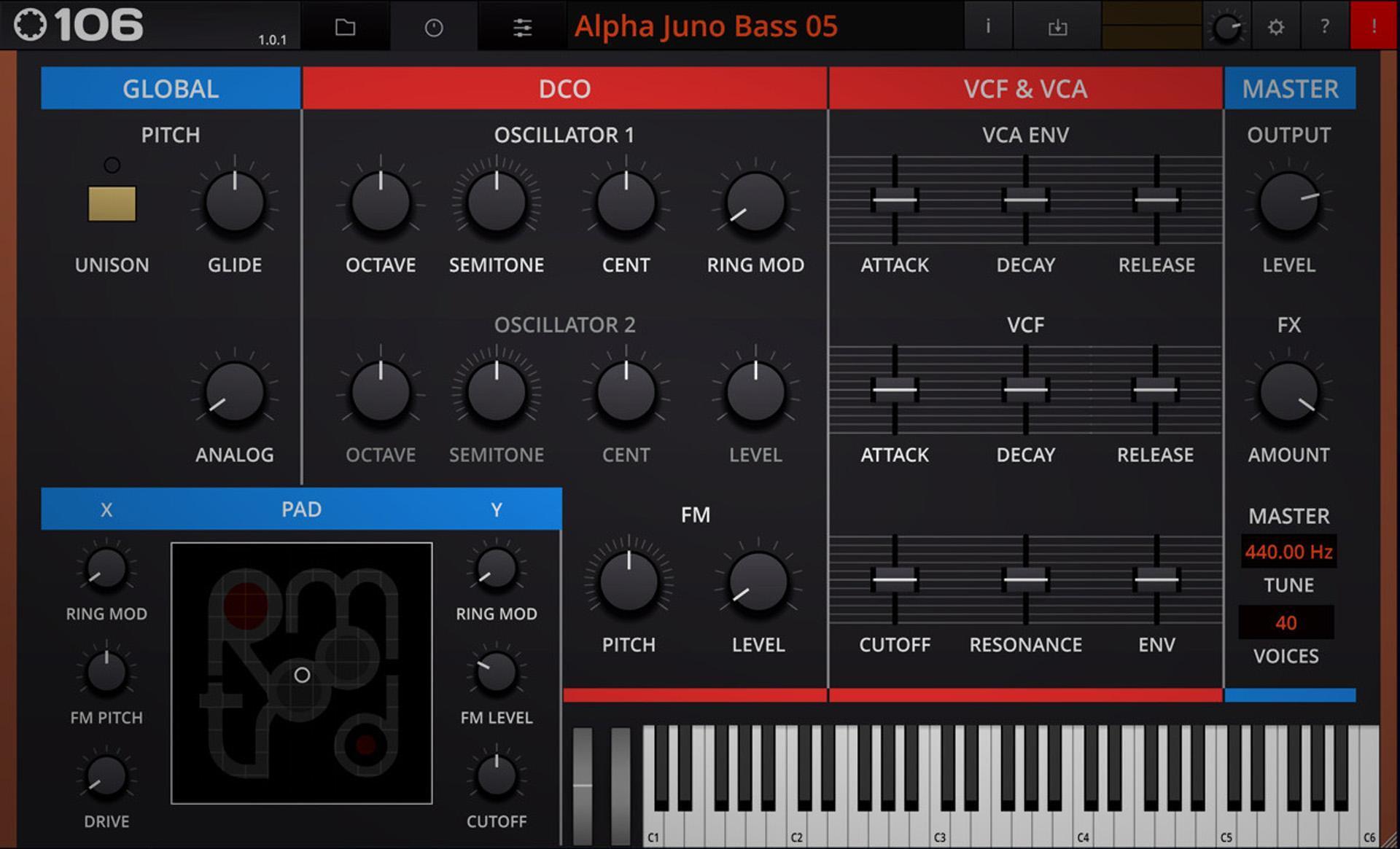
To create an accompanying melody line, I turned to another Roland Juno emulation. But, this time, it’s the Roland Alpha Juno 2, an underappreciated gem of an analog synth that’s capable of creating FM-like sounds due to its unique waveform options. Tracktion provides one of the few virtual versions of the Alpha Juno 2 as part of its Retromod 106 plug-in. The Retromod 106 is a sample-based soft synth, not a modeling synth, which means that, sonically, it sounds very close to the hardware Alpha Juno 2, but patch editing is limited. That said, its presets are period correct and easy to drop into a synthwave mix. I opted for a bell patch since this is one of the areas where the Alpha Juno 2 excels.
Lead
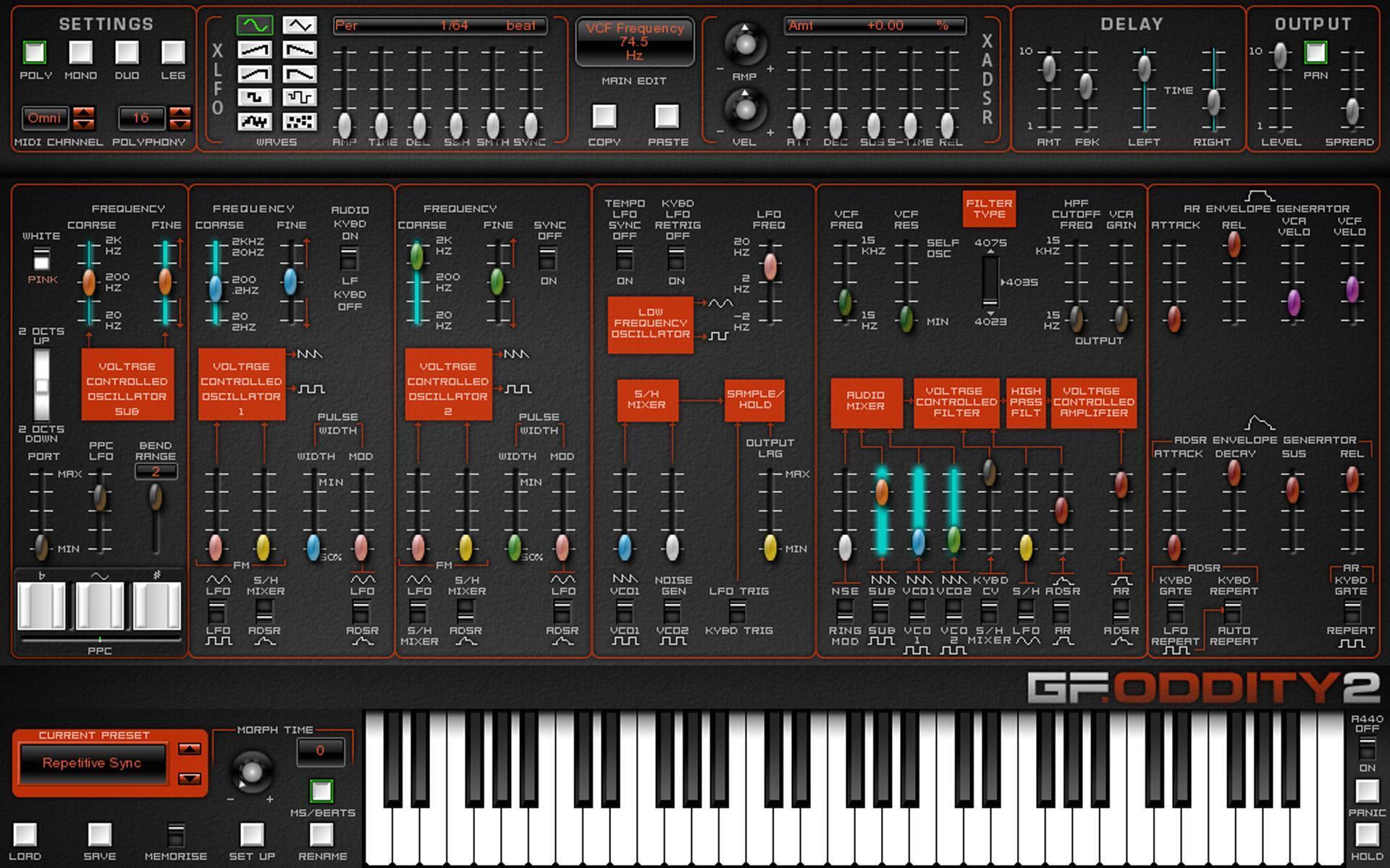
Now it’s time to put down a spicy lead line! The GForce Oddity2 fits the bill nicely here — it’s a popular software re-creation of the formidable 1970s mono synth with expanded features. However, I decided to kick it old-school and use it just like the hardware synth. Instead of diving into the presets, I built a lead patch from scratch. For anyone who has ever used an Odyssey or Oddity2, you’ll know that it is a very flexible synthesizer, and dialing in sounds is extremely intuitive once you wrap your mind around its layout. The GForce Oddity2, like the Odyssey, has undeniable grit and aggression, making it a perfect synth for programming a searing lead.
Applying Automation to Synth Parameters
One of the most appealing aspects of hardware synthesizers is the ability to alter parameters in real time, which can be tricky to pull off by clicking and dragging with a mouse. Of course, with the right keyboard controller, you can assign parameters to knobs or faders to get a more hardware-like feel from your soft synths. You can also simply write automation in your DAW. In this example, I’ve automated the filter cutoff on the bass and arpeggio to open during the intro and then to modulate slightly throughout the performance. But there are many creative applications for this, like varying the rate of an LFO, reshaping an envelope generator, or altering the pitch of an oscillator. Go ahead! Experiment and see where parameter automation can take you!
Programming and Processing Drums
For authentic ’80s drum sounds, I turned to UVI BeatBox Anthology 2. This sample-based drum machine, sound designer, and advanced sequencer is loaded with over 100 classic analog and digital drum machines, including the legendary Roland TR-series drum machines, the LinnDrum, the Oberheim DMX, and many others. You can choose from fully assembled kits or build your own hybrid drum machine by mixing and matching sounds from its vast sample library. It also includes a powerful and intuitive step sequencer and a collection of built-in effects. Another excellent feature is the ability to route individual drum sounds to separate tracks in your DAW for processing sounds with your favorite plug-ins.
One of the few pieces of vintage gear I use in my home studio is the E-mu Drumulator, a 12-bit digital drum machine from 1983 that was used extensively by the Cocteau Twins and that made a notable appearance in “Shout” by Tears for Fears using sounds from the Digidrums Rock Kit alternate EPROM set. UVI BeatBox Anthology 2 includes a spot-on re-creation of the Drumulator, which I selected for this track.
In UVI BeatBox Anthology 2, you can process the drum kit right inside of the plug-in. However, I prefer to disable any built-in effects and just use the raw samples. That allows me to apply the same processing and workflow I use when tracking hardware drum machines. I took advantage of BeatBox Anthology 2’s multi-output function to route all of the kit elements to separate tracks. Then, I sent them all to a drum bus so that I could apply some glue with the Waves API 2500 plug-in.
In synthwave, how you process drums is just as important as the drum samples you select, and a big piece of the equation is to choose the right reverb effects to give them a period-correct sound. I tend to use several reverbs on an electronic drum kit, and this track was no different. I set up three stereo reverb sends in Pro Tools: a room reverb using the default “Room A1” preset on the UAD RMX16; a long reverb using the “Chamber” program on the UAD Lexicon 224; and the iconic and oh-so-’80s nonlinear reverb on a separate instance of the RMX16 (the Lexicon 224 and RMX16 plug-ins are available as part of the UAD custom plug-in bundles). All the kit elements, including the kick, snare, hats, toms, and auxiliary percussion, are sent to the first two reverbs at different levels to give dimensionality to the kit. The nonlinear reverb is just for the toms and the snare, and a little bit goes a long way. I aim to add just enough to give the snare and the toms a taste of the gated reverb sound that dominated productions in the mid-1980s without calling too much attention to the effect.
Take a listen to the raw kit and the processed kit:
Mixing to Create a Vibe
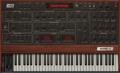
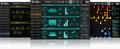
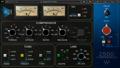
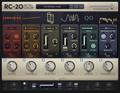
When mixing a synthwave track, you can up the vintage vibe by relying primarily on plug-in processors that emulate analog gear. Choosing EQs and compressors that are a little more colorful will help you create a lived-in, throwback sound. On top of that, don’t be afraid to rough up your tracks with saturation and distortion. In Pro Tools, Avid HEAT provides an easy way to add some global warmth to your mix. But you could also use tape emulations like the u-he Satin tape machine plug-in or the IK Multimedia T-RackS Tape Machines 80 on individual tracks and on the mix bus. Tape emulations work best when used subtly, but, if you want to degrade your tracks more severely, check out coloration plug-ins like the XLN Audio RC-20 Retro Color plug-in, the FabFilter Saturn 2 saturation and distortion plug-in, and the Baby Audio Super VHS lo-fi plug-in.

u-he Satin Tape Machine Plug-in
Learn More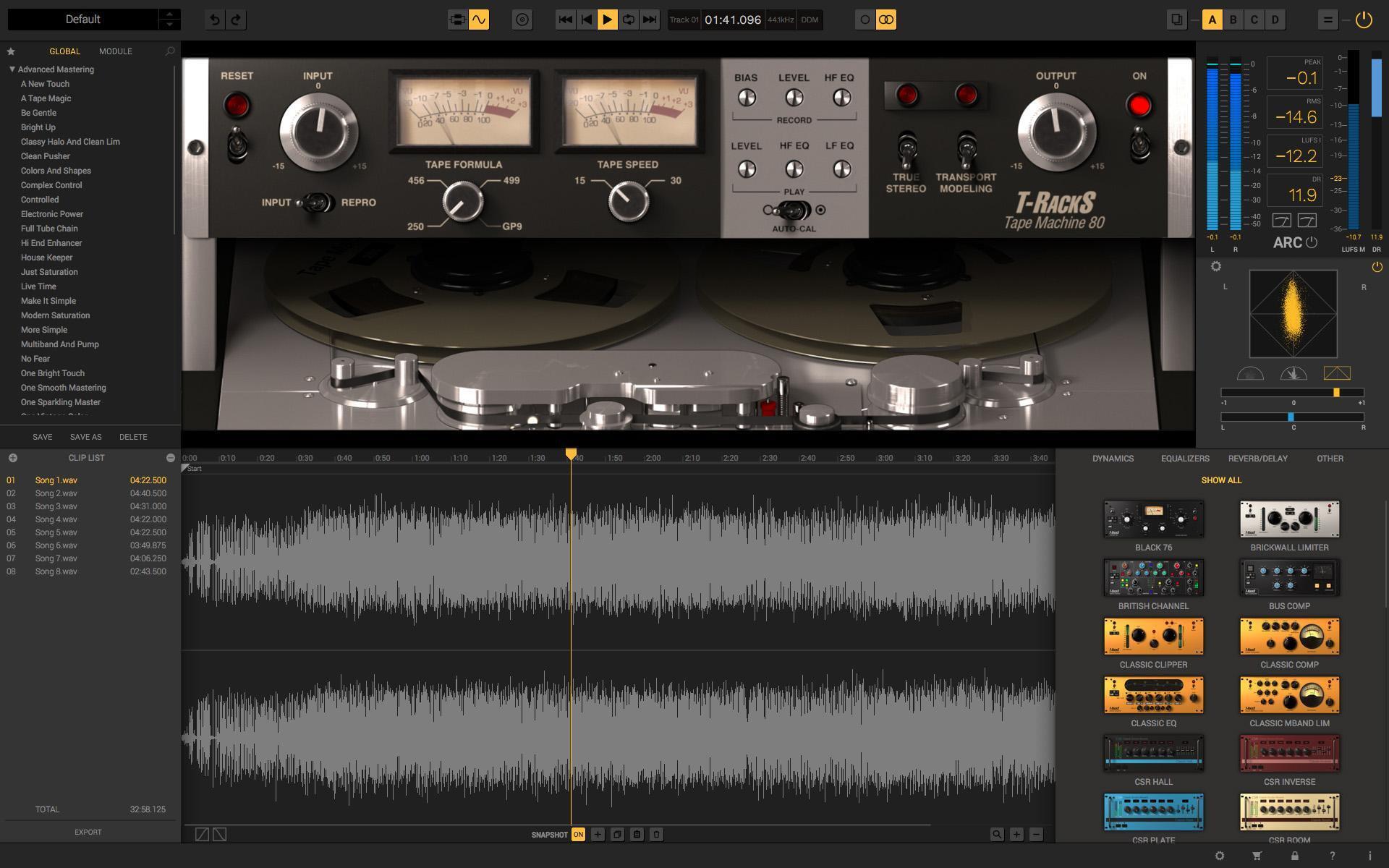
IK Multimedia T-RackS Tape Machines 80
Learn More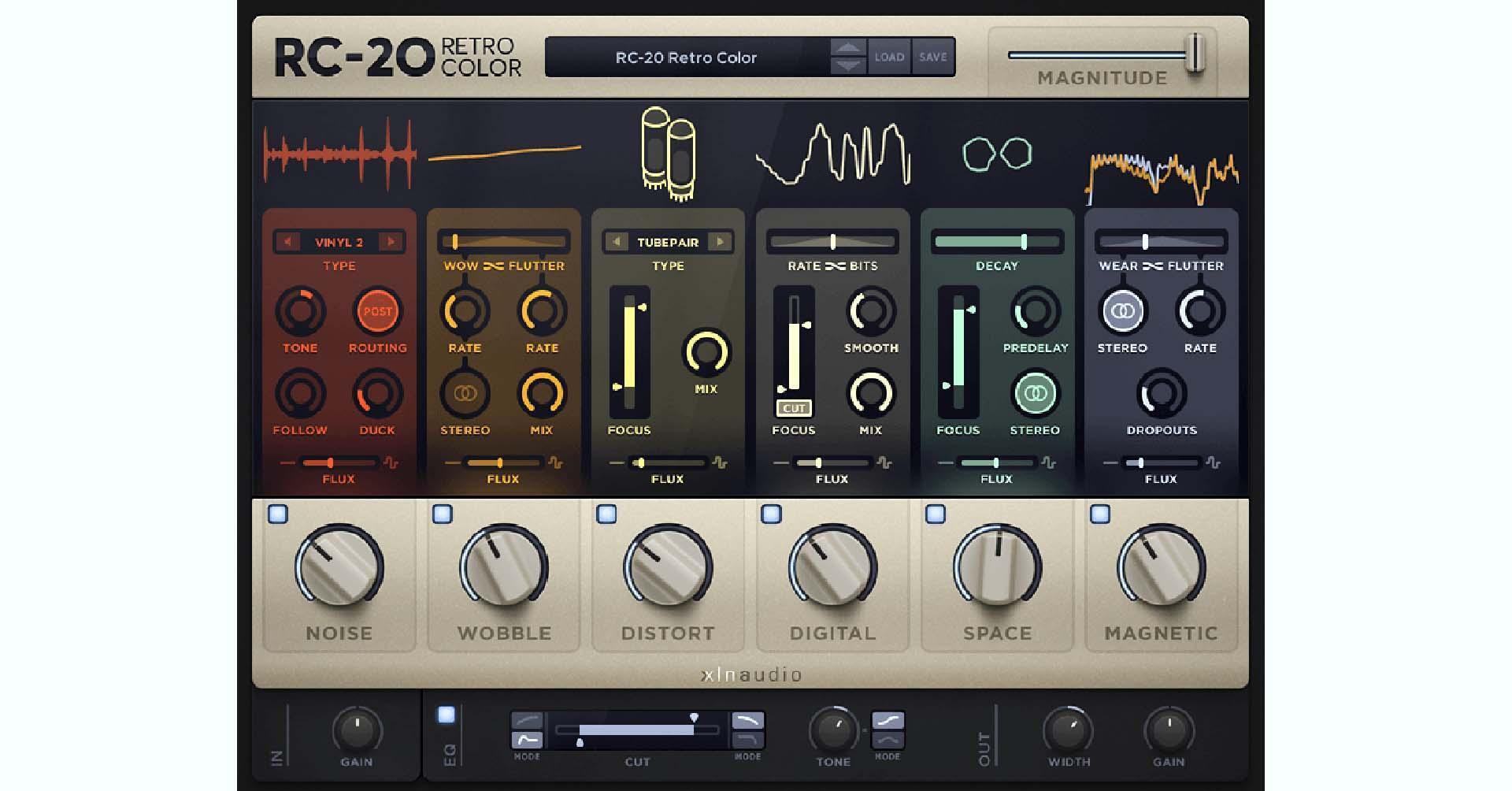
XLN Audio RC-20 Retro Color Plug-in
Learn More
FabFilter Saturn 2 Saturation and Distortion Plug-in
Learn More
Baby Audio Super VHS Lo-Fi Plug-in
Learn More
Another mixing technique I find useful for this style is to share reverbs and delays rather than apply them individually to each track. I like to start by creating a few general reverb sends — just like with the drums — that each serves a different purpose, for instance, a room reverb, a plate reverb, and an ambient reverb. The same thought process extends to delays, where I’ll create a few different delay types, such as slap, quarter-note, eighth-note, and so on, and route multiple tracks to them at varying levels. By doing this, your mix will have a more cohesive sense of space. Plus, it can prevent you from getting paralyzed by option overload.
Putting It All Together
Synthwave is a deceptively challenging genre to master. While it may seem simple, it’s difficult to honor the tropes without inadvertently creating a caricature of the style. Yet, it’s incredibly fun to sink into the nostalgia and revel in all those wonderful 1980s-inspired synth textures. So, let’s check out the finished track:
Are you interested in learning more about how to re-create iconic sounds in your home studio? Please contact your Sweetwater Sales Engineer at (800) 222-4700 and let us know which genre or style we should highlight next!