
Moog Software Activation Instructions
In this guide, we will show you how to register, download, and activate your new Moog plug-in. Follow the instructions below to get started.
Register the Serial Number
Before using the plug-in, you must register the Serial Number with Moog using the Serial Number you received from your Sweetwater Sales Engineer.
- Log into your Moog account. If you don’t have one, complete the necessary information on the Moog account creation page.
- You will receive an account verification email when you first create an account. If you don’t receive the email within five minutes or so, be sure to check your Spam folder!
- On your account home page, click REGISTER SOFTWARE, copy and paste the Serial Number you received into the empty field, then click REGISTER.
- Your software will now be available for download.
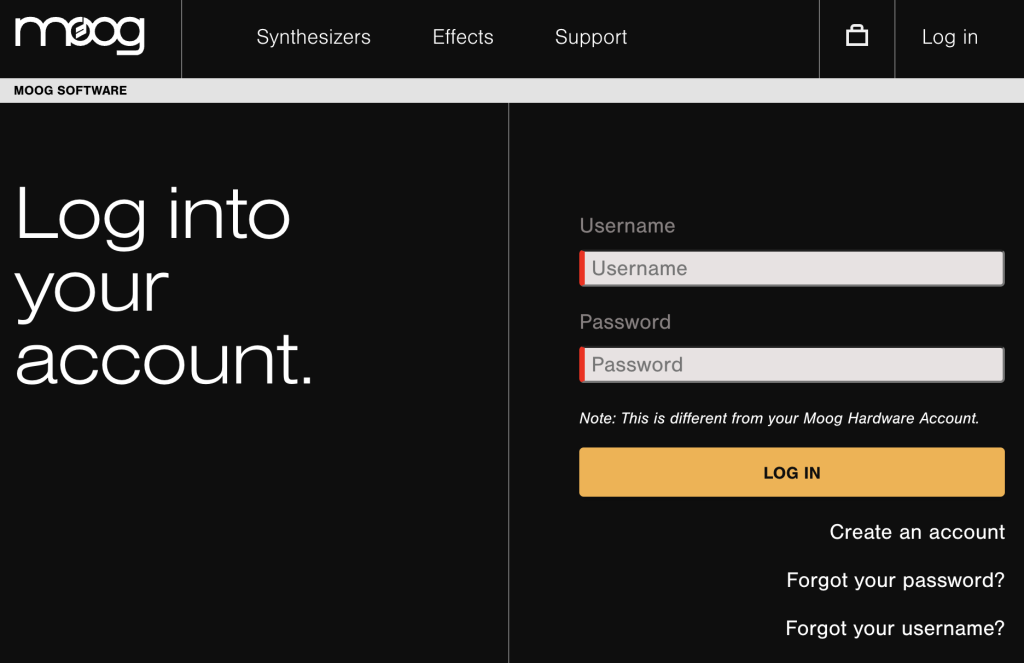
Click the image to sign into your Moog account.
Download and Install
Once you have registered your Moog plug-in, the next step is to download the latest version of the plug-in for your OS.
- On your account home page, click YOUR SOFTWARE, then expand the downloads (click the + icon) and choose the latest version and plug-in type for your OS.
- Go to your Downloads folder, locate it, launch the installer, and follow the on-screen process.
- You can choose the directory where you install the plug-in during the activation process. Take note of this, as you must add that directory to the scan list in your DAW.
Activate the Plug-in
IMPORTANT! Your computer must be connected to the Internet, as the plug-in requires you to link your account.
Now that the plug-in is registered to your account and installed, the last step is activating it.
- Launch your DAW, create a new project, and add the Moog as a new instrument track.
- Once the plug-in window appears, click SIGN IN and enter your Moog software account credentials.
- Close out of your browser, go back to the plug-in, and click ACTIVATE.
- Click on ACTIVATE again to confirm the activation for your computer. This will then trigger the plug-in to communicate with the Moog Software service to link the plug-in to your account.
- Once activated, click CONTINUE and enjoy your new plug-in!
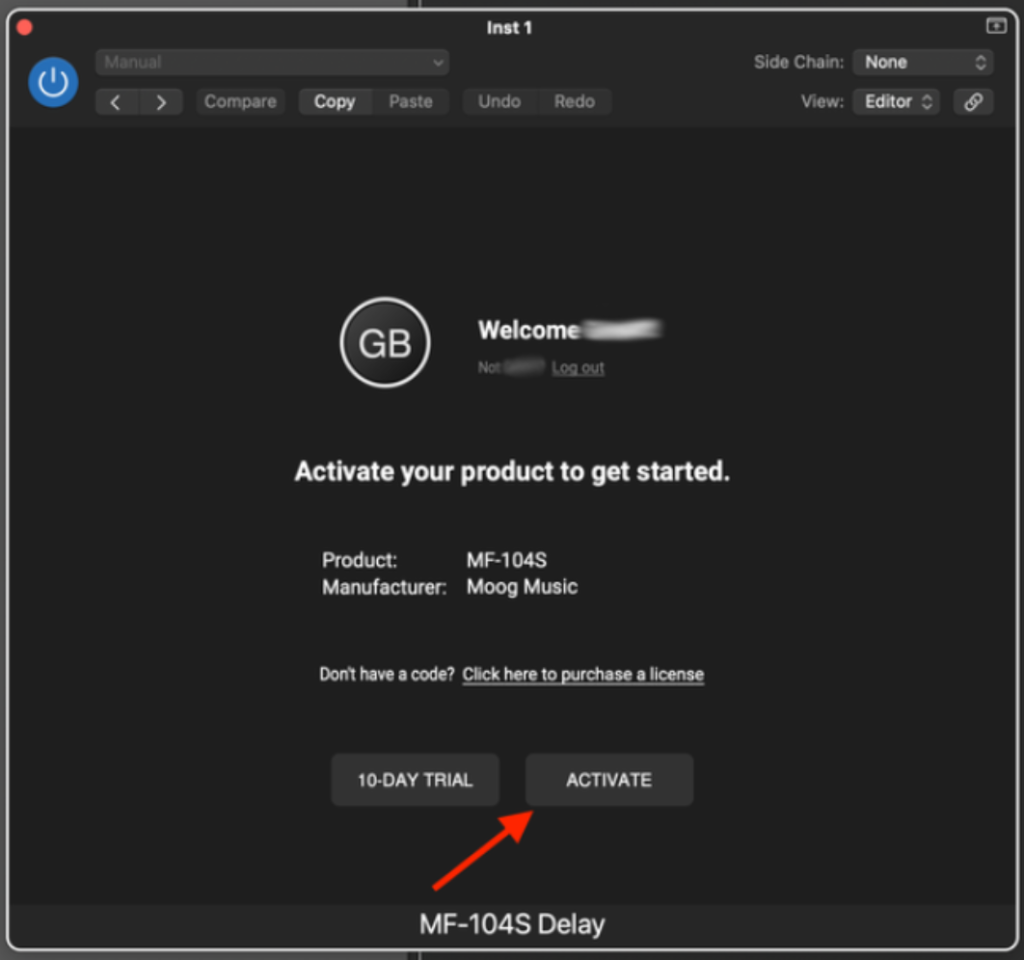
Click Activate to activate your new Moog software.
When you need help, Sweetwater has the answers!
Our knowledge base contains over 28,000 expertly written tech articles that will give you answers and help you get the most out of your gear. Our pro musicians and gear experts update content daily to keep you informed and on your way. Best of all, it’s totally FREE, and it’s just another reason that you get more at Sweetwater.com.

