
Keyboard Amplifier Quickstart Guide
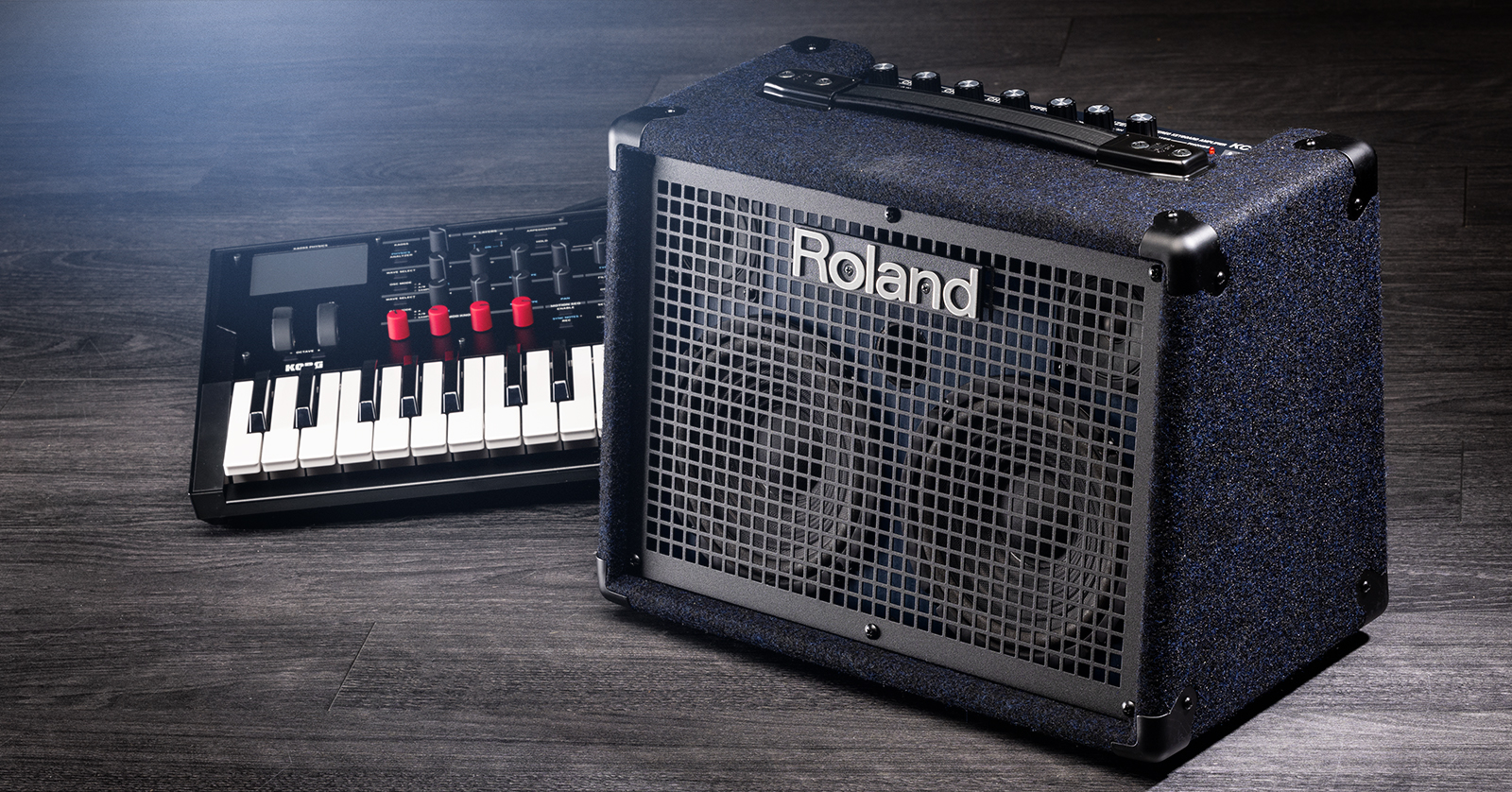
In this guide, we will show you how to get up and running with your keyboard amplifier in no time. This article will only scratch the surface, as plenty of features are packed into your amplifier, so follow the sections below to get started.
What Is a Keyboard Amplifier?
Keyboard amps come in different shapes and sizes, but they all serve the same purpose: to amplify the great sounds you have on your keyboard.
Some keyboard amps have additional features that may not be present in others. With that in mind, have its owner’s manual on hand to learn more!
What’s the difference between a keyboard amplifier and a guitar amplifier?
You’ve probably asked this question, and for good reason! Keyboard amps and guitar amps both amplify the instrument’s signal. However, keyboard amps have a flatter frequency response, so the output sounds as natural as possible. Guitar amps, on the other hand, have controls to alter and distort the tone, which could affect the tone of your keyboard patches.
Another big difference is frequency range. Due to the variety of patches you can create on a keyboard, keyboard amps require a broad frequency range to capture the full tone (like a patch with sub-bass layers). Electric and acoustic guitars don’t necessarily rely on low frequencies, so guitar amps have a narrower frequency range. While you can use a guitar amp in a pinch, your keyboard won’t sound as clear as it would with a keyboard amp.
Setup and Connections
NOTE: If you are connecting a guitar to your keyboard amp, we recommend using a DI box so it can boost its instrument level to line level.
From keyboards and microphones to other line-level devices, like sound modules and drum machines, connections are simple. Just take the correct cable from your external source to the keyboard’s input, and you’re all set.
- Most keyboard amps also have RCA and Aux jacks for mobile devices or media players. Be mindful that your keyboard amp’s model may not have independent level controls, meaning you must control it from your media player.
- Connect your keyboard amp to a subwoofer via the SUB OUT to give the patch a full sound.
- Your keyboard amp may come with a footswitch jack that allows you to turn effects on or off or switch channels.
- Not all pedals are universal, so check your keyboard amp’s owner’s manual to see what pedals are compatible and what functions they can control.
Stereo vs. Mono
One major question is whether the keyboard amp should be run in stereo or mono. Mono is good in some situations, but if you have patches that heavily rely on effects, like tremolo or delay, stereo is preferred, as mono output will ‘choke’ the sound.
Almost all keyboard amps have a stereo connection that allows you to connect two keyboard amps. So, if you have a mono keyboard amp and want a stereo sound, connect another keyboard amp or PA speaker via the STEREO LINK jacks. Check out our guide from Daniel Fisher to learn more!
Keyboard Amplifier Care and Maintenance
Keyboard amps are essential for any keyboardist out there, so it’s critical they sound (and look) great for years to come.
- Avoid extreme temperature fluctuations.
- Electronic components and liquids don’t mesh, so if your keyboard amp gets wet, wipe it down as soon as possible!
- Wipe off any dust or grime periodically. Not only does this help make the amp look new, but it also reduces the chance of dirt getting in the pots, which will cause a crackling sound when you turn the knobs. Investing in a keyboard amp cover will help reduce the amount of dust that can get on it.
- It’s good to occasionally give the pots and jacks a short burst of DeoxIT Contact Cleaner!
- While this isn’t necessarily geared toward keyboard amps, make sure you lift it with your legs, not your back. If you have difficulty lifting it, ask a friend to assist. Many keyboard amplifiers are heavy, so lifting them correctly will prevent back injuries. Check out our guide about protecting your back to learn more!
When you need help, Sweetwater has the answers!
Our knowledge base contains over 28,000 expertly written tech articles that will give you answers and help you get the most out of your gear. Our pro musicians and gear experts update content daily to keep you informed and on your way. Best of all, it’s totally FREE, and it’s just another reason that you get more at Sweetwater.com.

