

How to Factory Reset a Line 6 Helix Family Device
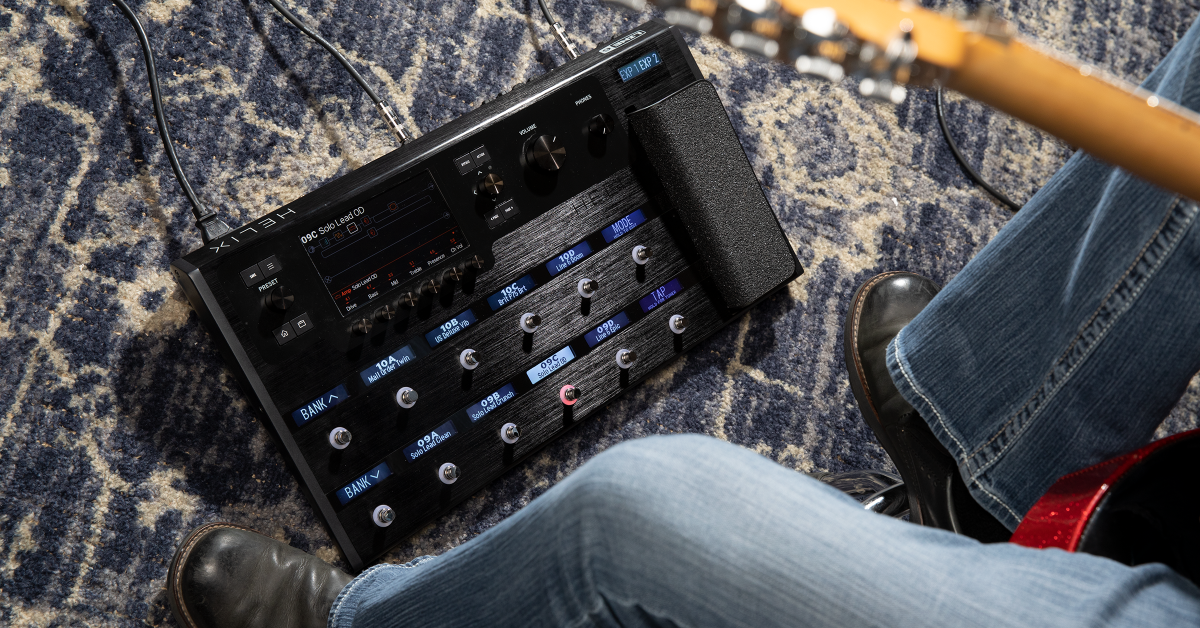
NOTE: This guide is for the original Line 6 Helix and HX families of products. We provide a guide for the Line 6 Helix Stadium family here.
IMPORTANT!
If your Line 6 Helix device is not detected by the computer, try connecting to a different USB port or using another USB cable.
Getting started
In this guide, we will show you how to reset Line 6 Helix family devices. Read below to learn about what when to perform each of the resets and then use the instructions most applicable for your Helix device.
Factory resets
The Helix family includes Helix, Helix LT, Helix Rack, HX Stomp and HX Effects. Each device can be reset to erase and restore a variety of presets and settings. Before resetting, create a backup of device, especially if you have custom presets, setlists, or IR’s.
Line 6 Helix or Helix LT
- Restore stock presets + setlists: Hold footswitches 7 + 8.
- Restore stock presets + setlists + IR’s: Hold footswitches 8 + 9.
- Restore stock presets + setlists + IR’s and Globals: Hold footswitches 9 + 10.
- Reset Globals: Hold footswitches 5 + 6.
- Erase and restore/reset all factory and user presets: Hold footswitches 10 + 11.
- Erase and clear current preset only: Hold footswitches 11 + 12.
- Update Mode: Hold footswitches 6 + 12.
Line 6 Helix Rack
- Restore stock presets + setlists: Hold encoders 3 + 4.
- Restore stock presets + setlists + IR’s: Hold encoders 4 + 5
- Restore stock presets + setlists + IR’s and Globals: Hold encoders 5 + 6.
- Reset Globals: Hold encoders 2 + 3.
- Erase and restore/reset all factory and user presets: Hold encoders 1 + 3.
- Erase and clear all presets, setlists, and IRs: Hold encoders 1 + 5.
- Update Mode: Hold encoders 1 + 6.
Line 6 HX Effects
- Restore stock presets: Hold footswitches 5 + 6.
- Erase and clear all presets + IR’s: Hold footswitches 3 + MODE.
- Restore all presets + IR’s + global settings: Hold footswitches 6 + TAP.
- Restore Globals: Hold footswitches 4 + 5.
- Update Mode: Hold the right arrow “>” button.
Line 6 HX Stomp
- Erase all presets/IRs: Hold all three footswitches.
- Erase and reset all presets + IR’s: Hold footswitches 1 + 2.
- Erase and reset allpresets + IR’s + global settings: Hold footswitches 2 + 3.
When you need help, Sweetwater has the answers!
Our knowledge base contains over 28,000 expertly written tech articles that will give you answers and help you get the most out of your gear. Our pro musicians and gear experts update content daily to keep you informed and on your way. Best of all, it’s totally FREE, and it’s just another reason that you get more at Sweetwater.com.

