

How do I format the micro SD card for my Zoom Q2n?
How to format a mini SD card for a Zoom Q2n
The Zoom Q2n manual asks that you format the mini SD card before using it for the best performance possible.
IMPORTANT: Formatting your mini SD card on the Zoom Q2n will erase everything on the card. Please back up anything you do not want to lose before formatting. Check out the Zoom Q2n manual for more information on how to format your mini SD card..
Steps to format a mini SD card for your Zoom Q2n
- Press the X (settings) button on your Zoom Q2n to open the Settings window.
- Use the Audio button to select SD Format.
- When the confirmation screen appears, press the Record button to format the mini SD card.
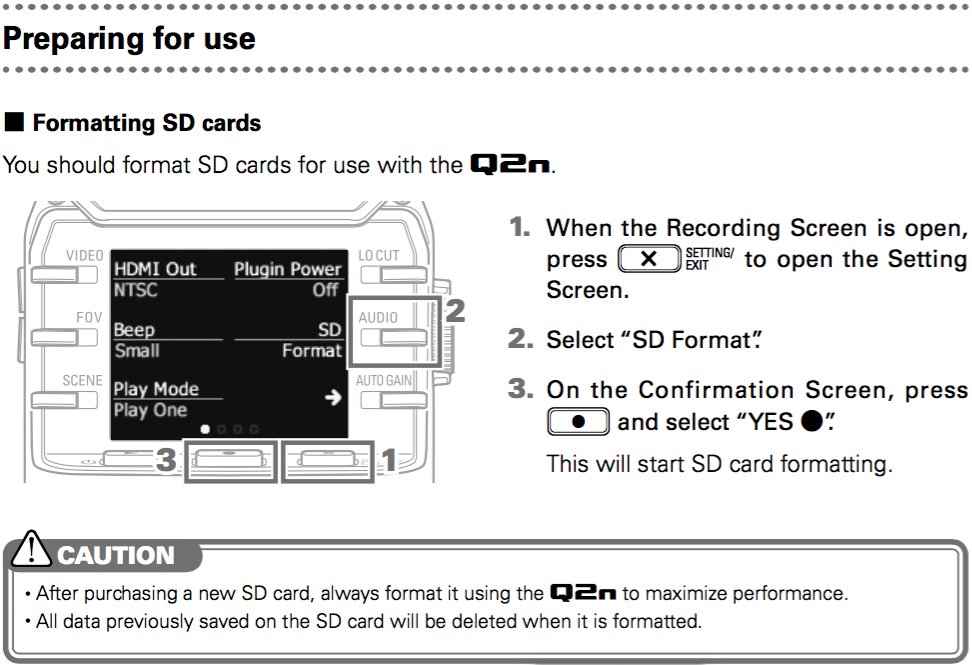
Zoom Q2n mini SD card factory reset procedure. Click to enlarge.
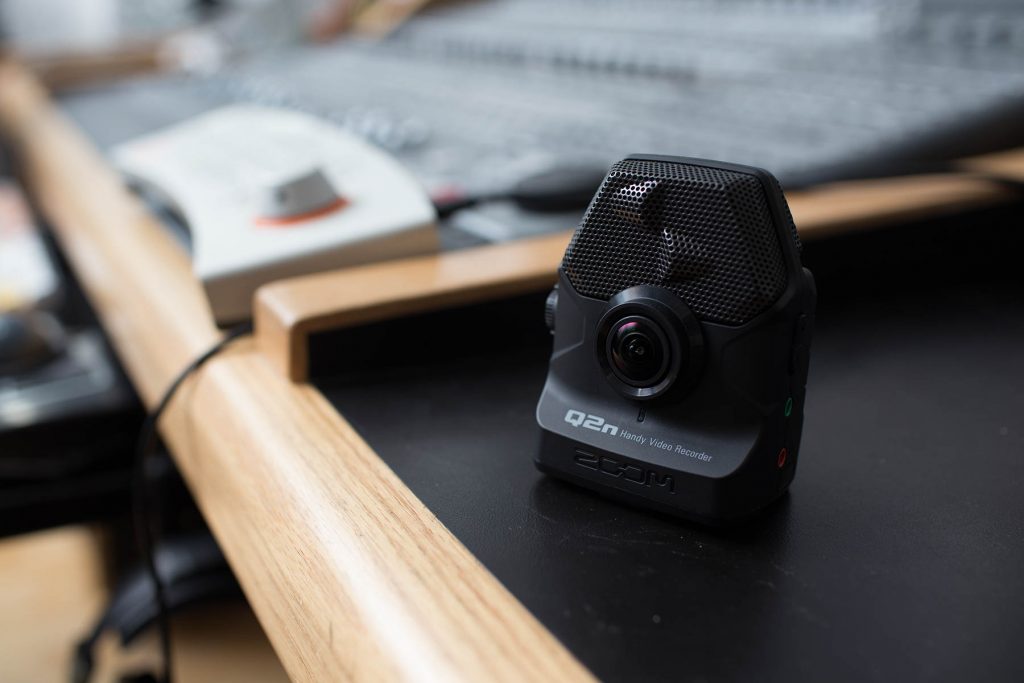
Check out the Zoom Q2n manual PDF for more information on your product.
When you need help, Sweetwater has the answers!
Our knowledge base contains over 28,000 expertly written tech articles that will give you answers and help you get the most out of your gear. Our pro musicians and gear experts update content daily to keep you informed and on your way. Best of all, it’s totally FREE, and it’s just another reason that you get more at Sweetwater.com.

