

How do I active my Avid Media Composer Site license?
Follow these instructions to get your Avid Media Composer Site License activated.
- First, go to www.avid.com.
- Click My Account in the top right corner.

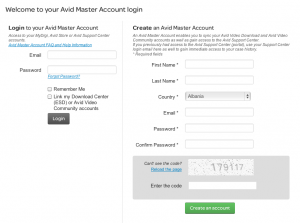
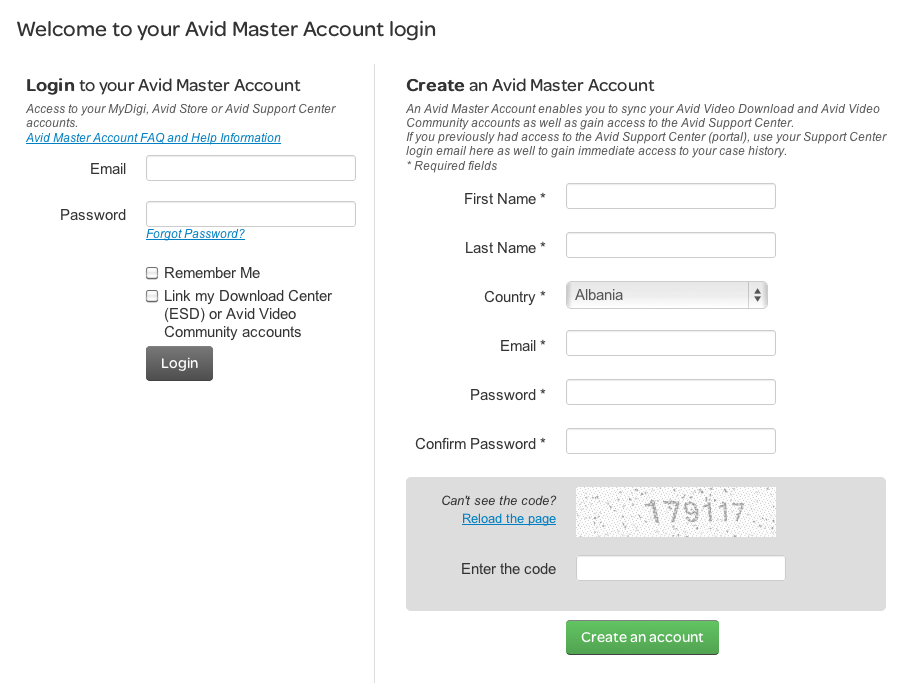
- Log into your account. If you don’t already have one, create one.
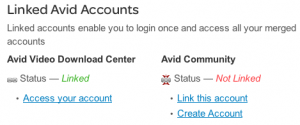
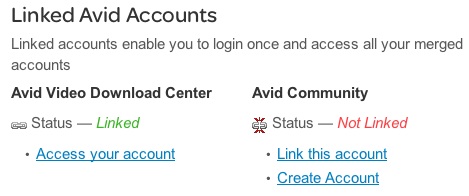
- On the My Account page, click Access your account under Avid Video Download Center in the Linked Avid Accounts section. If you don’t see that option, click on Link this account, then click Create Account. Once you fill out all the required information and submit it, you can return to your My Account page and click on Access your account.
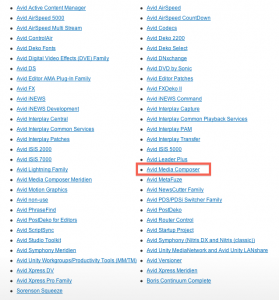
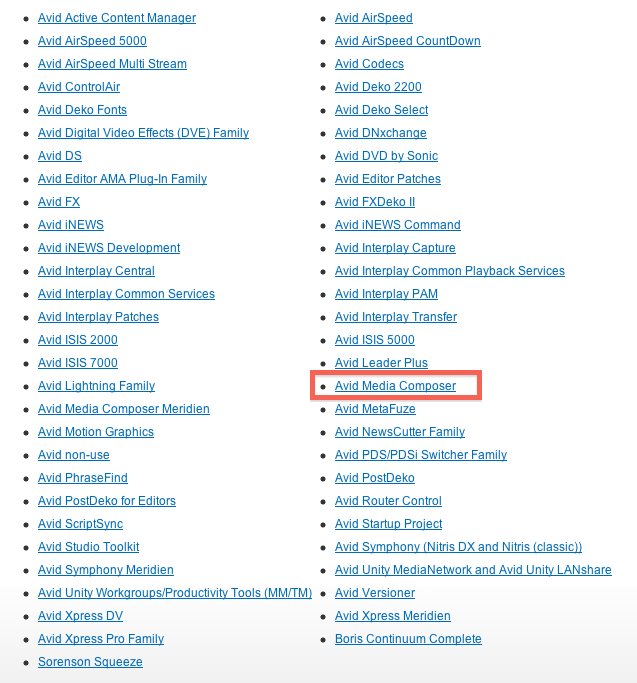
- Next, scroll down and select Avid Media Composer.
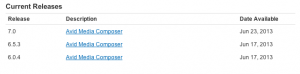
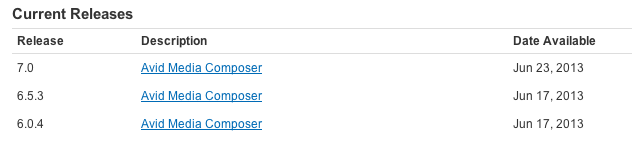
- The next page will show you a list of versions of Avid Media Composer. Choose the latest version (at the top).
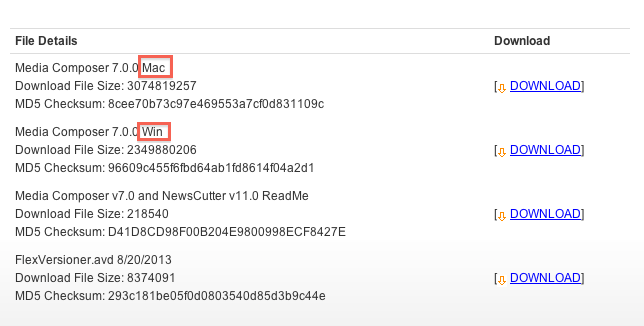
- Scroll down to download the installer for your operating system.
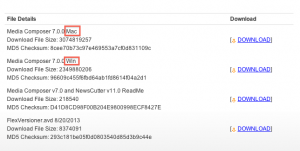
- Once downloaded, open the file and follow the onscreen instructions to install Media Composer.
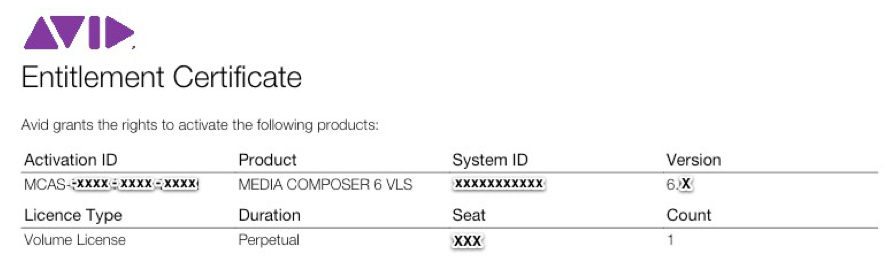
- After the install has finished, launch Media Composer and enter the activation ID and System ID located on the Entitlement Certificate. The installer, activation ID, and System ID will work for all 30 computers.


When you need help, Sweetwater has the answers!
Our knowledge base contains over 28,000 expertly written tech articles that will give you answers and help you get the most out of your gear. Our pro musicians and gear experts update content daily to keep you informed and on your way. Best of all, it’s totally FREE, and it’s just another reason that you get more at Sweetwater.com.

