

Black Spirit 200 Floorboard Firmware Update
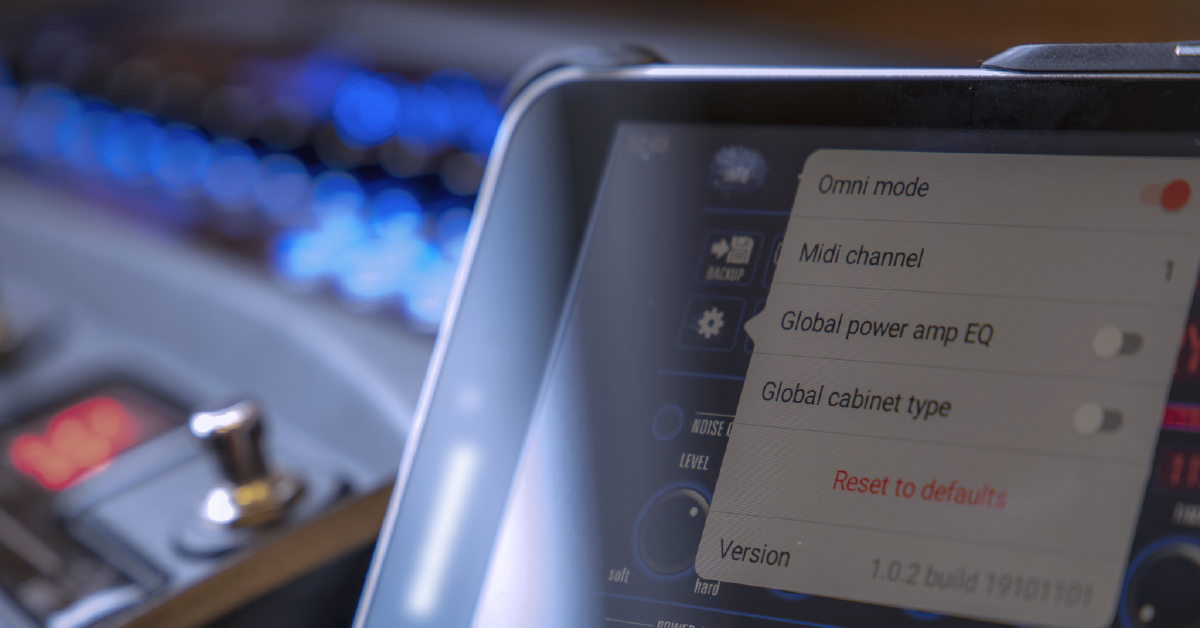
In this guide, we will show you how to update the firmware for a Black Spirit 200 Floorboard Amplifier. If you have preset you want to keep, make sure to save and back them up before updating. Follow each of the sections below to get started.
Back up your presets
If you have presets you want to back up, then you’ll need to do so with the Black Spirit 200 Floor Remote app before updating. Download the app for iPadOS, iOS, or Android and then back up your presets. Since all preset backups are stored on your mobile device, you’ll need to share them via email or Google Drive to have a true file backup. You can then send the file to your device (or another) and open it to restore your sounds.
Download the Black Spirit 200 Remote Floor app
- Open the App Store (iPad OS and iOS) or Google Play (Android).
- Search for Black Spirit 200 Floor Remote and select it.
- Press Install and wait for the installation to complete.
Connect via Bluetooth
- Hold the Gain button down until the Bluetooth light flashes.
- Open the Bluetooth menu on your device select the Black Spirit 200 Floorboard.
- Once paired, launch the Black Spirit 200 Floor Remote app. You can now control your floorboard remotely.
- The app will display CONNECTING TO AMP PLEASE WAIT… when Bluetooth is powered off or the two are not yet paired.
- From the top right, select either to control the floorboard’s memory or your app’s storage.
Back up presets
- For Memory Selector (top-right), choose Amp.
- Press Backup (top-left).
- Name the backup and then save it.
- Once saved, press Library (top-right).
- Select the presets you backed up and then press the share icon (bottom-left). Choose to email the file or upload it with third-party cloud storage.
Update firmware
To update your Black Spirit 200 Floorboard Amplifier, you will need a data or the internet connection (Wi-Fi). Only then can you connect your device to the floorboard via Bluetooth and update from the remote control app. Do not disconnect or power down off while updating and wait for the process to complete. The amplifier will power off when complete.
- Connect your phone to a data or internet connection (Wi-Fi).
- Connect to your floorboard via Bluetooth and launch the Black Spirit 200 Floor Remote app.
- Press the gear icon (top-left) and select Update Firmware.
- Keep your device close to the floorboard and wait for the update to complete.
- When the floorboard powers off, power it on again to complete the update.
Related Content
- Black Spirit 200 Floorboard Setup and Connections
- Black Spirit 200 Floorboard Sounds and Presets
- Black Spirit 200 Floorboard Factory Reset
When you need help, Sweetwater has the answers!
Our knowledge base contains over 28,000 expertly written tech articles that will give you answers and help you get the most out of your gear. Our pro musicians and gear experts update content daily to keep you informed and on your way. Best of all, it’s totally FREE, and it’s just another reason that you get more at Sweetwater.com.

