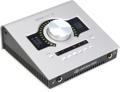
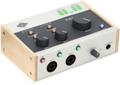
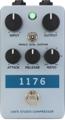
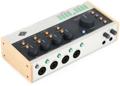
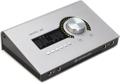
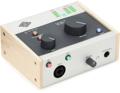
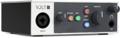
The Universal Audio Apollo interfaces and plug-ins do an amazing job of recording and processing any sound source, but they have some features that make them particularly well suited to instruments with a Hi-Z output, specifically electric guitar and bass. Let’s start with a Hi-Z input jack on the front of the interface and a host of killer guitar and bass rig plug-ins in the software. There are plenty more, including near-zero latency when recording or monitoring (below 2ms, according to the owner’s manual), Unison technology for spot-on feel and tone, and the Console app that looks and performs like an analog console and integrates seamlessly with your DAW of choice.
If those aren’t enough, there are great factory presets; plus, you can easily make and share your own presets among fellow Apollo users. On a personal note, I really like that the Apollo can function without opening my DAW. I just plug into the Hi-Z input and turn up the volume control, and my last-used settings are there. If I open the Console app, I can change or edit whatever. It’s a killer studio guitar rig sitting on my desktop, just begging me to play guitar. Yeah.
Getting Started
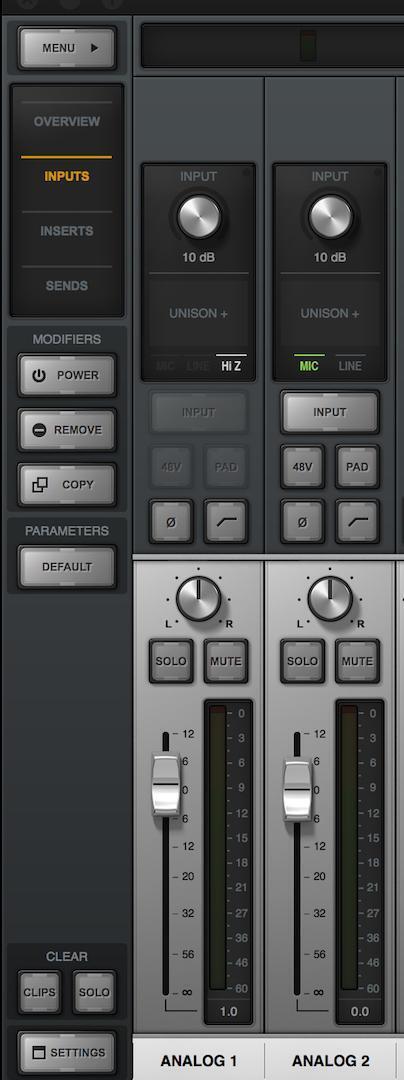
Assuming you already have your Apollo rig up and running (check our Universal Audio Apollo, UAD, and Arrow Setup Guide if not), let’s jump into getting guitar sounds. On the Console app, there are four views accessible by buttons in the top-left corner of the screen: Overview, Inputs, Inserts, and Sends. Click on Inputs, and you’ll see that the channel strip for Analog 1 has a box near the top that says “Unison.” This is where you want to put the first piece in your virtual signal chain. When a cable is plugged into the Hi-Z input on the interface, the Hi-Z input is automatically enabled in the Console app — very convenient.
Unison Technology
This is a huge factor of why the sound and response of the amp/pedal/preamp sims are so amazing in the Apollo world. Paraphrasing the manufacturer, Unison is audio processing that starts right at the source, the input stage, allowing Apollo’s preamps to sound and behave like tube and solid-state preamps, guitar amps, and pedals — including their all-important impedance, gain-stage “sweet spots,” and component-level circuit behaviors.
To further paraphrase, Unison-enabled UAD preamp, guitar amp, and pedal plug-ins reconfigure the physical input impedance, gain-staging response, and other parameters of Apollo’s preamp hardware to match the emulated hardware’s design characteristics. Because the hardware and software are intricately unified, Unison provides continuous, real-time, bidirectional control and interplay between Apollo’s physical preamp controls and the software settings in the Unison plug-in interface.
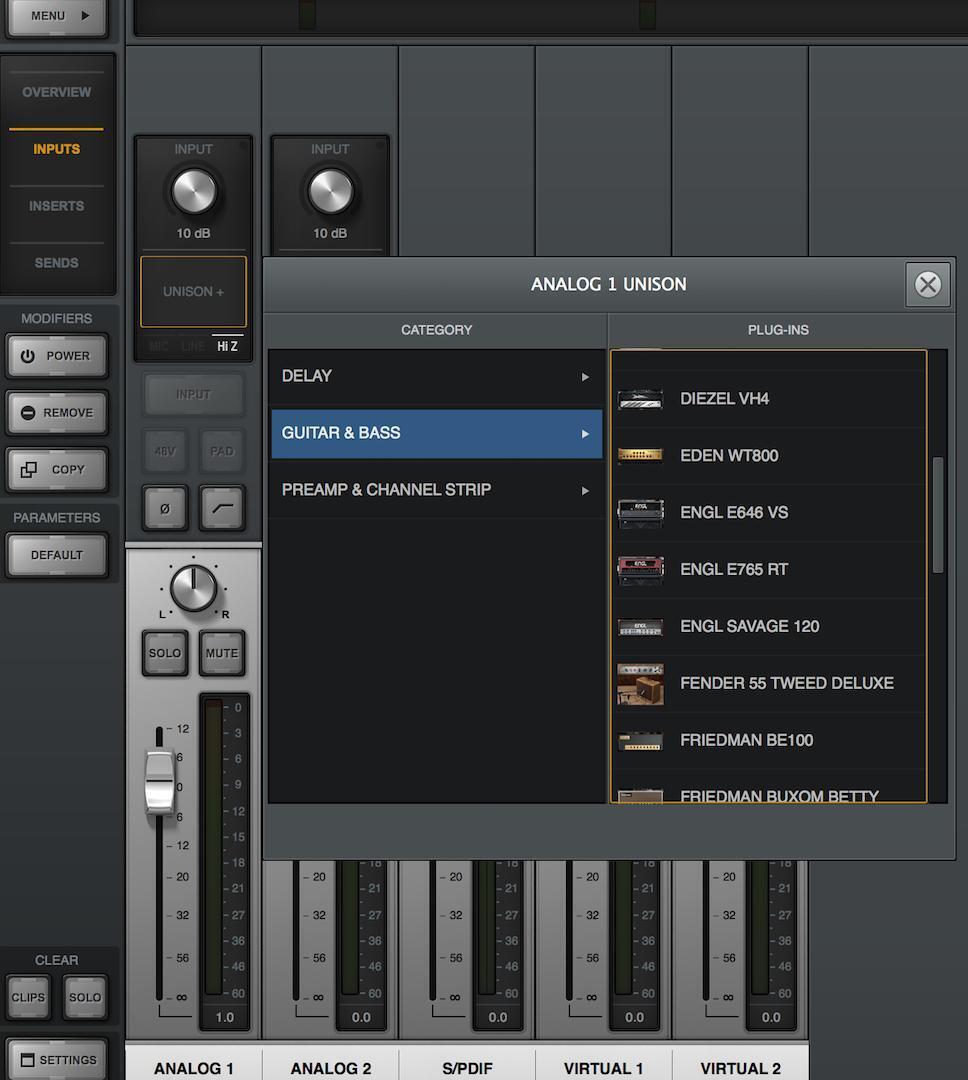
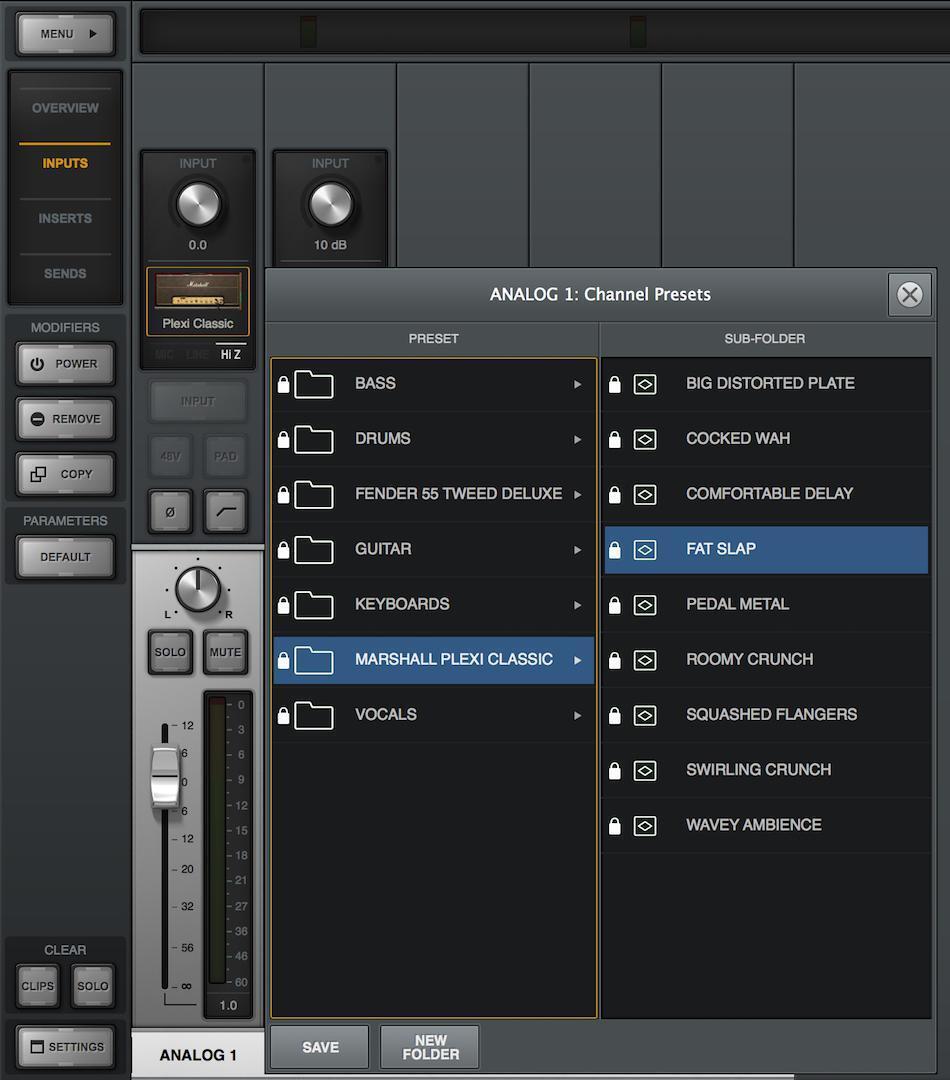
In a nutshell, whatever you place in the Unison slot responds like its hardware counterpart. Guitar players know that the response and feel of an amp or a pedal make all the difference in the world. Be aware that anything in the Unison slot always gets recorded to your DAW — no different than picking the right guitar or the right amp — but the sound and feel make it easy to find the right setting and commit.
If you’re not sure where to start, then right-click the Unison box and choose the Presets option; there are great Marshall Plexi and Fender Tweed Deluxe sounds ready to go.
Realistic Models
Beyond sounding like their hardware counterparts, the sims all function the same, as well. They respond to your guitar, and the controls react the way you’d expect them to. To illustrate that point, I recorded two sound samples that feature the Friedman BE-100. The only difference between the two examples is the position of the “Fat” switch: for one example it’s in the on position, for the other, in the off position. Having a fair amount of experience with a BE-100, the results feel pretty accurate. This level of detail is present in every plug-in I’ve explored thus far.
Insert Page
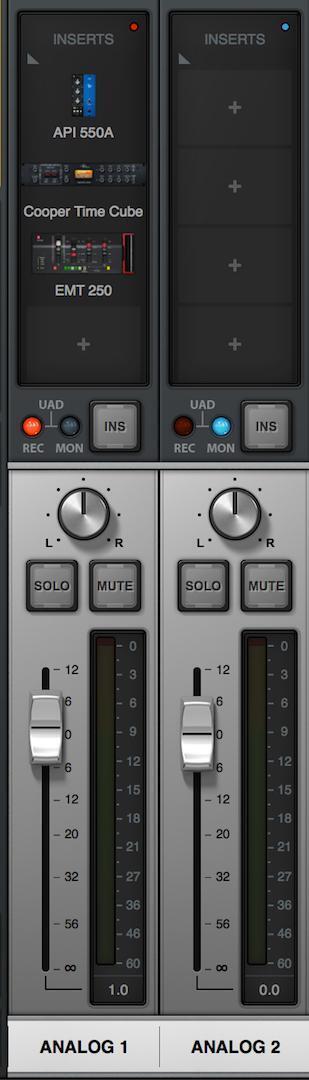
The other four plug-in slots are on the Insert page. These plug-ins have the option of either being recorded or monitored via a button located between the inserts and the pan knob on the channel strip. A red LED indicates “Record” and a blue LED indicates “Monitor,” as seen on the channel strips below.
You can make some serious post-amp mojo happen here. It’s amazing what a little bit of the right compressor, EQ, or reverb can do to make a guitar sound fit in or stand out in a mix. Experiment with small or large amounts of some of the most-used gear in recorded history. This is your professional toolbox.
If you have a guitar rig for recording that you’re perfectly happy with, fear not — Apollo is still your best ally. I’ve had great results recording guitar with Apollo through amps, with mics, or into the UA OX. The built-in mic pres are transparent and designed to be the perfect platform for the plug-ins. Put a channel strip in the Unison slot to record your guitar and listen to the difference. Plus, you’ve got all of the amp/pedal sounds to complement your existing rig and broaden your sonic possibilities.
You can also assign the UAD plug-ins directly to your DAW. This would work best in a monitoring situation on a pre-recorded track. There will be latency as your DAW accesses the plug-ins, especially at the hardware-buffer sizes needed to process the plug-ins.
Near-zero Latency
As you’ve probably found with most DAWs, recording with a plug-in — especially multiple stacked plug-ins — causes latency that is intolerable for getting a solid, tight performance. For myself, I record a take and do as few fixes as possible to give the performance an overall flow. That means guitar tone and latency are two really important factors. Killer amp sims and Unison technology take care of the tone factor, and the Apollo’s internal DSP ensures that the plug-ins assigned to the UA Console will not add any detectable latency. Per the Arrow‘s owner’s manual, “up to five UAD plug-ins can be serially chained on each input and aux return” with “sub-2ms round-trip latency… at 96kHz sample rate.” Bottom line: plug-and-play operation is worry-free.
Pro Tools is my DAW of choice. I’m no expert, but I’ve been using it for a long time. I’ll admit, the Console app felt like an extra layer at first, so I thought about it a bit. My solution is that the Console is basically my guitar rig — amp, pedals, outboard gear — and it routes perfectly to Pro Tools. I set levels, enable “record,” mute the audio of the Pro Tools tracks, and listen to what’s coming out of the Console app so there’s no latency. If the levels look right in Console, then they’re going to Pro Tools properly. When it’s time to listen back, I unmute the PT tracks.
Let’s Listen
All of these sounds below were completely created by UAD plug-ins. I played guitar directly into the Hi-Z input on an Apollo Twin. All of the plug-ins were assigned to the Console app and committed to Pro Tools as I played. Physical signal chain: guitar, cable, Apollo. These examples were all recorded on a single channel of Pro Tools, so they’re mono.
Skank-it
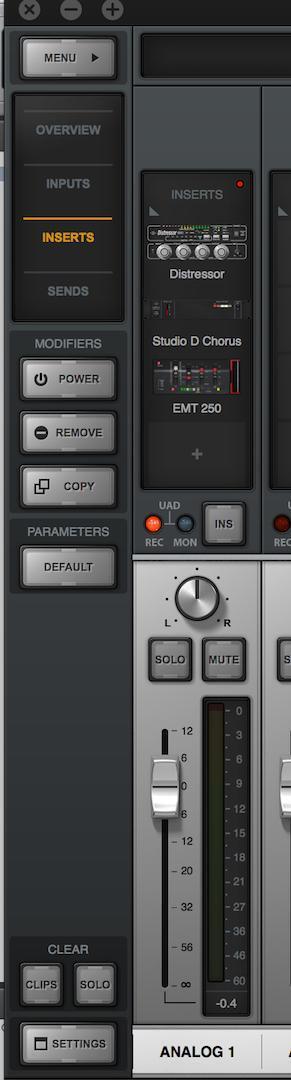
- ’87 Fender American Standard Strat with Seymour Duncan Classic Stack pickups
- Amp SVTVR amp
- Distressor compressor
- Studio D Chorus
- EMT 250 reverb
Strat Rock Fat
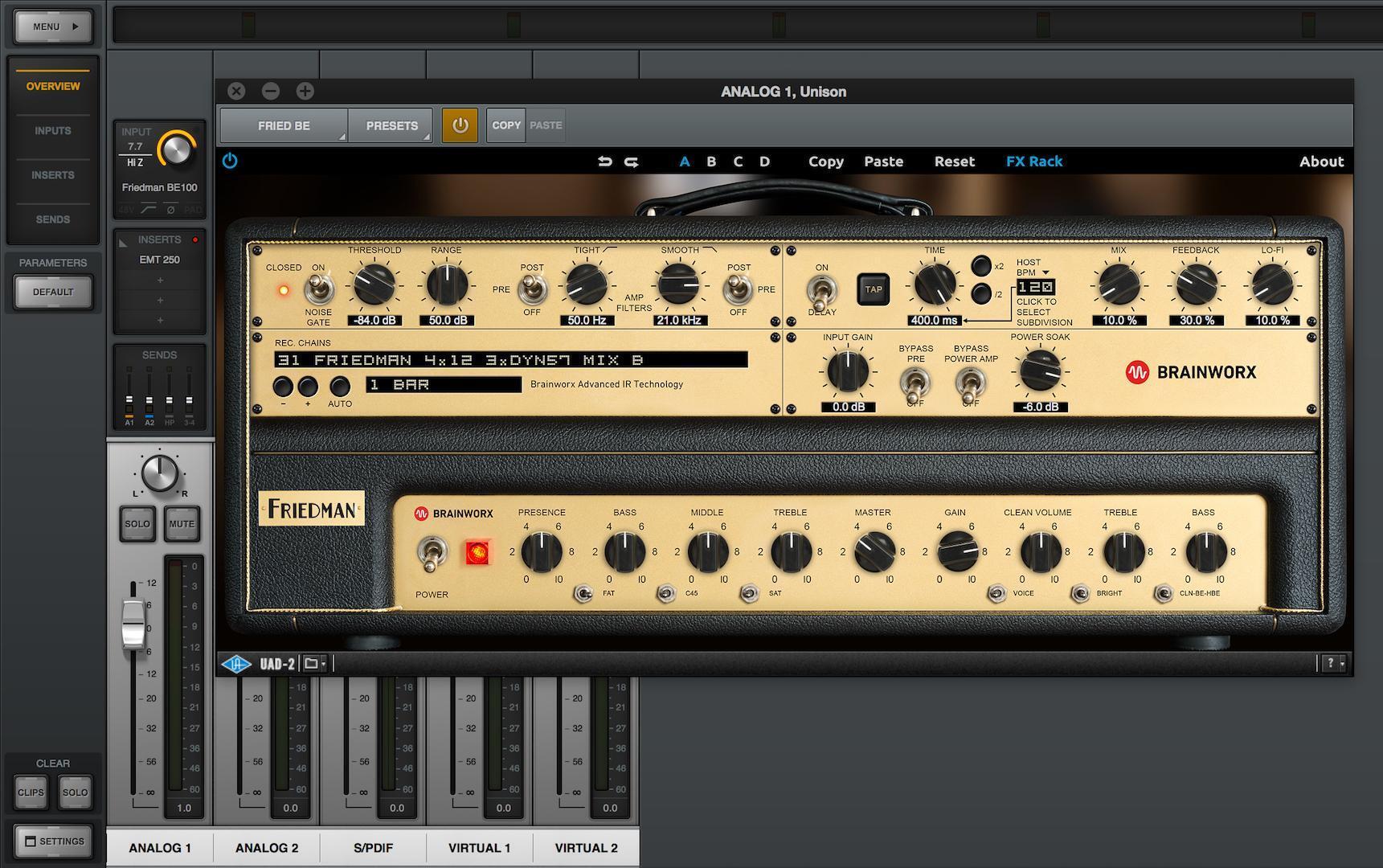
- ’87 Fender American Standard Strat with Seymour Duncan Classic Stack pickups
- Friedman BE-100 amp – Fat switch set “on”
- EMT 250 reverb
Strat Rock No Fat
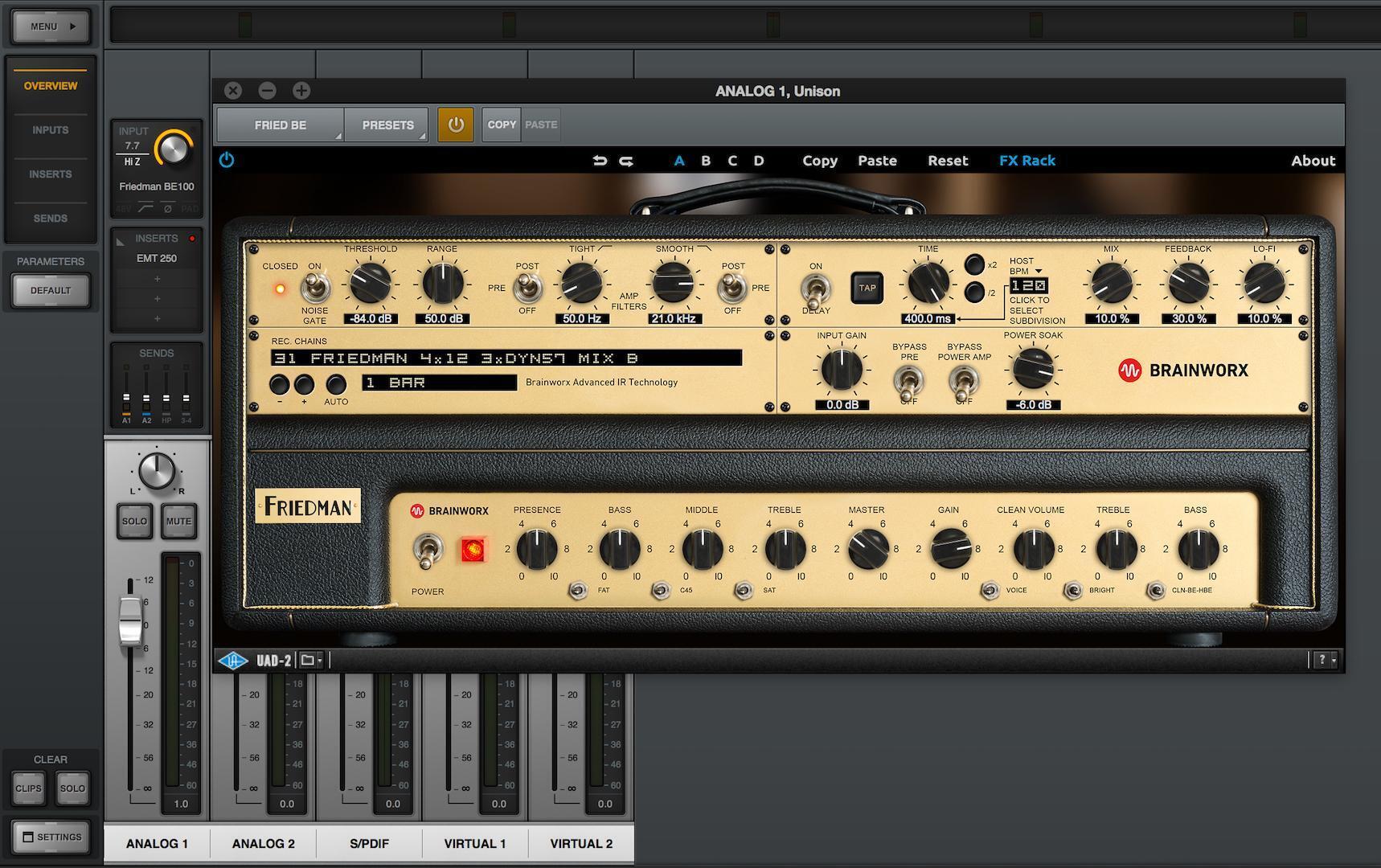
- ’87 Fender American Standard Strat with Seymour Duncan Classic Stack pickups
- Friedman BE-100 amp – Fat switch set “off”
- EMT 250 reverb
Clean Warble Delay – UA Preset
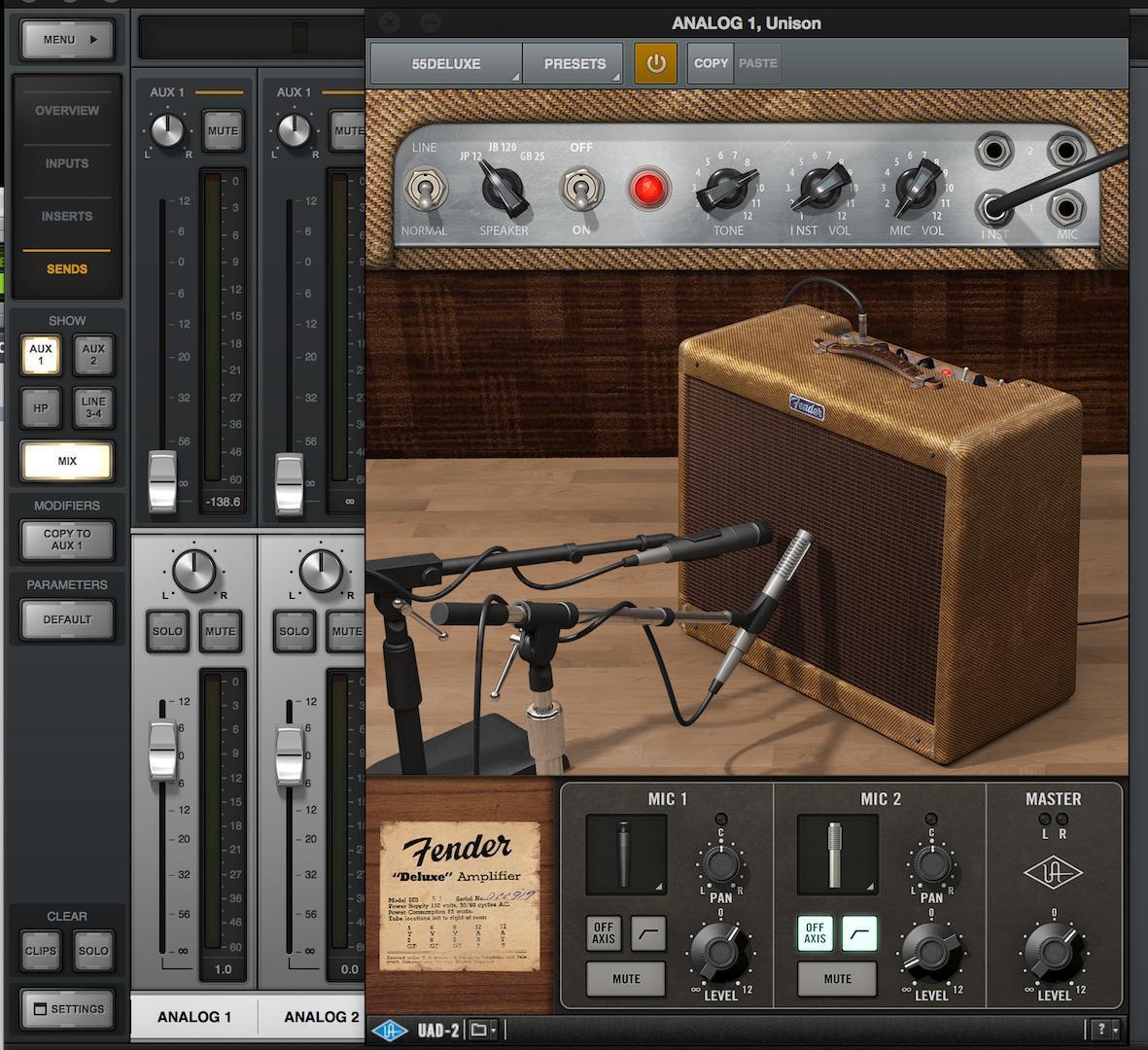
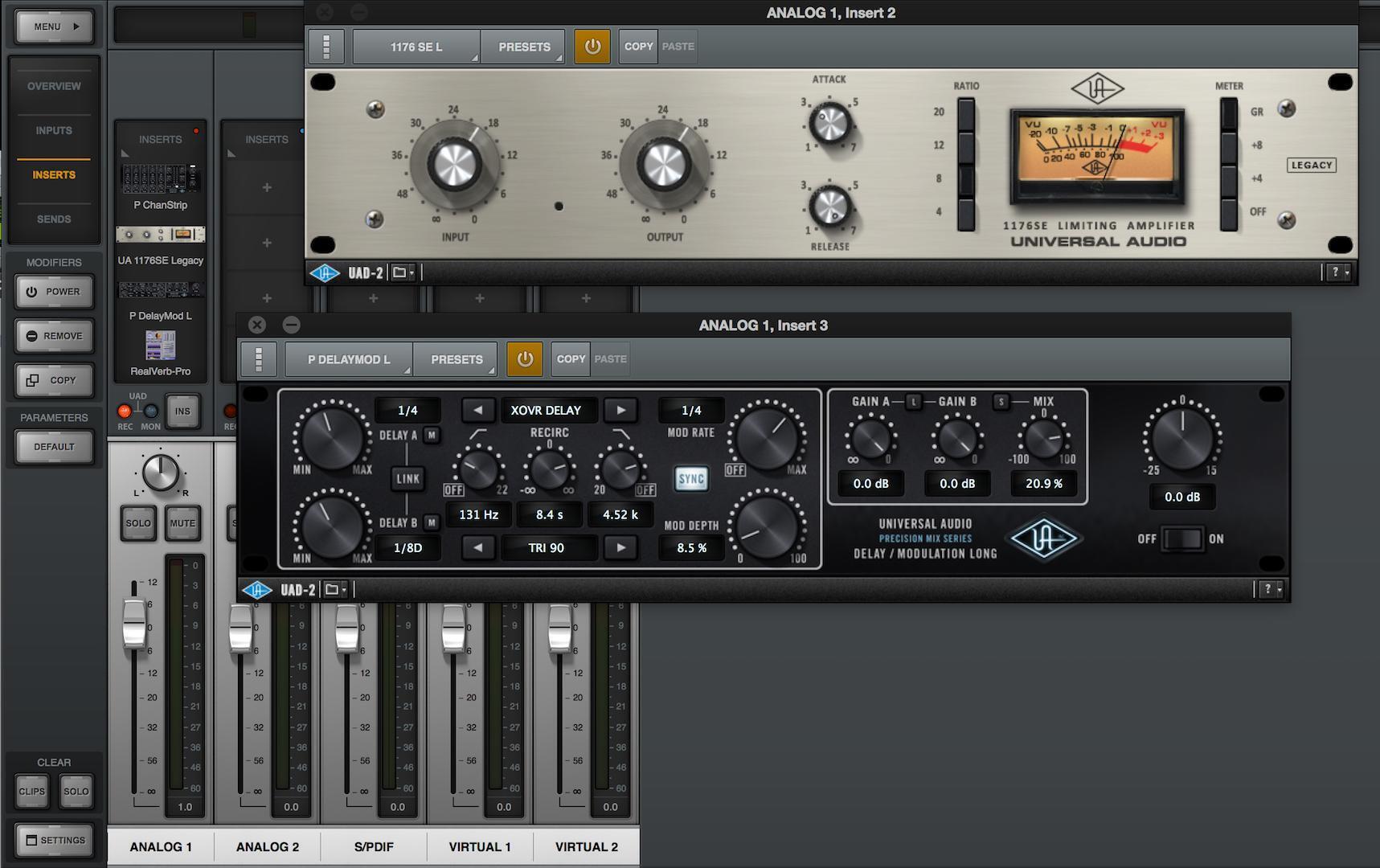
- 2014 Gibson ES330
- Fender ’55 Tweed Deluxe amp
- P Channel Strip
- UA 1176SE Legacy compressor/limiter
- P Delay Mod L
- Real-Verb Pro reverb
Marshall Plexi

- 2007 PRS 513
- Marshall Plexi amp
- Tube Tech CL 1B compressor
- Pure Plate reverb
Diezel Doubled
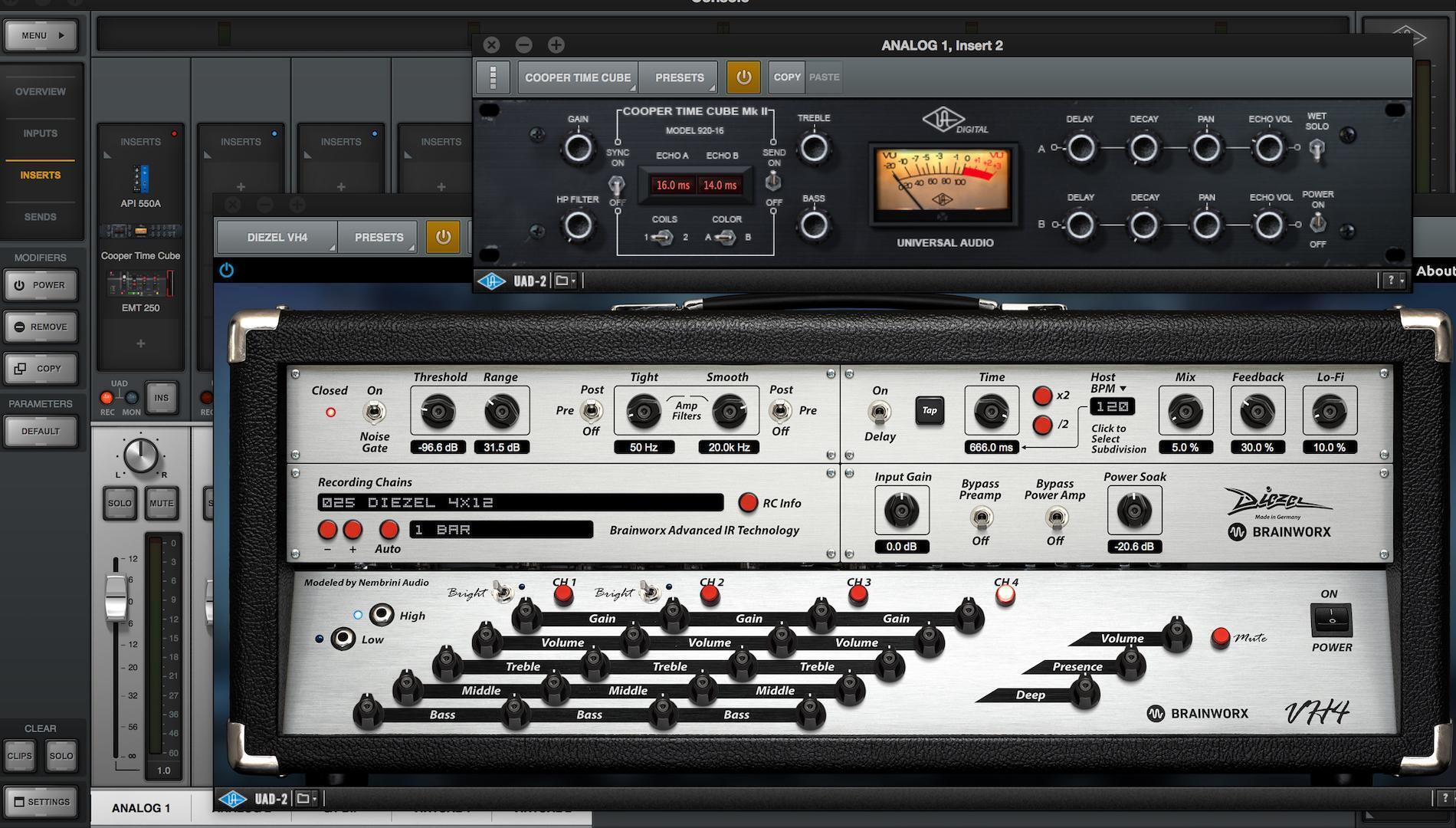
- Early ’90s Charvel Prototype with Seymour Duncan ’59/Custom bridge pickup
- Diezel VH 4 amp
- API 550A EQ
- Cooper Time Cube delay
- EMT 250 reverb
I hope this gives you some insight into how fun and easy it is to record electric guitar with Apollo — I’ve barely scratched the surface of what’s possible. The Apollo interfaces and UAD plug-ins are great tools that help you create more music, and better-sounding music, which is always the goal. If you’re looking for an Apollo interface, reach out to your Sweetwater Sales Engineer at (800) 222-4700.