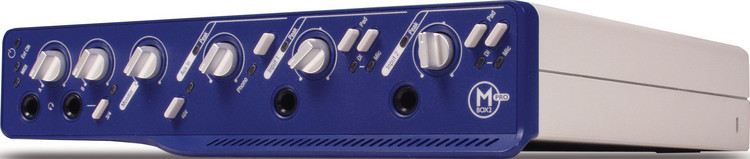
Q: “How do I use the Mbox 2 Pro S/PDIF Output/Input for effects send/return?”
A: With many other audio interfaces, you can just use internal clock and plug in your outboard effects through the S/PDIF port. However, in order to use a digital effects box with Mbox 2 Pro, you have to ensure that the effects box is the S/PDIF clock master.
With the Mbox 2 Pro, you must use S/PDIF sync mode in order to hear audio on the S/PDIF input. So if your digital effects box is slaved to Mbox 2 Pro’s S/PDIF output, and Mbox 2 Pro is slaved to the effect’s S/PDIF output, you’ve just created a feedback loop in the clock signal, and Mbox 2 Pro will fail to lock to sync. The only way to break this feedback loop is to set up the the digital effects box as the clock master, so it is not deriving its clock from the Mbox 2 Pro.
Note that, because the MBox 2 Pro cannot clock to external devices at higher sample rates (88.2kHz or 96kHz), using S/PDIF for an external effects loop can only be performed at lower sample rates (44.1kHz, 48kHz).