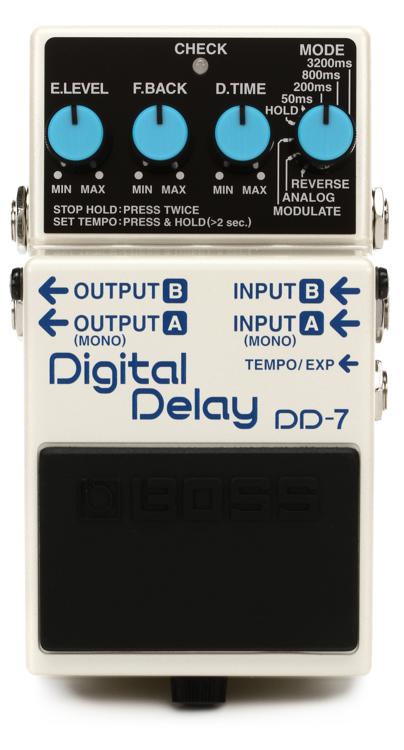
Q: The Boss DD-7 has one jack labeled “Tempo/Exp” for connecting either a tap-tempo footswitch or an expression pedal. Is there any way to use both at the same time?
A: You can’t connect both a tap tempo switch and an expression pedal to the Boss DD-7 at the same time. However, you can still access tap tempo while you have an expression pedal connected. Here’s how:
1. Connect an expression pedal and assign parameters to it as described in this Tech Tip.
2. Once the DD-7 has returned to normal operation (after the expression pedal is set up to your liking), simply hold down the built-in footswitch for longer than two seconds. The “Check” light will turn green.
3. You’re ready to go, simply tap the built-in footswitch at the tempo you desire! The expression pedal will remain active.
Note: You can’t bypass the effect while in built-in tap-tempo mode. However, but assigning the expression pedal to D.Level (effect/delay level), you can turn the delay all the way down and effectively remove the delays from the signal path.