Vocoders were invented by Daft Punk. Okay, that’s not true. Actually, they were invented in the 1930s to conserve bandwidth in speech transmission — but they live on in musical applications. Available in both hardware and software options, they’ve even enjoyed a resurgence lately, due to having worked their way into EDM and other dance music. And as you’ll find out in this article, you can do a lot more with them than just create “talking instruments” and robot-voice effects.
How Vocoders Work
Traditional vocoders have two inputs and one output. If there isn’t audio feeding both inputs, nothing happens. The modulator input is where you feed in speech. A sustained sound, such as a synthesizer pad, feeds the carrier input. The vocoder impresses the modulator’s speech characteristics onto the carrier.
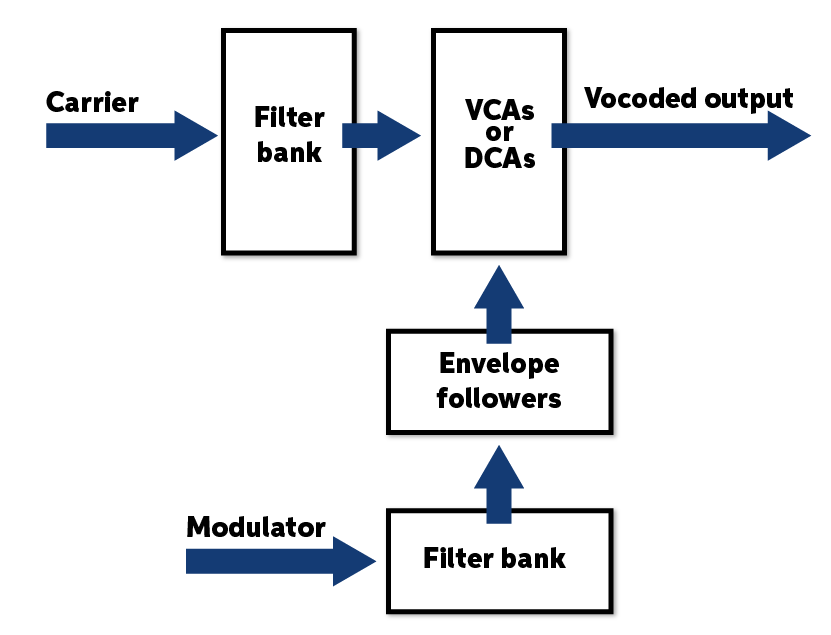
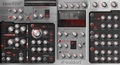
The vocoder does its magic with filter banks, VCAs, and envelope followers (fig. 1). The carrier goes through a filter bank with anywhere from four to hundreds of bandpass filters. Each filter feeds a VCA or DCA (voltage-controlled or digitally controlled amplifier) that can control the filter’s output level. The modulator goes through an identical filter bank, but here, each filter feeds an envelope follower that controls the corresponding carrier filter’s level. For example, if a kick drum is the modulator, then only the carrier’s low-frequency filters will be triggered to let audio through. Speech produces energy at different frequencies, so the modulator envelope followers control the carrier filter VCAs that correspond to speech frequencies.
More filters lead to better intelligibility. In the days of analog-only vocoders, you’d be lucky to get a couple dozen bandpass filters in the filter bank. With software-based vocoders, it’s possible to have hundreds of filters.
Adding noise is also helpful with vocoders to reproduce fricatives (consonants that result from friction in the mouth; think s or f). Usually, there will be a way to adjust the amount of noise injected in response to fricatives that the vocoder detects, and there may possibly be a way to filter the noise (e.g., bandpass or highpass filters).
Beyond Voice
However, voice is not your only modulator option! One of my favorite effects is using drums as a modulation source. Even the noise used for vocal fricatives is useful here because it can add a cymbal-like effect to the “drumcoded” output.
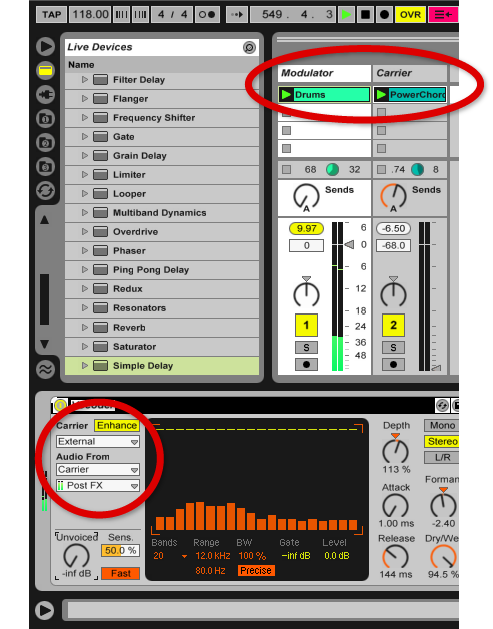
Morphing the drum’s rhythmic qualities with a more sustained sound adds rhythm and dynamics to the carrier. This morphing can be subtle and add just a hint of rhythm, or it can turn the carrier into a unique drum/percussion part — check out the audio examples below to hear what this kind of morphing can do. Even better, some vocoders let you use carriers other than a synthesizer. For example, Ableton Live’s vocoder essentially lets you use anything as a carrier or modulator (fig. 2).
Vocoder World
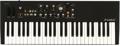
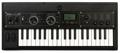
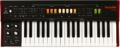
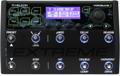
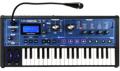
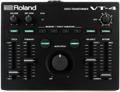
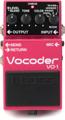
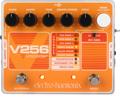
You have a lot of vocoder options. For hardware, there are live performance-oriented pedals like the Boss VO-1, Electro-Harmonix V256, or TC-Helicon VoiceLive 3 Extreme. Roland’s VT-4 Voice Transformer is more like a tabletop processor that includes a vocoder along with other vocal transformation tools; but one of the main sources for a hardware vocoder is on synthesizers with a mic input for vocoding. Popular synth models include the Novation MiniNova, Waldorf STVC, Korg microKORG XL+, Behringer VC340, and Roland JUNO-DS88. The input is often an XLR type for dynamic mics, but with a suitable adapter (and perhaps a way to pad the signal) you can use other signal sources. With the synths, playing the keyboard supplies the carrier signal that gives pitch to the modulating audio from the microphone.
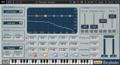
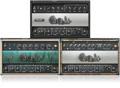
Software choices abound, as well. Reason, Ableton Live, and Samplitude Pro X include vocoders; several plug-ins are also available such as the Waldorf Lector and Waves Morphoder. As with the Ableton Live example above, in addition to the modulator input, both of these plug-ins accommodate a carrier other than the built-in synthesizer. For example, Morphoder’s carrier can be one of five audio sources: the track’s audio, the left or the right channel by itself, a sidechain input, or the synthesizer built into Morphoder. Figure 3 illustrates a Morphoder setup for processing audio instead of the internal synth. The carrier is a guitar power chord (processed through the PRS SuperModels Blue Sierra/V9 amp), and the modulator is an electronic drum loop.
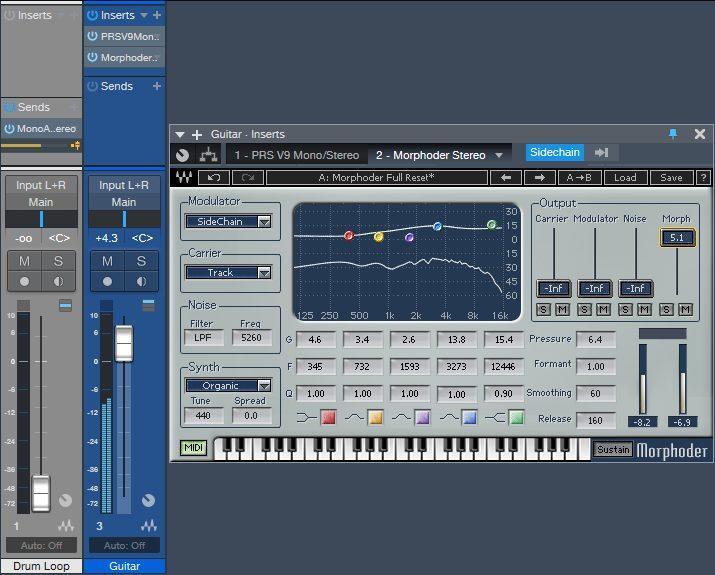
The Morphoder is inserted in the Guitar track and processes the guitar. A pre-fader send from the Drum Loop track goes to the Morphoder’s sidechain input. So, what does this sound like? Click on the audio examples below to hear samples that all involve drums modulating a guitar power chord — and feel free to use them in your own music. The Morphoder settings above (fig. 3) are the ones used in Audio Example 1.
Audio Example 1: “Drumcoded” guitar with EQ added for emphasis.
The modulator audio can come from the left, right, or left & right channels, or from a sidechain input. In this instance, we want to choose the sidechain input, so that a sidechain signal from the Drum Loop track provides the modulation source.
Vocoder Tweaks and Edits
There are many variations among vocoders. Fortunately, with software you can download trial versions to find out whether a particular plug-in will work for you. For hardware vocoders, a Sweetwater Sales Engineer can walk you through the options. Let’s look at some typical tweaks.
Compression
The modulator input often includes dynamics processing to give a more consistent signal source. The Waldorf Lector has a dedicated compressor module with Gain and Ratio controls; Morphoder’s Pressure parameter provides the same basic effect. With a source like drums, you probably won’t want to use too much compression, but it’s helpful with voice.
Formant or Shift
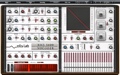
Aside from altering the speech characteristics, this can add interesting tonal shifts to the carrier audio — higher formants give a higher-frequency harmonic structure, while lower formants give a lower-frequency harmonic structure. The Ableton Live and Reason vocoders have formant controls; with the XILS-lab Vocoder 5000, you can change the formant by offsetting the default carrier filters that the modulator drives. For example, triggering lower-frequency filters instead of the defaults gives lower formants (e.g., the “Darth Vader” effect). Conversely, triggering higher-frequency filters gives a higher-frequency formant.
Attack and Decay
Attack and decay (also called release) are crucial for vocal intelligibility because lower attack values can help make individual syllables within words more distinct. But with some instrumental audio sources, too low an attack value gives a stuttering sound; use a higher setting if needed. Decay influences how rapidly the effect goes away when the modulator’s sound ends and is similar to the decay/release parameter on any kind of envelope (like an envelope filter).
Hold or Freeze
This holds a sustained vocoder sound, so it doesn’t respond to the modulator input.
Processing the Modulator
Processing a sidechained modulator signal opens up even more possibilities. Figure 4 shows a setup in Studio One where the Drum Loop track is the modulator, and its pre-fader send goes to a bus on the SC Process track. The Morphoder inserts in the Guitar track, and the SC Process bus’s pre-fader send goes to the Morphoder’s sidechain input. Inserting effects in the bus can have a dramatic impact on how the carrier influences Morphoder. For example, EQ can boost the drum’s snare frequency, which ties the carrier in tightly with the snare. Adding delay is also pretty amazing because then the modulator creates tempo-synced variations.
Audio Example 2: The drum carrier mixed in with “drumcoded” guitar.
Audio Example 3: Lowpass-filtered noise mixed in with “drumcoded” guitar. The noise creates a more percussive effect.
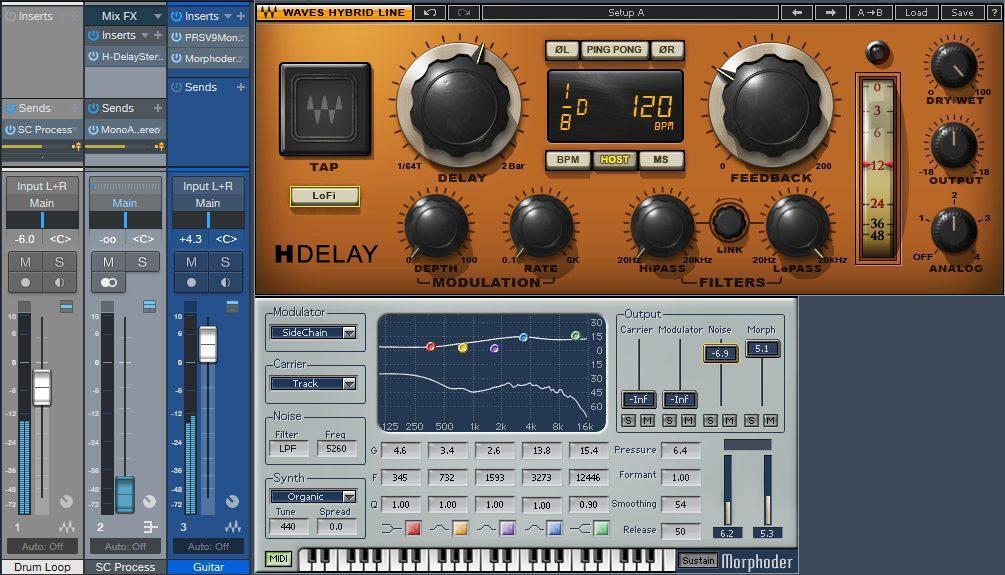
Audio Example 4: Processing the sidechained modulator signal with delay adds rhythmic pulsing to the “drumcoded” sound. This example mixes in a bit of the original drums and adds some lowpass-filtered noise.