
When I try to install my software on Windows, I’m getting errors or the software doesn’t install correctly.
Sometimes, Windows will block certain application installers if it thinks that it may cause harm to your computer. If you know the software you are installing is from a trusted manufacturer, such as Apple, Avid, or any other manufacturer’s software that is sold by Sweetwater, follow the instructions below to see if it helps resolve your issue.
- Locate the installer that you are trying to run.
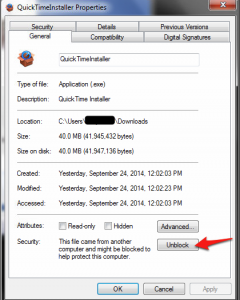
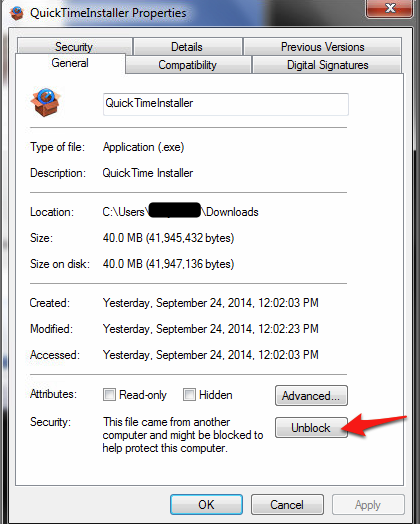
- Right-click on the installer and choose Properties
- On the General tab, look to the bottom where it says “Security.” Click “Unblock.”
- Run the installer again.
Some other things to consider:
- If the installer you downloaded came in a .zip file, make sure you are extracting it.
- Be sure that you are installing software that is compatible with your system.
If you’ve tried the above and are still running into problems, don’t hesitate to contact our Tech Support team.
When you need help, Sweetwater has the answers!
Our knowledge base contains over 28,000 expertly written tech articles that will give you answers and help you get the most out of your gear. Our pro musicians and gear experts update content daily to keep you informed and on your way. Best of all, it’s totally FREE, and it’s just another reason that you get more at Sweetwater.com.

