
Waves Subscription Software Activation Instructions

In this guide, we will show you how to activate your Waves plug-in subscription plan. Follow the sections below to get started.
Register Serial Number
To redeem your software, you’ll need an account with Waves. Either go ahead and log in or create a new account. If you forget your Waves login credentials, visit the Forgot Password page to reset them. Once you’re in, register your Serial Number found in the Software Activation Instructions email sent from your Sales Engineer.
- Log in to your Waves account or create a new one.
- Click Register New Products or visit your account’s registration page.
- Enter the Serial Number and click Submit. The product is now registered to your Waves account.
- Click Download & Activate to download Waves Central.
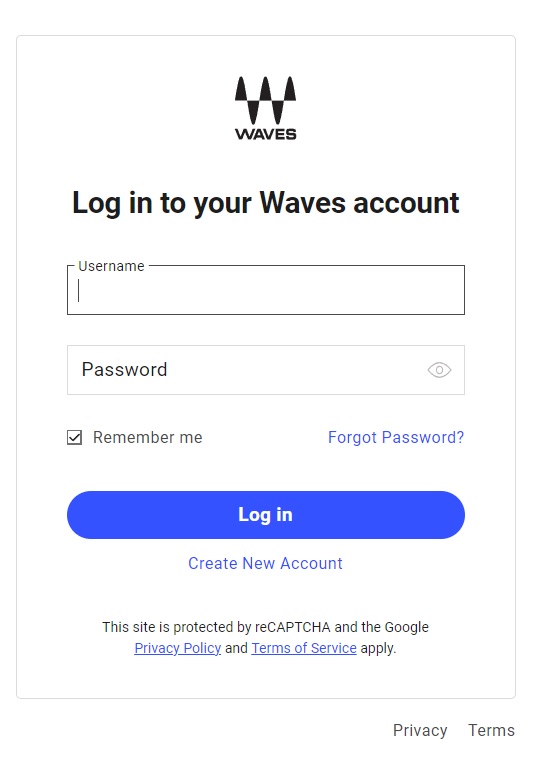
Click the image to log into your Waves account
Download and Activate
BE PATIENT! The plug-in installation process will take quite some time. Make sure not to close out of Waves Central!
Once you have registered your subscription registration code, the next step is to download and install Waves Central. Waves Central is the standalone app you will need to download and activate the Waves plug-ins that are a part of your subscription.
- Download the Waves Central app.
- Navigate to your Downloads folder, then locate and launch the Waves Central software installer app.
- Once installed, Waves Central will automatically launch.
- Enter your Waves account credentials, then click Creative Access on the left side of the page.
- When prompted, click Install & Activate. You will be asked to select the license and plug-in installation locations.
- Once the installation process is complete, you’re all set!
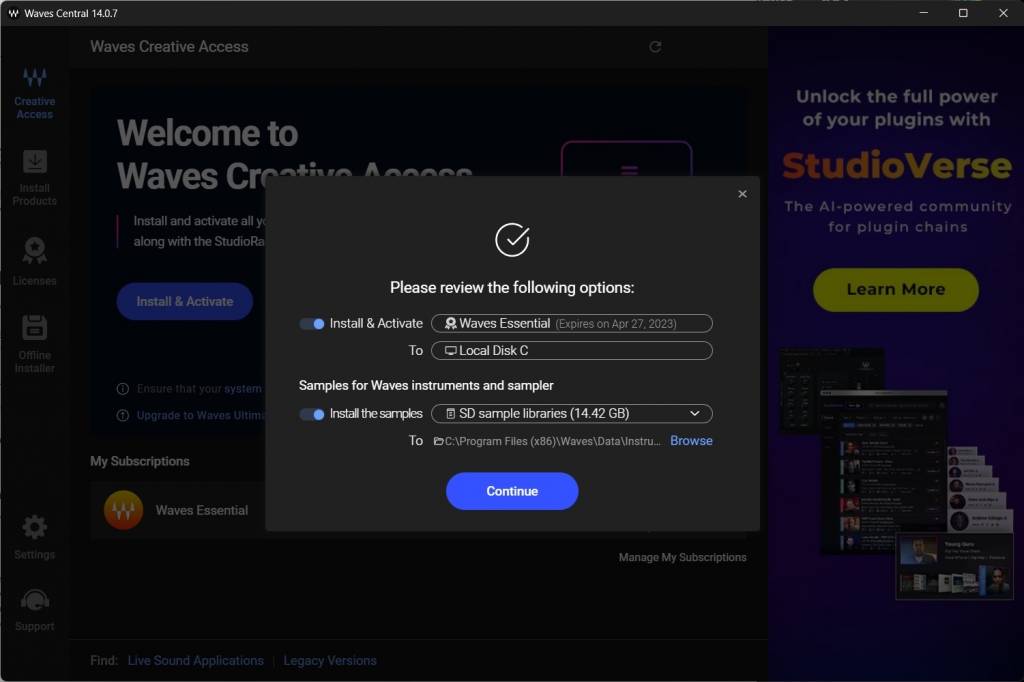
Waves Creative Access download window
Add a Reminder
Sometimes, it’s easy to forget when a subscription is about to expire. You can set a reminder within Waves Central to ensure you’re up-to-date. By doing so, you will receive a notification when your subscription is about to run out. To do so, simply click Remind me, and choose how you’d like to be alerted.
When you need help, Sweetwater has the answers!
Our knowledge base contains over 28,000 expertly written tech articles that will give you answers and help you get the most out of your gear. Our pro musicians and gear experts update content daily to keep you informed and on your way. Best of all, it’s totally FREE, and it’s just another reason that you get more at Sweetwater.com.

