

Softube Console 1 Fader System Requirements
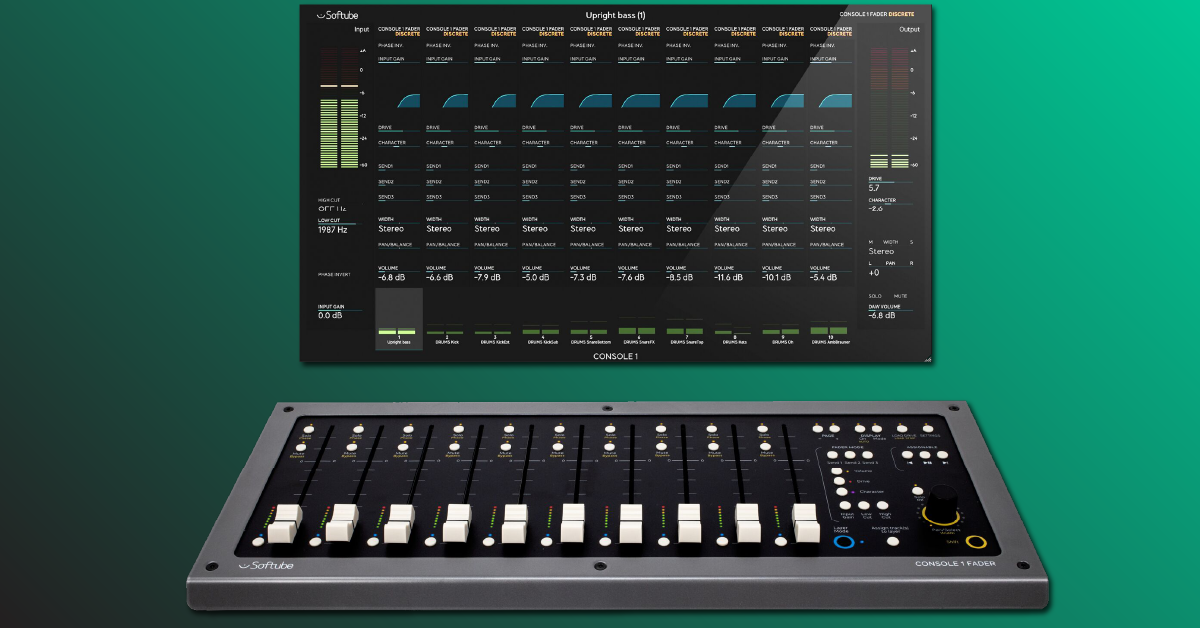
Overview
In this guide, we will provide you with the system requirements necessary to use the Softube Console 1 Fader. Follow the sections below to get started.
Computer system requirements
Both Windows and macOS systems are compatible, however, you must meet the following system requirements to use it properly. If you aren’t sure what your computer has, visit our article to learn how to locate your system’s specifications.
OS requirements
- macOS 10.12 or higher
- Windows 7 64-bit or higher
- Must have an Intel Core Duo or AMD Athlon 64X2 or newer processor.
Hardware requirements
- Screen resolution of 1280×800 or larger
- 8GB of RAM
- 1 powered USB 2.0 port. USB hubs are not recommended.
- Softube/Gobbler account
- Valid iLok account and iLok USB dongle.
- Internet access for license management and software downloads.
DAW requirements
Console 1 requires a 64-bit DAW which uses VST3, AU, or AAX plug-in formats. VST2 and AAX DSP is not supported. The features available on the Console 1 hardware will depend on which DAW you’re using. For example, you can automatically transfer a track name and track number in Logic Pro 10.2 or higher, but you cannot control the DAW volume, solo, or mute functions. For details on the features available with your DAW, visit Softube’s DAW compatibility list here.
When you need help, Sweetwater has the answers!
Our knowledge base contains over 28,000 expertly written tech articles that will give you answers and help you get the most out of your gear. Our pro musicians and gear experts update content daily to keep you informed and on your way. Best of all, it’s totally FREE, and it’s just another reason that you get more at Sweetwater.com.

