

PreSonus Studio One v3: Installing PreSonus Sound Sets
Studio One comes with many audio loops and instruments that are organized into Sound Sets, as well as demo songs and tutorial videos. The number of Sound Sets available for installation depends on the version of Studio One you have installed (Artist or Professional). To install the Sound Sets and demo/tutorial material, launch Studio One and open the Studio One/Studio One Installation menu.
In the Install From menu, you can choose to download all selected content from your PreSonus Account, or navigate to downloaded content in your file system (or a provided USB stick). If you wish to install any further content at a later time, you can always return to Studio One/Studio One Installation Menu from within Studio One to do so.
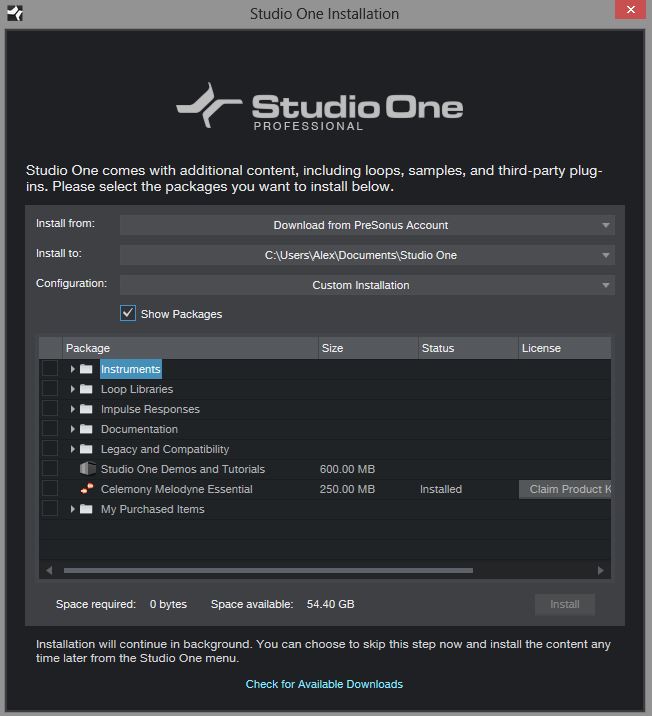
By default, all packages included with your version of Studio One should be selected for installation. In the event they are not selected, you can select them yourself.
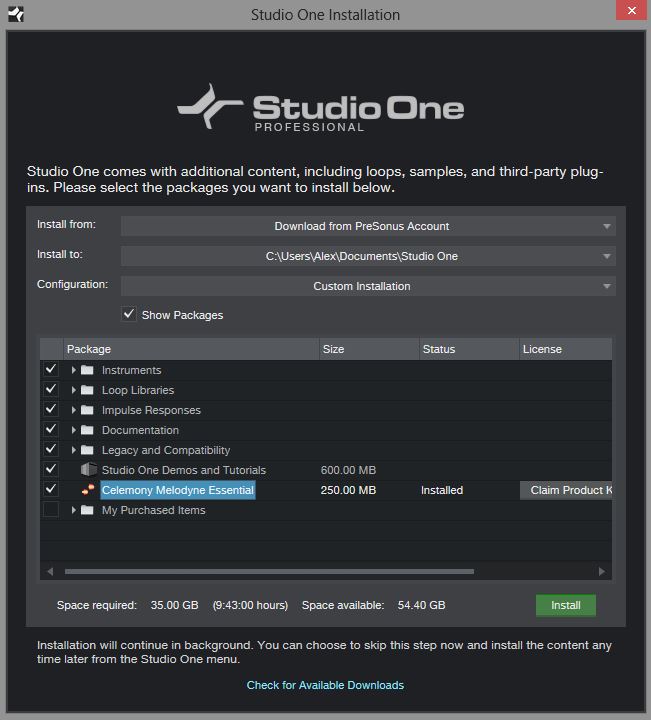
You can also set the Install To location to any desired location on your computer, then click on [Install].
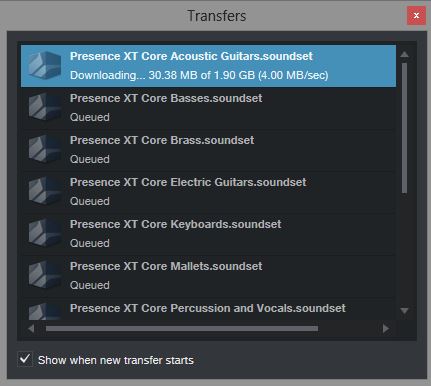
Internet download speeds and times will vary based on where you are in the world.
When you need help, Sweetwater has the answers!
Our knowledge base contains over 28,000 expertly written tech articles that will give you answers and help you get the most out of your gear. Our pro musicians and gear experts update content daily to keep you informed and on your way. Best of all, it’s totally FREE, and it’s just another reason that you get more at Sweetwater.com.

